

Support
Get help, share feedback, report bugs, and request new features.
Overview
Have a question, idea, or something to report? The Support screen gives you several ways to reach the Onsen team and connect with other users.
How to Access Support
Go to Settings → Support under the Help section.
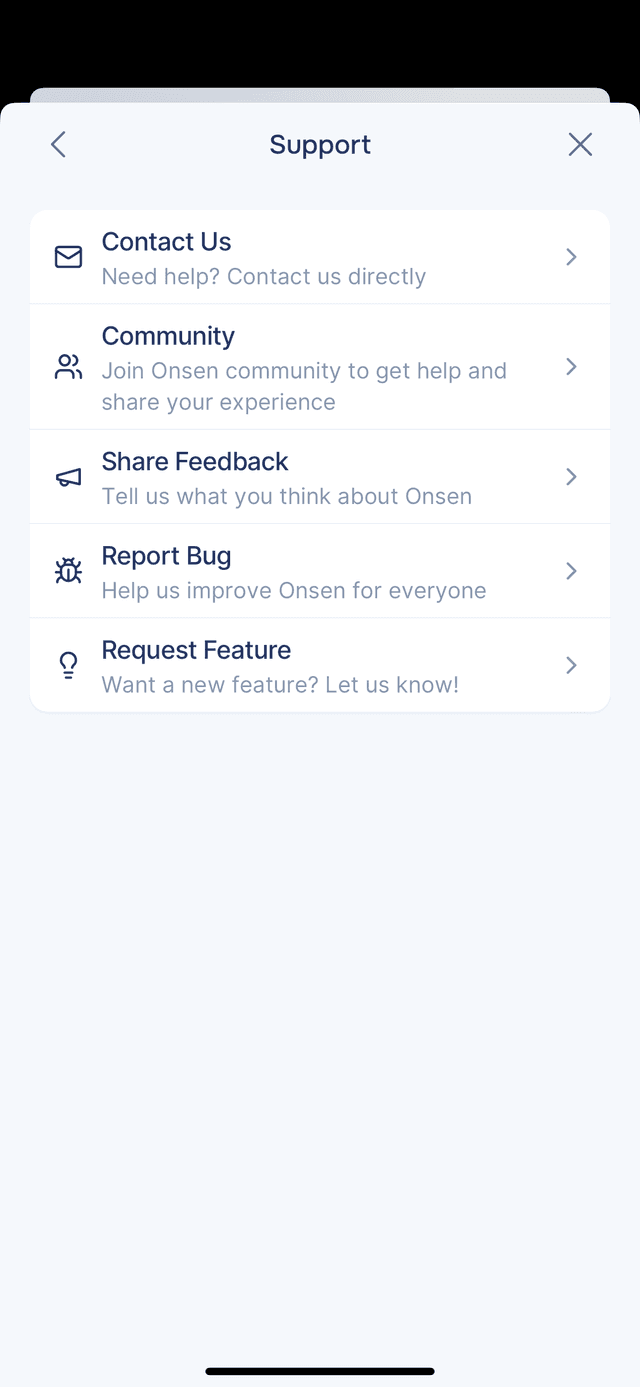
Support Options
| Option | What it does |
|---|---|
| Help Center | Opens these guides, so you can look something up without leaving the app. |
| Contact Us | Opens your email client with a message to support@onsenapp.com that asks you one thing: what is happening. Your app version, build, device and OS are attached automatically, so you do not have to go and find them. |
| Community | Opens the Onsen community where you can connect with other users, share experiences, and get help. |
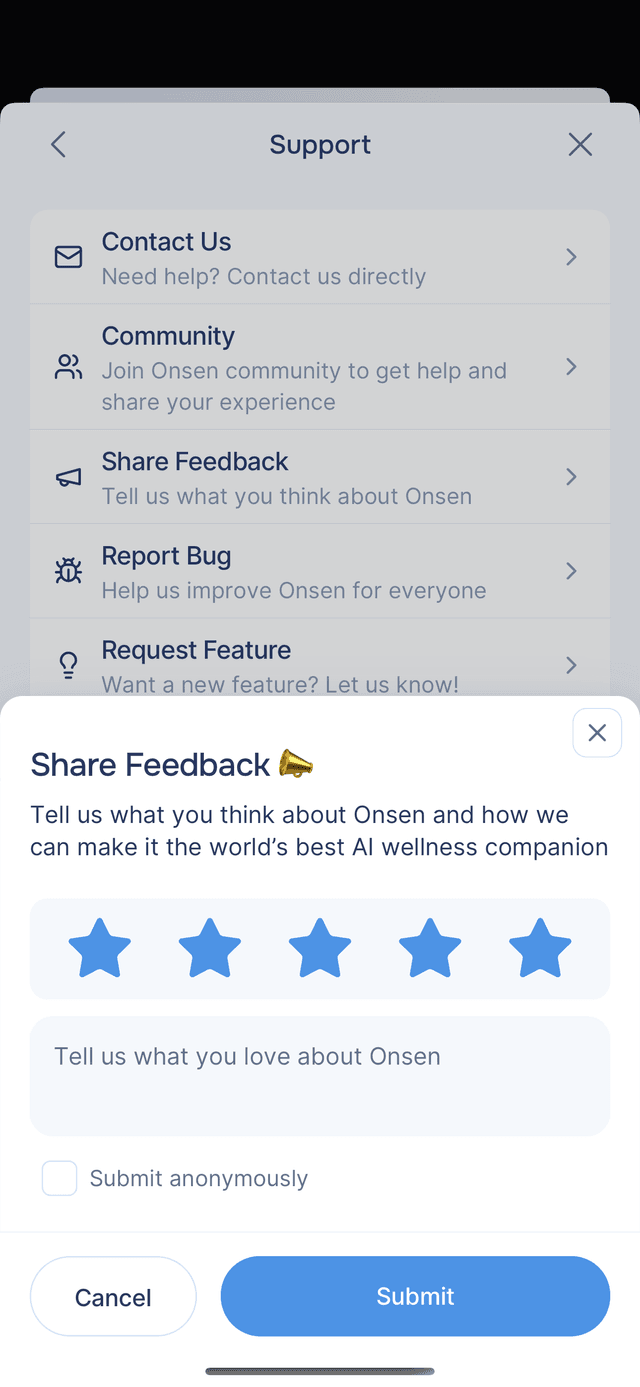
| Share Feedback | Tell the team what you think. Rate Onsen with stars (1–5), write a message about what you love or what could be better, and optionally submit anonymously. |
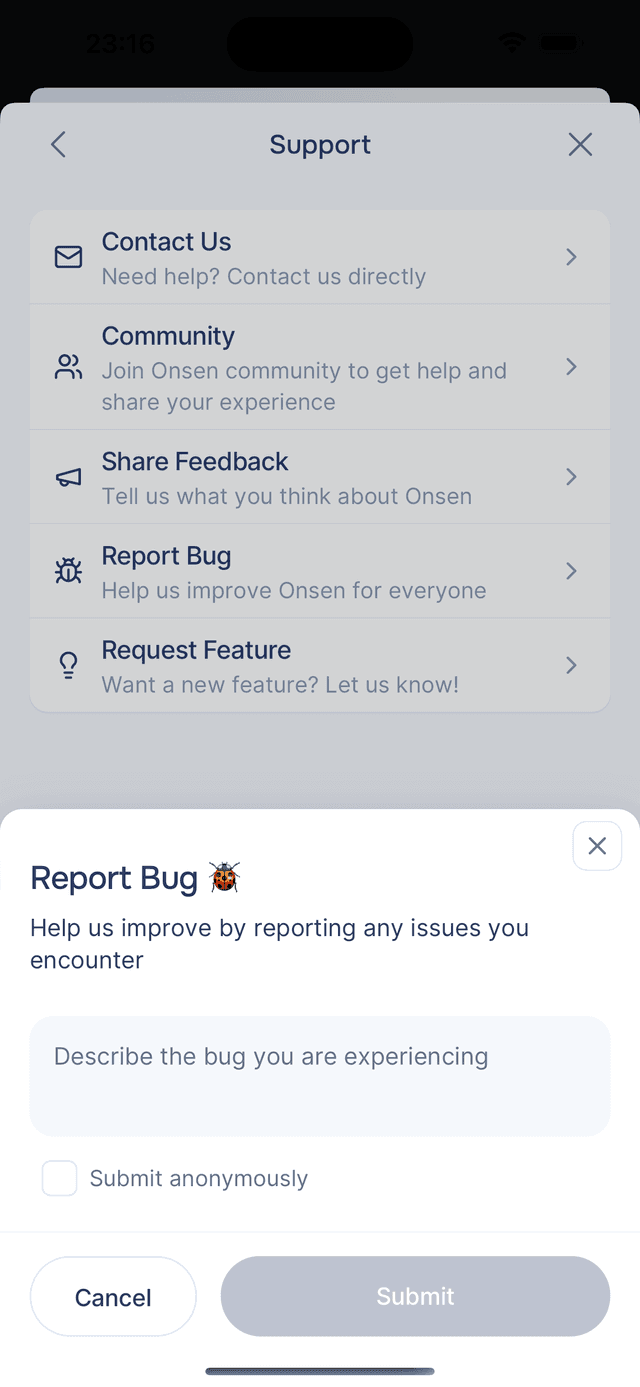
| Report Bug | Spotted something off? Describe the issue and submit. Your report goes directly to the development team. You can submit anonymously if you prefer. |
| Request Feature | Have an idea for something you would like to see in Onsen? Describe it and submit. Feature requests help shape what the team builds next. |
Getting Help Before You Sign In
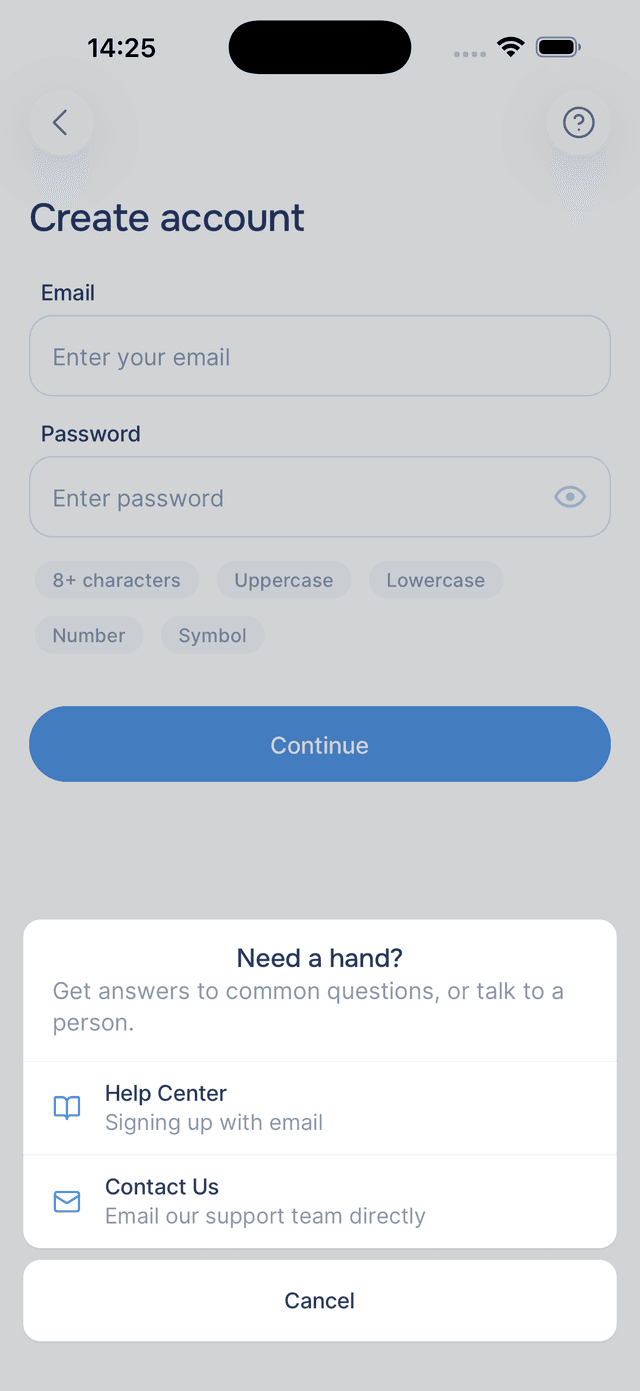
You do not need an account to get help. While you are creating an account or signing in, a button sits in the top corner of every step. Tap it and you get two ways forward: Help Center, which opens the guide for the exact step you are stuck on, and Contact Us to email the team directly.
This is the one to use when a verification email has not arrived or a sign-in is not going through.
Rating Onsen and Its Experiences
Share Feedback is for Onsen as a whole. If you want to say something about one particular experience, rate it instead — see rating experiences.