

Profile & Account
Your account at a glance — entries, experiences, streak, membership and plan — plus editing your name and birthday.
Overview
Your profile includes your name and birthday. Onsen uses your first name to personalize greetings and AI conversations, so it feels like the app is speaking directly to you.
The Account Screen
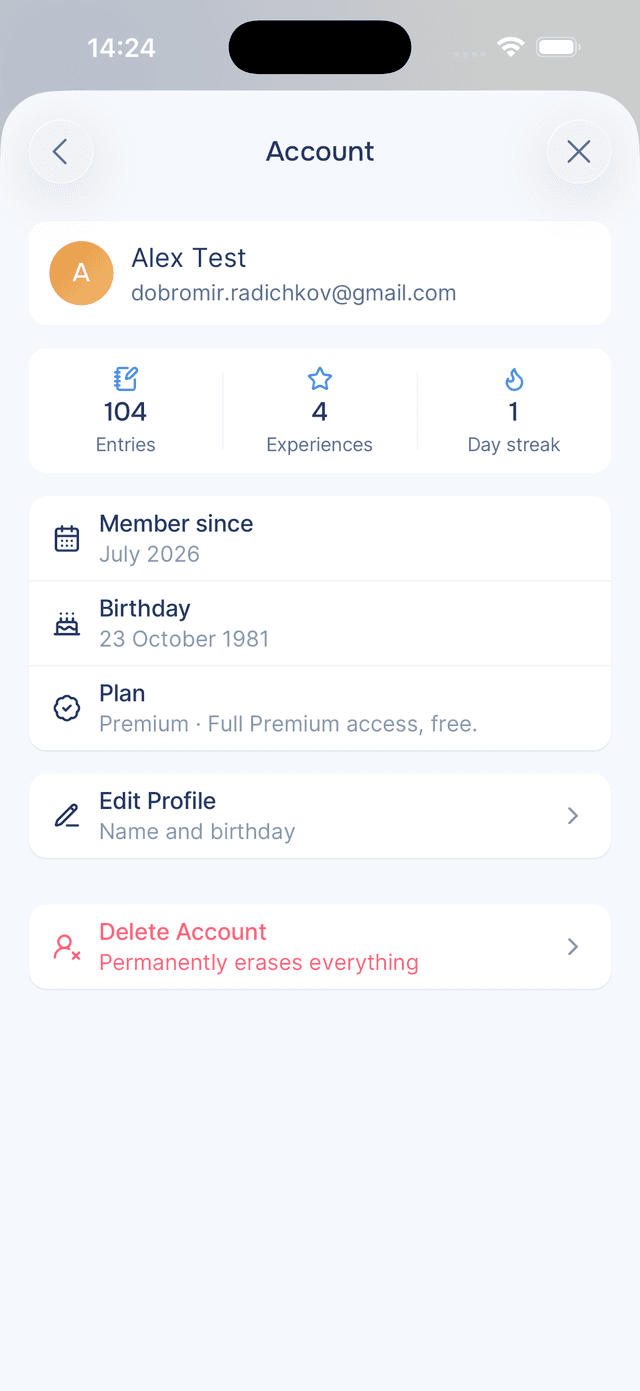
Tap the card with your name at the top of Settings to open Account. It answers the questions people actually have about their account, starting with how much they have done.
A strip across the top counts your entries, the experiences you have completed, and your current day streak. Underneath sit the facts: Member since, your birthday, and your plan.
Editing Your Profile
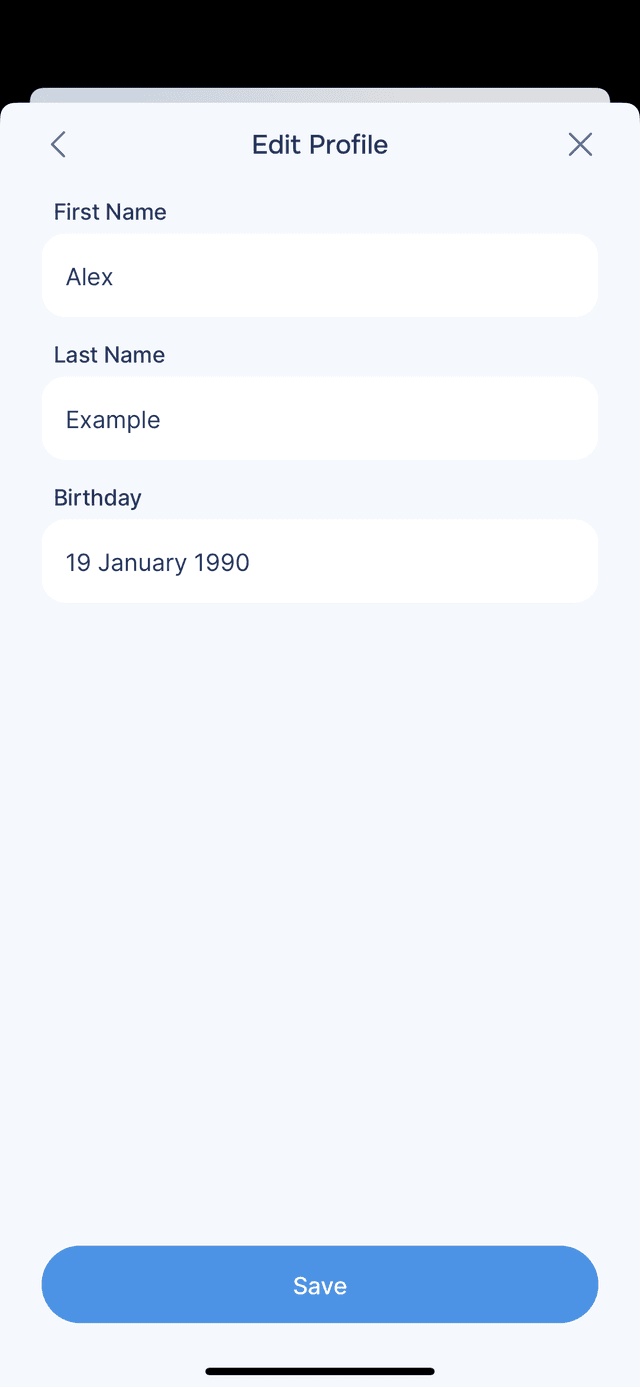
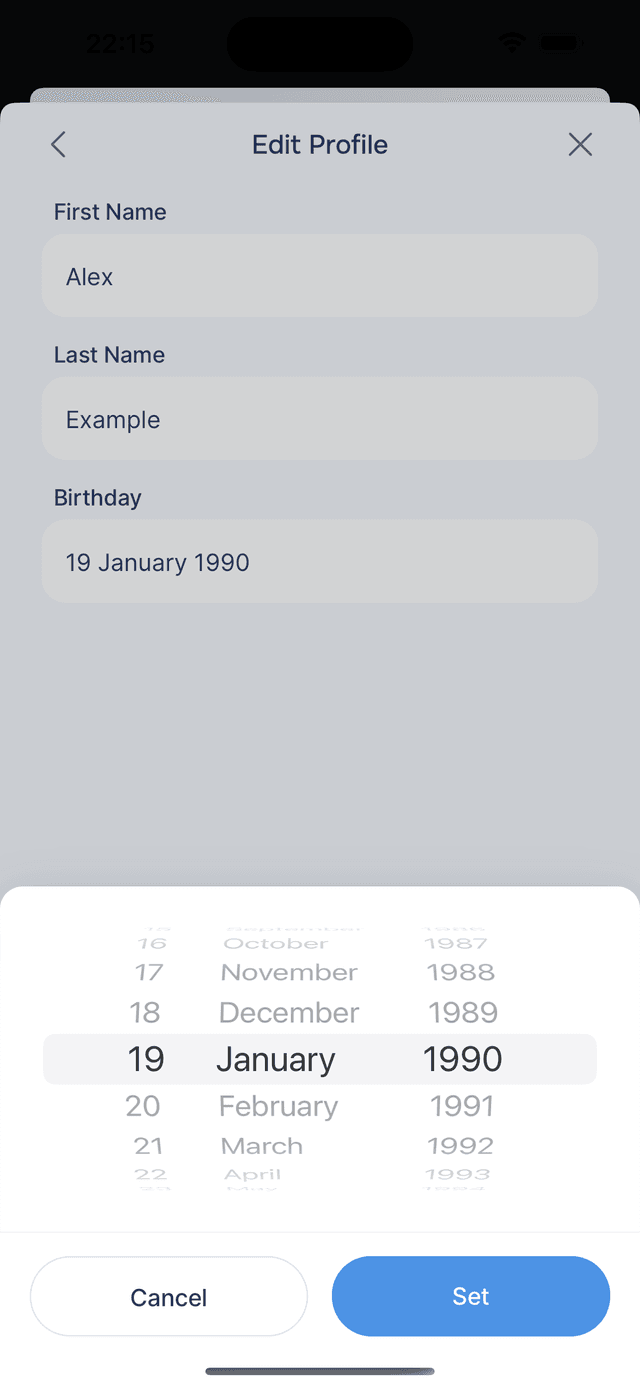
From Account, tap Edit Profile to update your first name, last name, and birthday. Tap Save when you are done.
Your first name appears throughout the app — in greetings, AI conversations, and journal entries. Your birthday helps Onsen personalize your experience, and you must be at least 18 years old to use the app.
Your Email Address
Your email is shown but not editable in the app — it is what your account signs in with. Contact support if you need it changed.
Your Plan
Everyone using Onsen right now is an Early Supporter, which means full premium access, free. You will see it on the Account screen and in Settings under Plan, next to Usage if you want to see where your allowances stand.
Leaving
Delete Account sits at the bottom of the Account screen, deliberately separated from everything else. See Deleting Your Account for what it removes and how to take a copy of your data first.
Signing out is different and lives at the bottom of Settings — your data stays in the cloud and is waiting when you sign back in.
Tips
- Check the streak, but do not chase it — it is there to encourage a habit, not to be another thing to feel bad about.
- Use your real first name — it is what your guide calls you, and a nickname you do not use tends to feel odd in conversation.