

Notifications & Pulses
Manage push notifications and personalized AI-generated Pulses that support your wellbeing journey.
Overview
Onsen can send you notifications to keep you connected to your wellbeing journey — via push notifications on your device, in-app alerts in your Pulses feed, and email. You control exactly which types you receive and how they reach you.
Accessing Notification Settings
Go to Settings → Notifications under the Account section.
Notification Channels
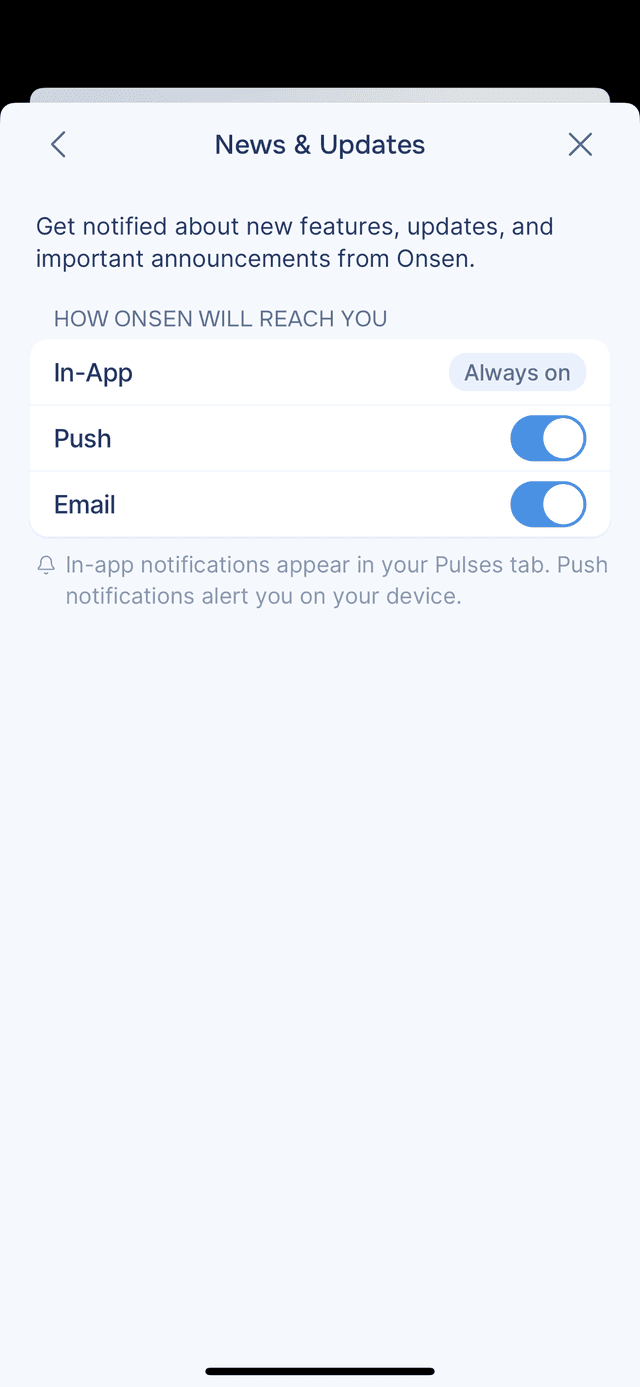
Each notification type can reach you through one or more channels:
- In-App — appears in your Pulses feed inside Onsen, behind the bell on Home (always on)
- Push — a notification on your device's lock screen and notification center
- Email — sent to the email address on your account
Push notifications require device permission. If notifications are disabled, you will see a banner at the top of the Notifications screen — tap Enable Notifications (first time) or Go to Settings (if previously denied) to turn them on.
General
- News & Updates — announcements about new features, app updates, and Onsen news. Tap to choose how Onsen reaches you — In-App (always on), Push, and Email toggles.
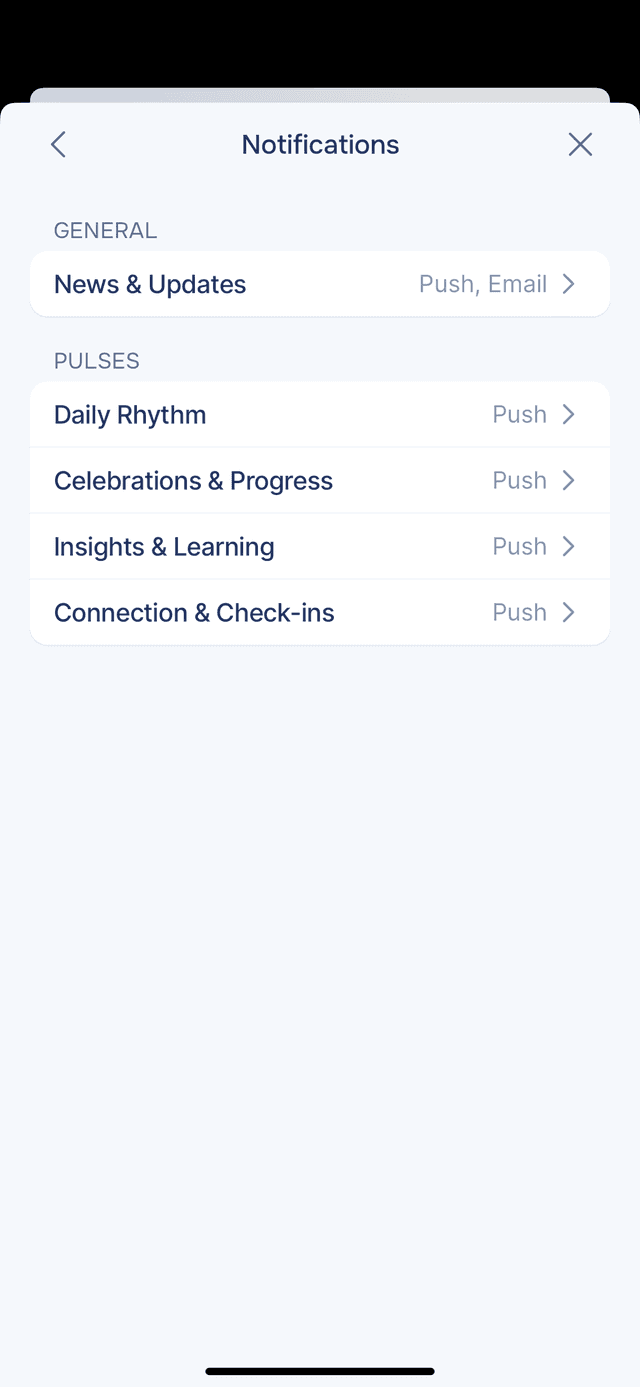
Pulses
Pulses are personalized, AI-generated notifications based on your journaling activity. They deliver reflections on your recent journal entries, gentle reminders tailored to your goals, and insights drawn from your emotional patterns — helping you stay connected to your wellbeing even when you are not actively using the app.
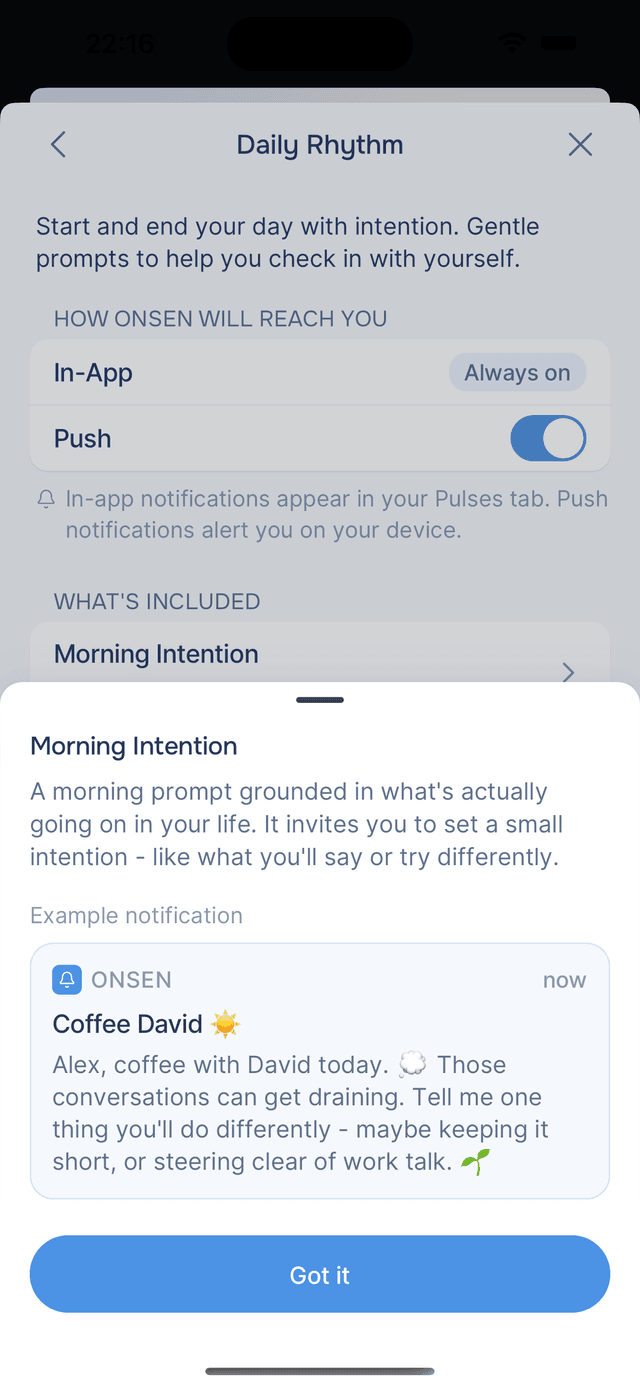
Each Pulse category can be individually toggled on or off. Tap any category to see what notifications it includes, with example previews showing exactly what you will receive.
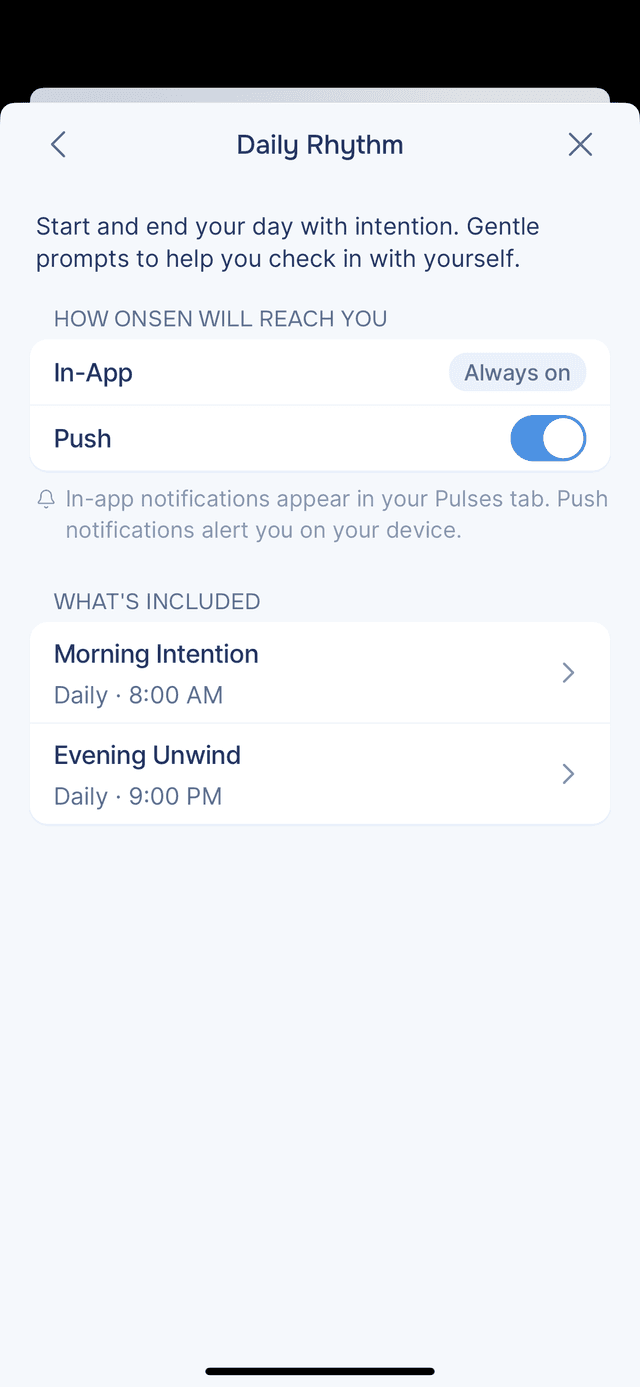
Daily Rhythm
Start and end your day with intention. Gentle prompts to help you check in with yourself.
- Morning Intention — a morning prompt grounded in what is actually going on in your life, inviting you to set a small intention for the day
- Evening Unwind — a calming evening reflection to help you wind down
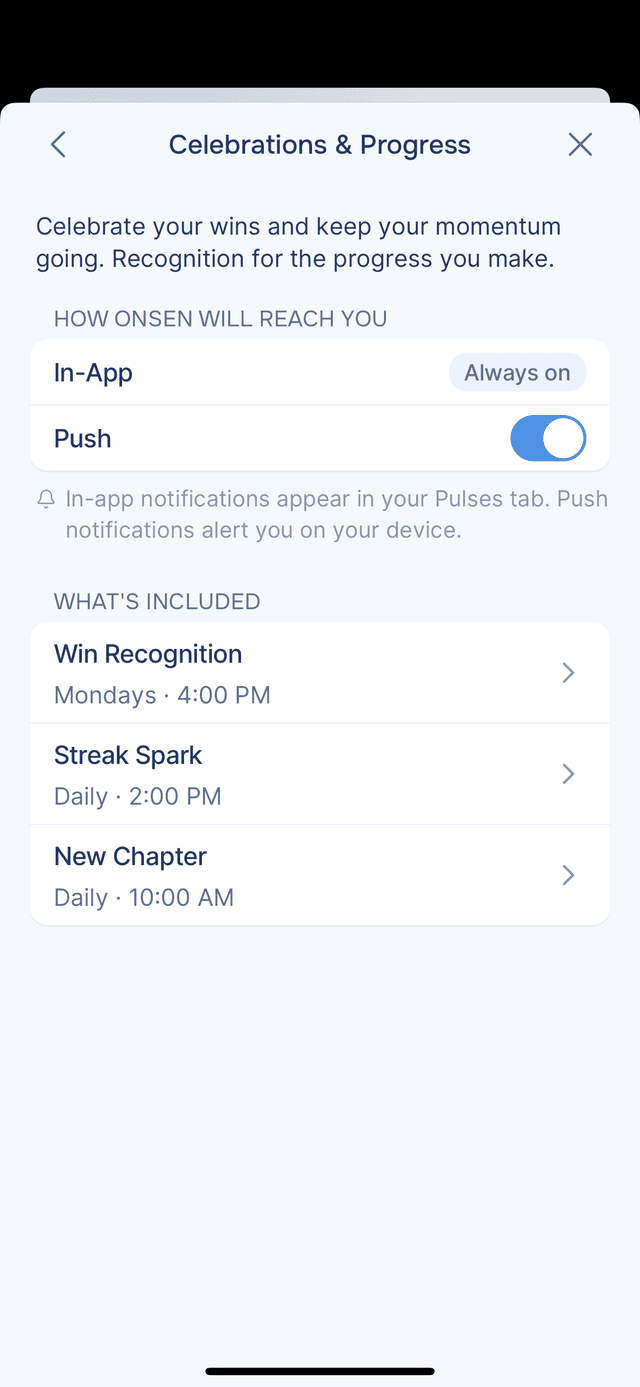
Celebrations & Progress
Celebrate your wins and keep your momentum going. Recognition for the progress you make.
- Win Recognition — celebrates your achievements and positive moments
- Streak Spark — encourages consistency in your journaling habit
- New Chapter — marks meaningful transitions and milestones
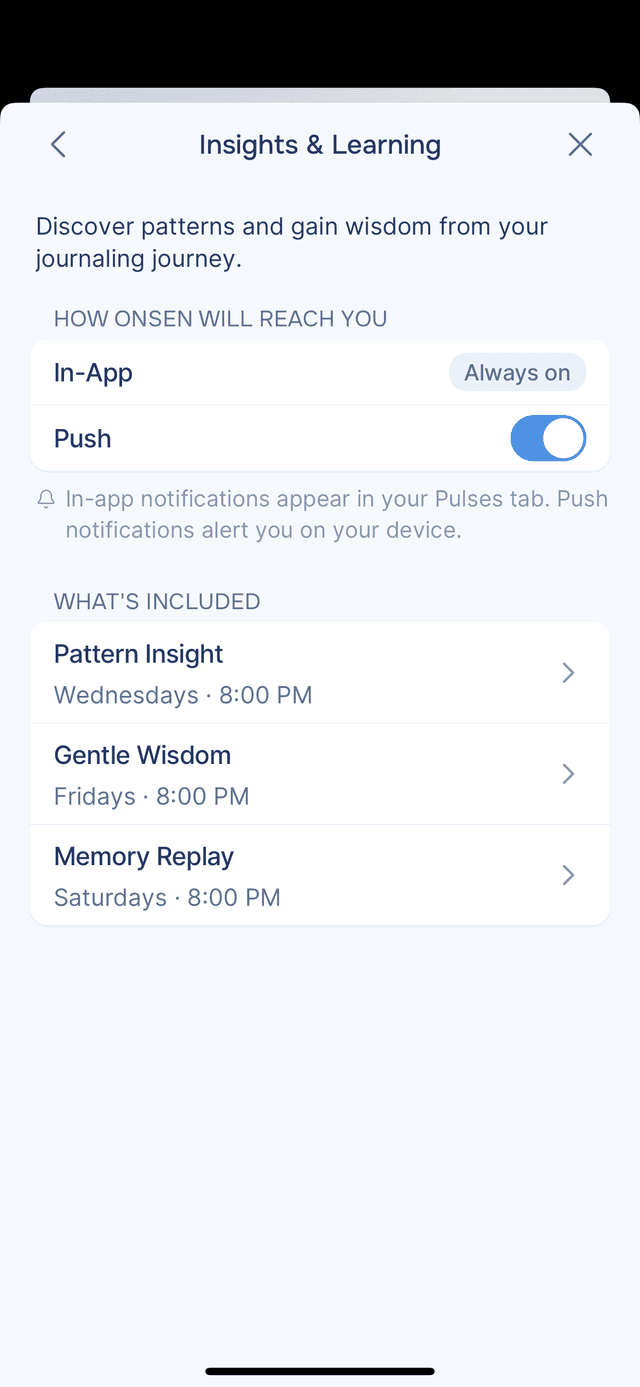
Insights & Learning
Discover patterns and gain wisdom from your journaling journey.
- Pattern Insight — surfaces recurring themes or emotional patterns from your entries
- Gentle Wisdom — shares a thoughtful reflection connected to your recent writing
- Memory Replay — revisits something meaningful from a past journal entry
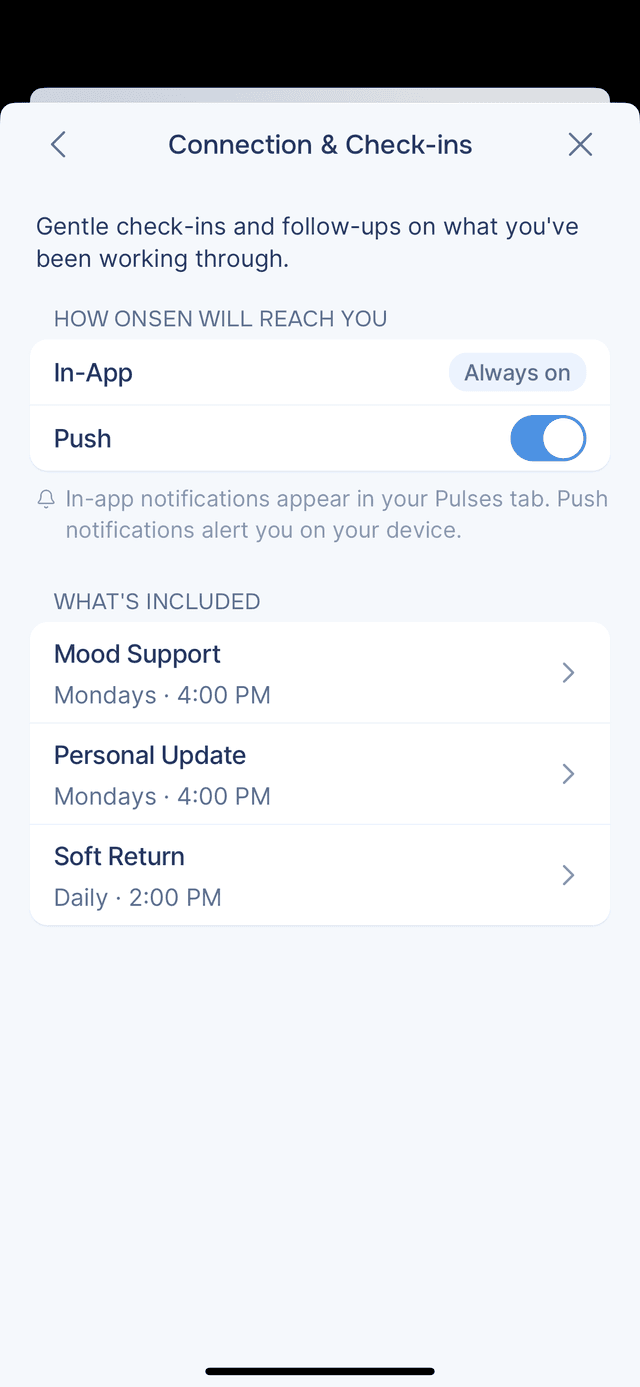
Connection & Check-ins
Gentle check-ins and follow-ups on what you have been working through.
- Mood Support — a thoughtful check-in based on recent moods or emotions
- Personal Update — follows up on something you mentioned in a recent entry
- Soft Return — a gentle nudge if you have not journaled in a while
Subscription Status
Each notification topic shows its current status — Push, Email, Push, Email, or Off. If you see "Push (disabled)", it means the topic is enabled in Onsen but push notifications are turned off at the device level.