Language
Choose the language your AI guide speaks.
Overview
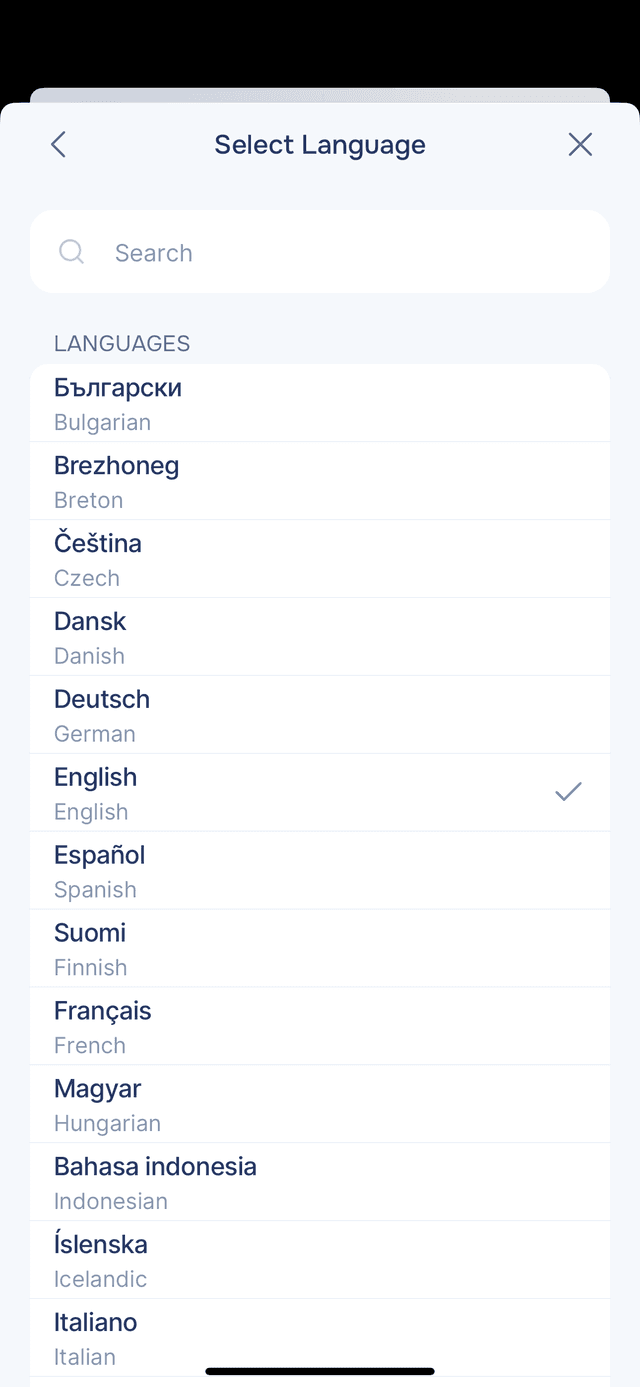
Onsen supports multiple languages. Changing your language tells your AI guide to respond in the selected language going forward — in conversations, journal entries, and experience guidance. Guide Language is in the Your Guide section of Settings.
Changing Your Language
Go to Settings → Guide Language and pick from the searchable list. You can search by native name, your current language, or English. The change takes effect immediately — your AI guide will start responding in the selected language in future conversations. Existing entries and past conversations stay in the language they were originally written in.