Create Your Account
Sign up for Onsen using email, Google, or Apple, verify your email, and complete your profile.
Overview
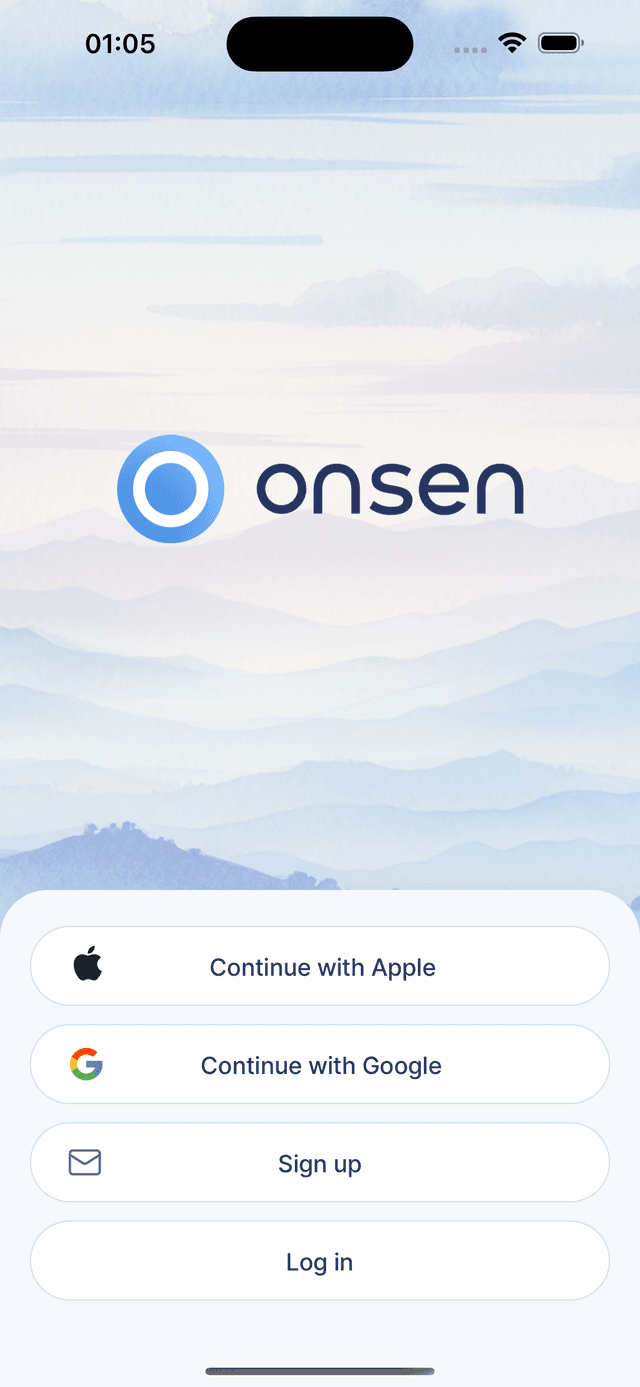
Getting started with Onsen takes just a couple of minutes. You can sign up with your Apple ID, Google account, or email address — whichever is easiest for you.
Sign-Up Methods
Onsen supports three ways to create an account:
- Apple Sign-In (iOS only) — the fastest option on iPhone. Tap "Continue with Apple" and you are done.
- Google Sign-In — available on both iOS and Android. Tap "Continue with Google" to authenticate.
- Email and Password — tap "Sign up" to create an account with your email and a password you choose.
Already have an account? Tap "Log in" at the bottom of the welcome screen.
Signing Up with Email
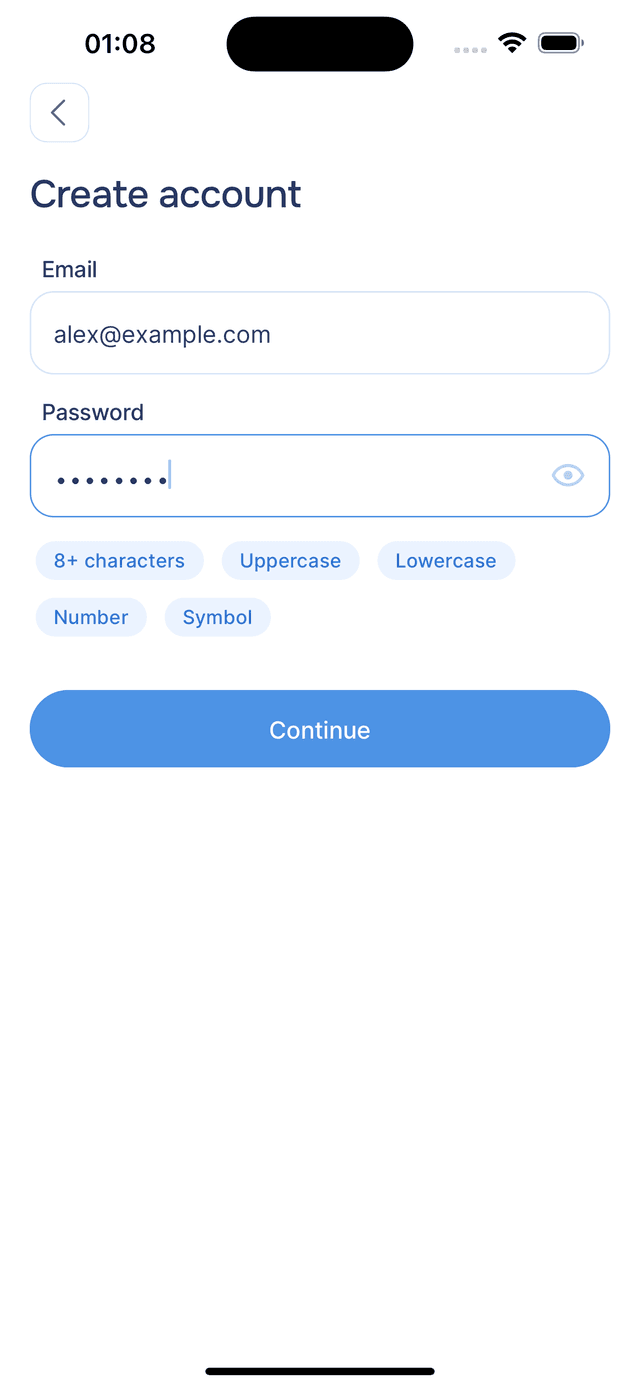
If you go with email, enter your email address and choose a password. A strength indicator helps you pick something secure. Tap "Continue" to proceed.
Email Verification
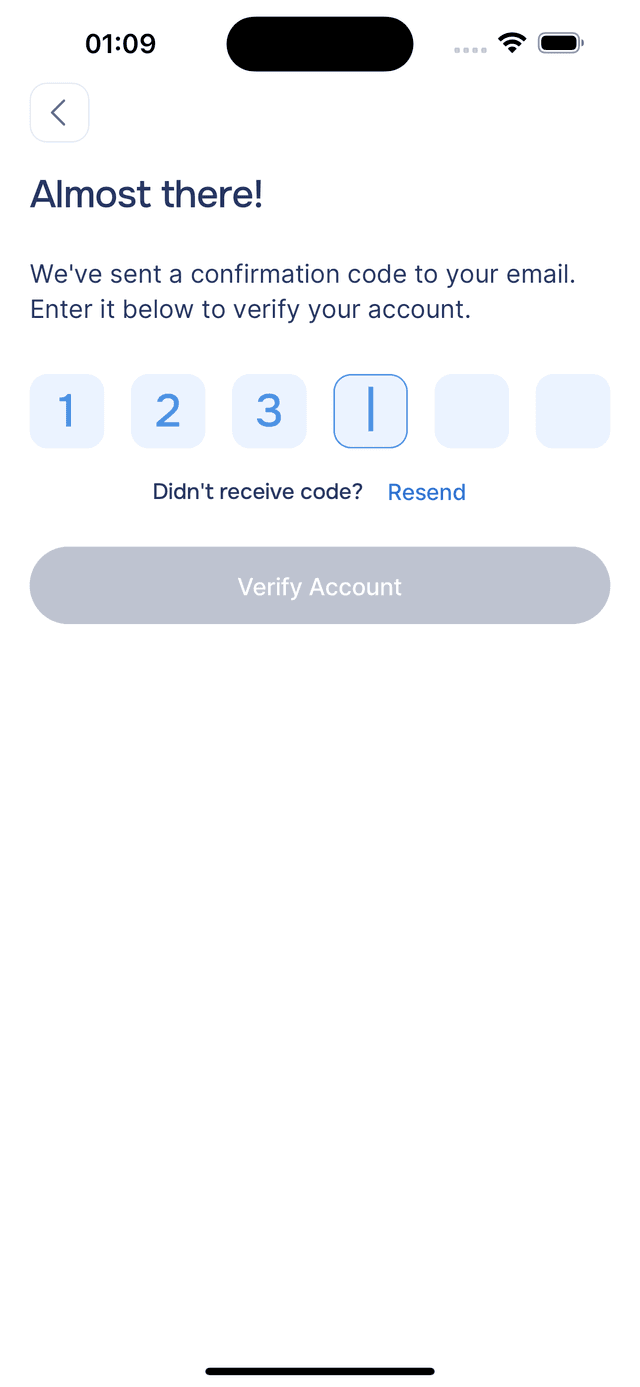
After signing up with email, check your inbox for a 6-digit confirmation code from Onsen. Enter it on the verification screen and tap "Verify Account". If the code does not arrive, tap "Resend" to request a new one (there is a 30-second cooldown between requests).
Complete Your Profile
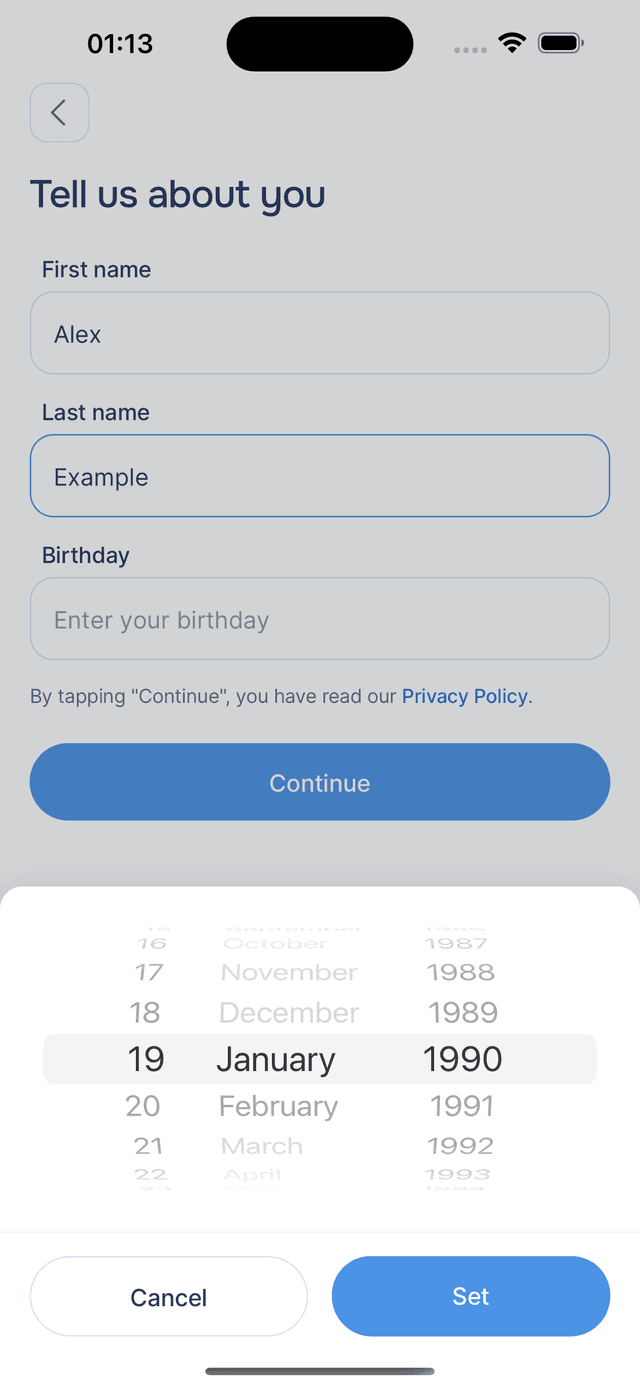
After verifying your email (or signing in with Apple/Google for the first time), you will fill in a few details about yourself: your first name, last name, and birthday. Onsen uses your first name to personalize greetings and conversations, so your experience feels like it is made for you. You must be at least 18 years old to use Onsen.
Tap "Continue" to finish setting up your profile.
Push Notifications
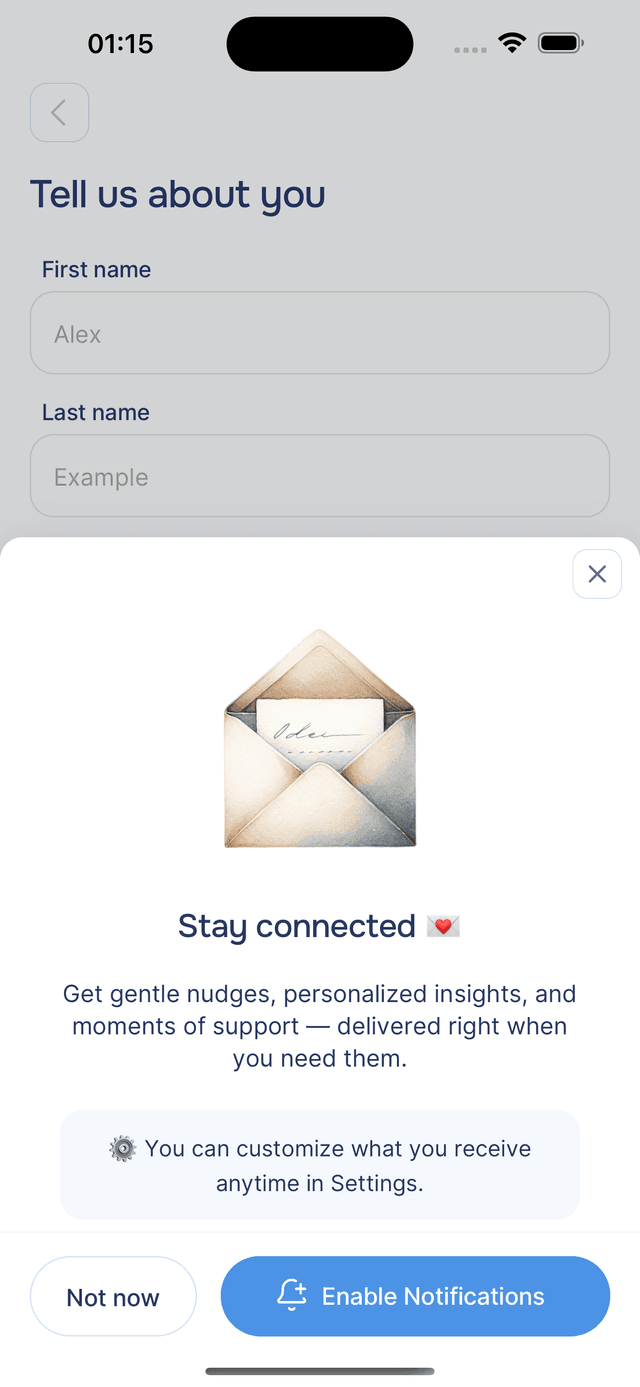
After completing your profile, you may be asked to allow push notifications. These are used for reminders, personalized AI insights (called Pulses), and updates. You can allow or decline — and change your mind later in your device settings at any time.
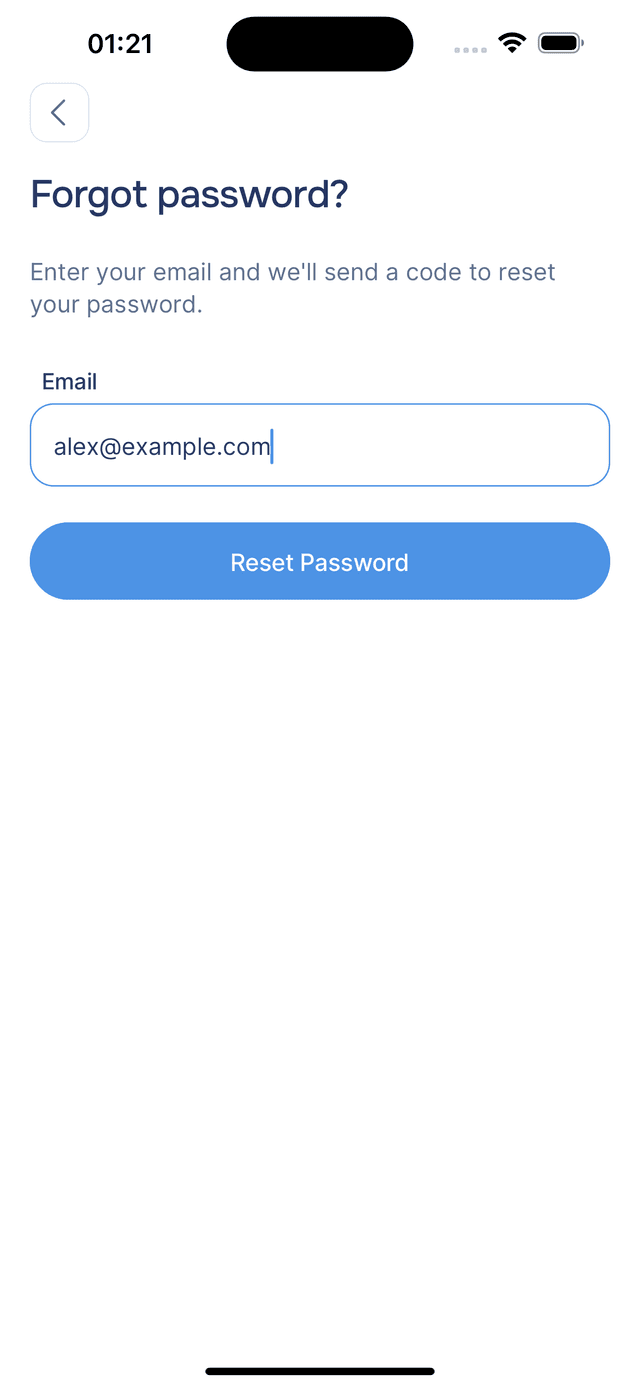
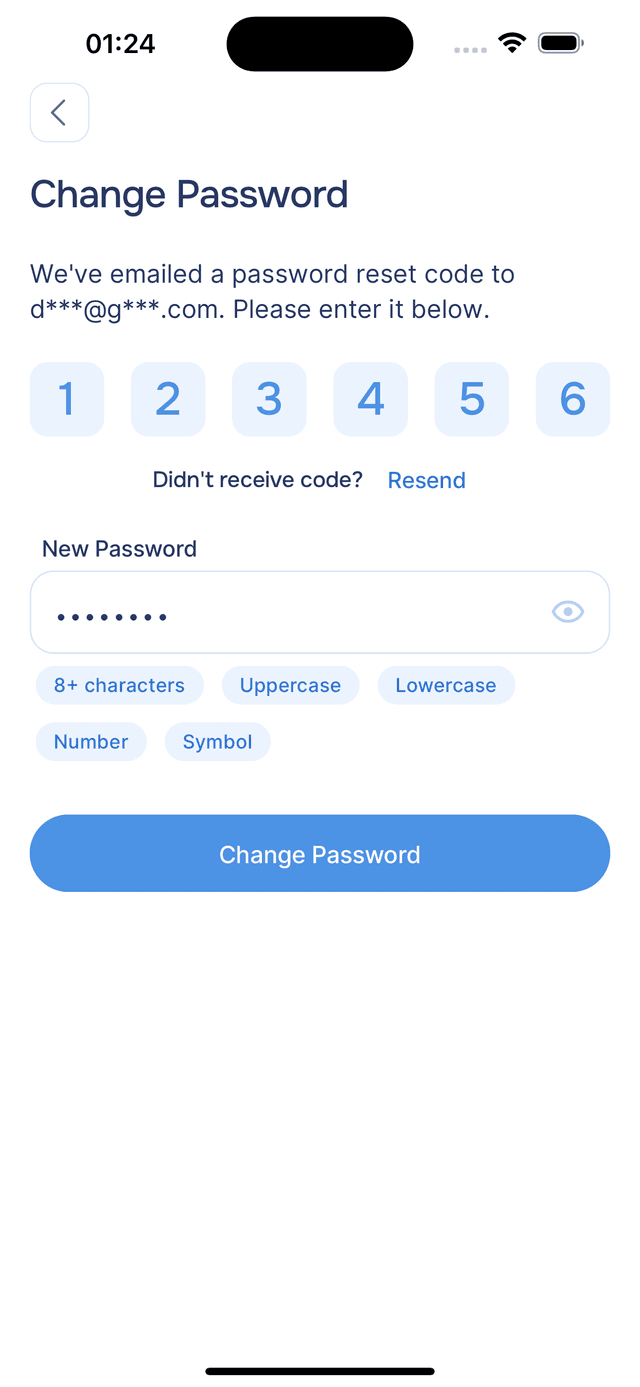
Resetting Your Password
Forgot your password? On the login screen, tap "Forgot password?" and enter your email. You will receive a 6-digit reset code — enter it along with your new password, and you are back in.