

Freeform Journaling
Write or speak your journal entry directly, with AI-generated prompts to inspire you along the way.
Overview
Freeform Journaling is the simplest way to create a journal entry in Onsen. There is no AI conversation, no guided steps — just a text editor where you write whatever is on your mind. Type it out, speak it aloud, or mix both. When you save, the AI processes your text in the background to generate insights — a summary, hashtags, knowledge items, and a highlighted quote.
How to Start
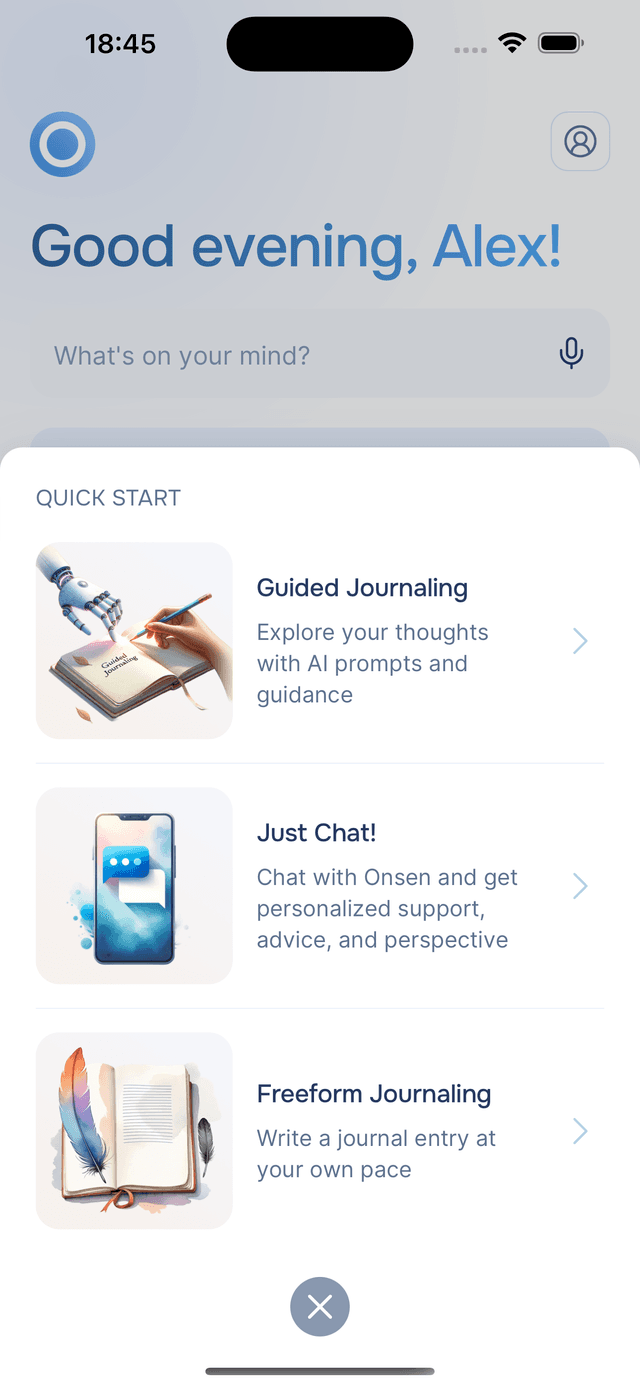
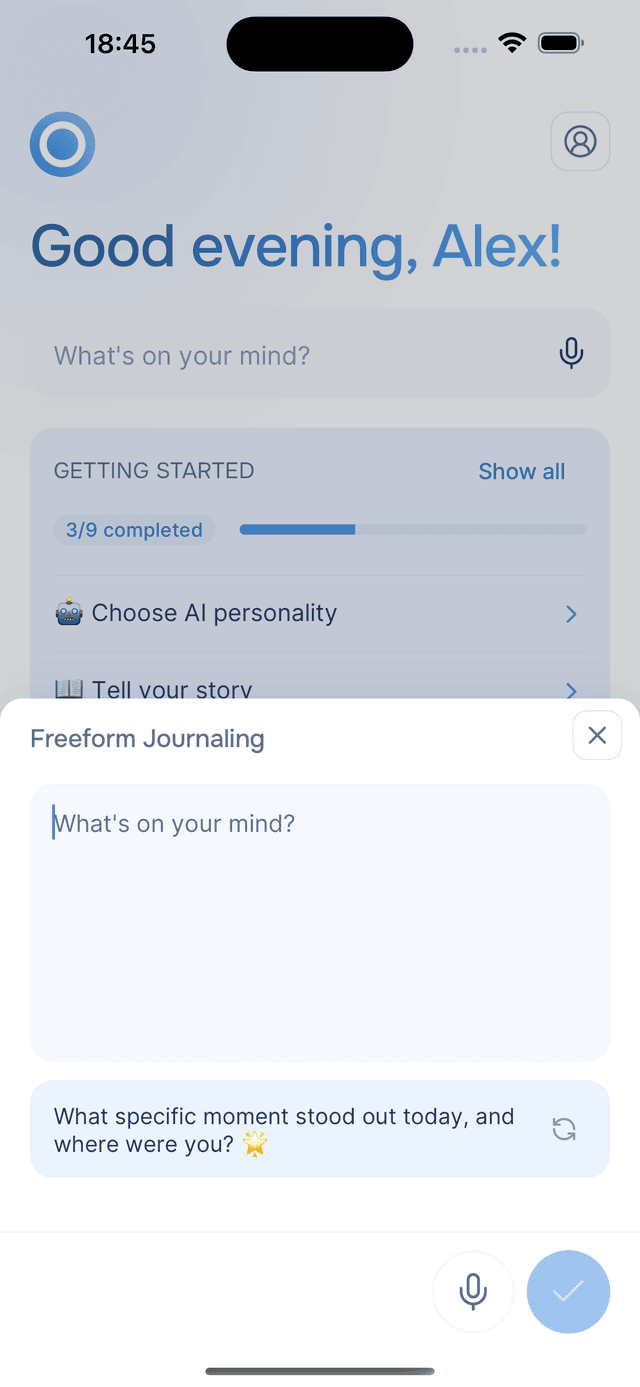
Tap the Quick Start button in the center of the bottom navigation to open the menu, then choose Freeform Journaling. The same menu also offers Guided Journaling and Just Chat if you prefer AI-guided writing. A clean editor opens with the prompt "What's on your mind?" and a blinking cursor ready for your words.
Writing Your Entry
Start typing whatever comes to mind. There is no minimum length — a single sentence is enough. The editor supports up to 10,000 characters, and a counter appears as you approach the limit.
Using Voice
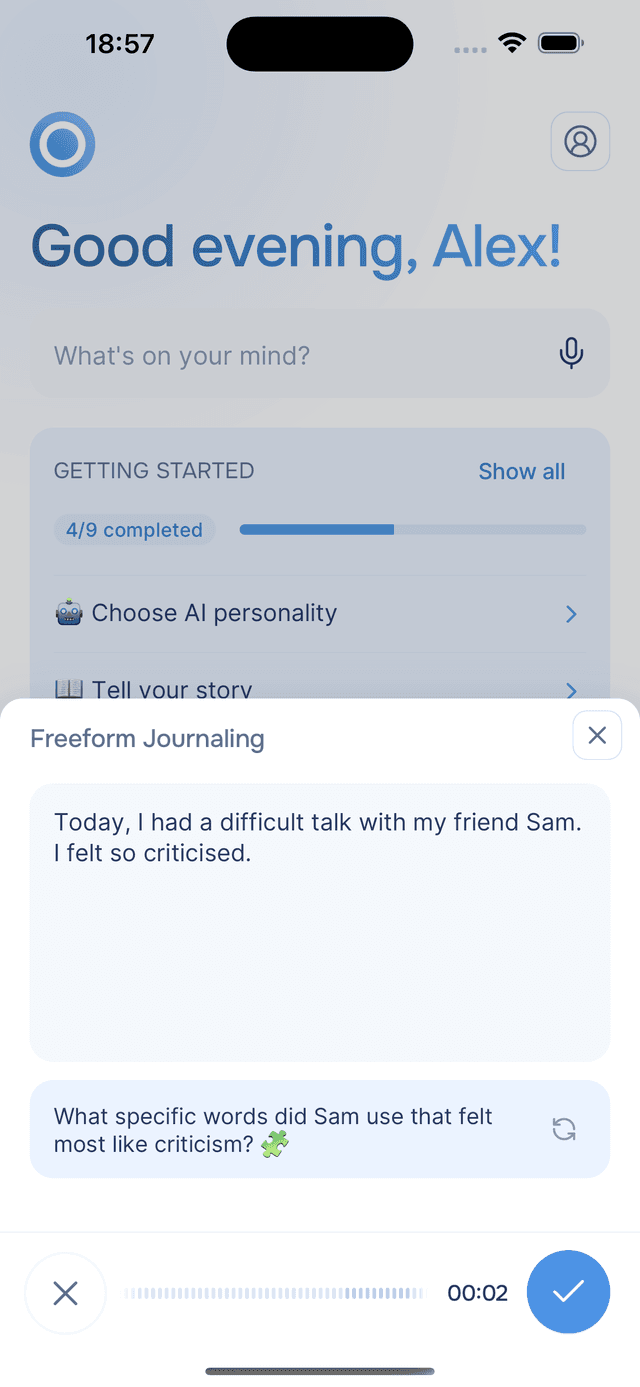
Prefer to speak? Tap the microphone button at the bottom of the editor to record your thoughts. Speak naturally, and when you are done, tap submit — your speech is transcribed and added to the editor as text. See Voice Input for more on how voice recording works. You can record multiple times, and each transcription is appended below what you have already written. Mix voice and typing freely — dictate a thought, then refine it by hand, or the other way around.
Journaling Prompts
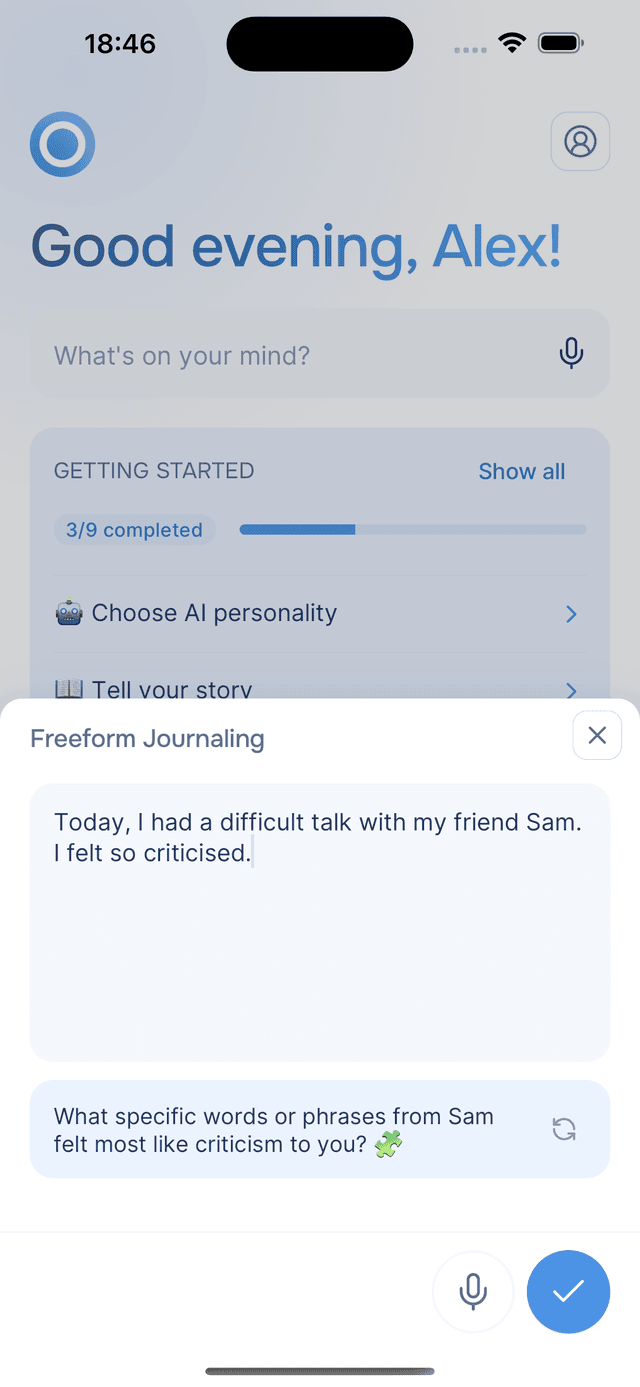
Not sure what to write? Onsen generates personalized prompts to help get you started. A prompt appears below the text editor — a short question or reflection idea drawn from your recent journal entries and conversations.
If the prompt does not resonate, tap the refresh button to cycle through more suggestions. Prompts update automatically as you write — pause for a moment and a new one appears, tailored to what you have written so far. They are there to spark ideas, not to direct your writing. You can ignore them entirely and write whatever you like.
Saving Your Entry
When you are ready, tap the button to save. Onsen takes you straight to your new entry's detail screen, where the AI is already processing your text to generate insights. Within a few moments you will see your summary, hashtags, knowledge items, and an AI-generated image — all extracted from what you wrote. See Entry Details for what each insight means.
Tips
- Write without editing — let your thoughts flow first. You can always edit the entry later.
- Use voice when typing feels like too much — speaking your thoughts can feel more natural, especially when emotions are running high.
- Check the prompts — even if you already know what to write about, a prompt might surface an angle you had not considered.
- Short entries count — a few honest sentences about your day are more valuable than a long entry you forced yourself to write.