

Browsing Your Journal
Read back through your entries with three layouts, month headers, search, filters, and quick actions from the list.
Overview
Everything you write in Onsen lands in one place. The Journal tab keeps your entries in order and gives you several ways through them: scroll, search, filter, or go in sideways through Knowledge and follow a person or a mood instead of a date.
Finding Your Entries
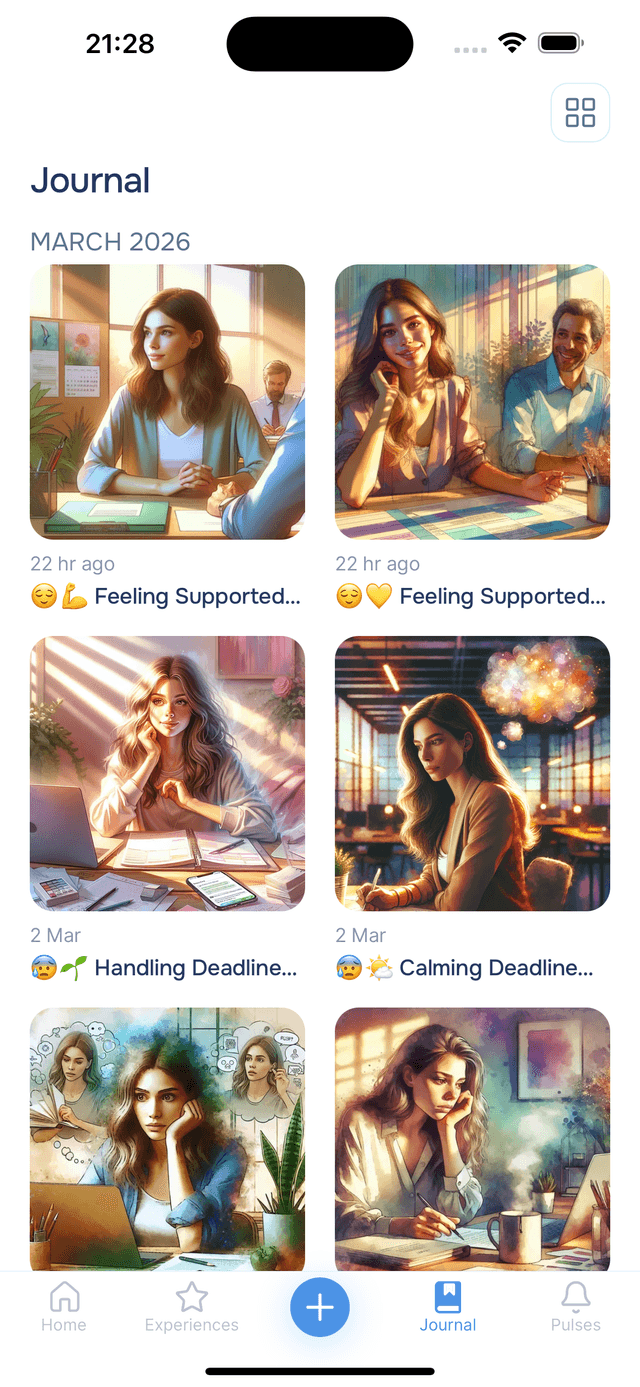
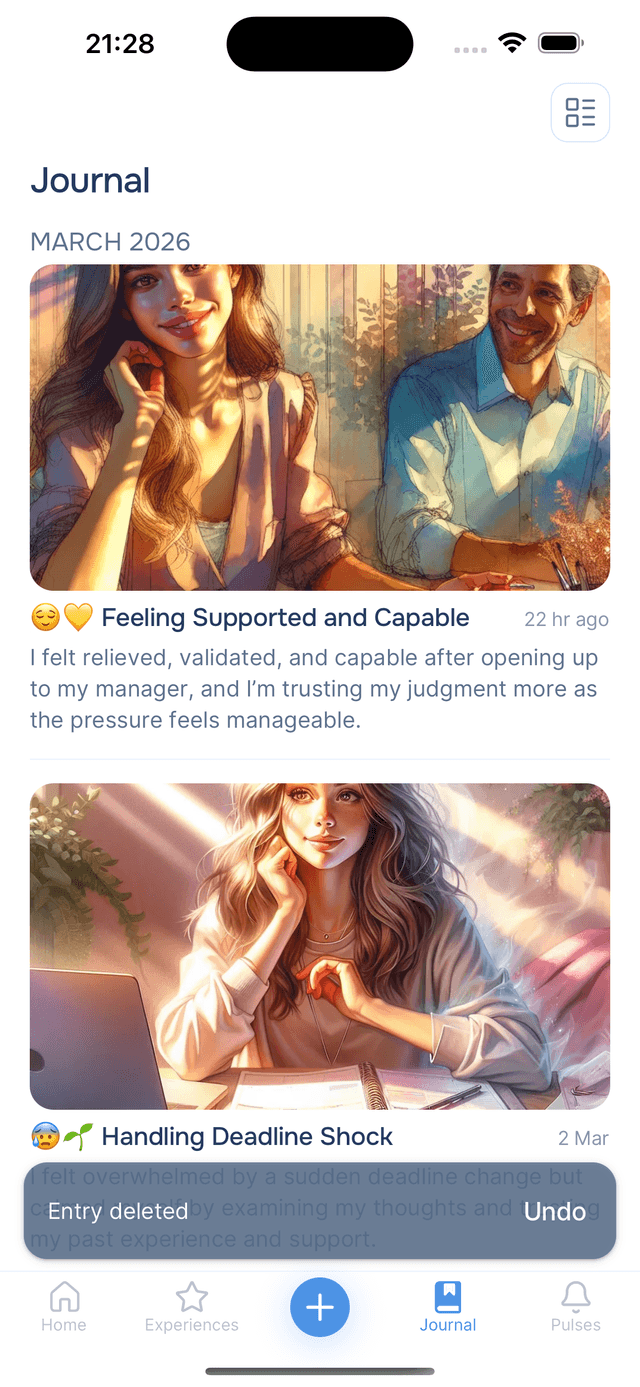
Tap the Journal tab to see your entries, newest first. They are grouped by month, and each month header sticks to the top as you scroll so you always know where you are in time.
At the top you will find the search field and, above the list, the three header buttons: the layout switch, Knowledge, and Filter.
Three Layouts
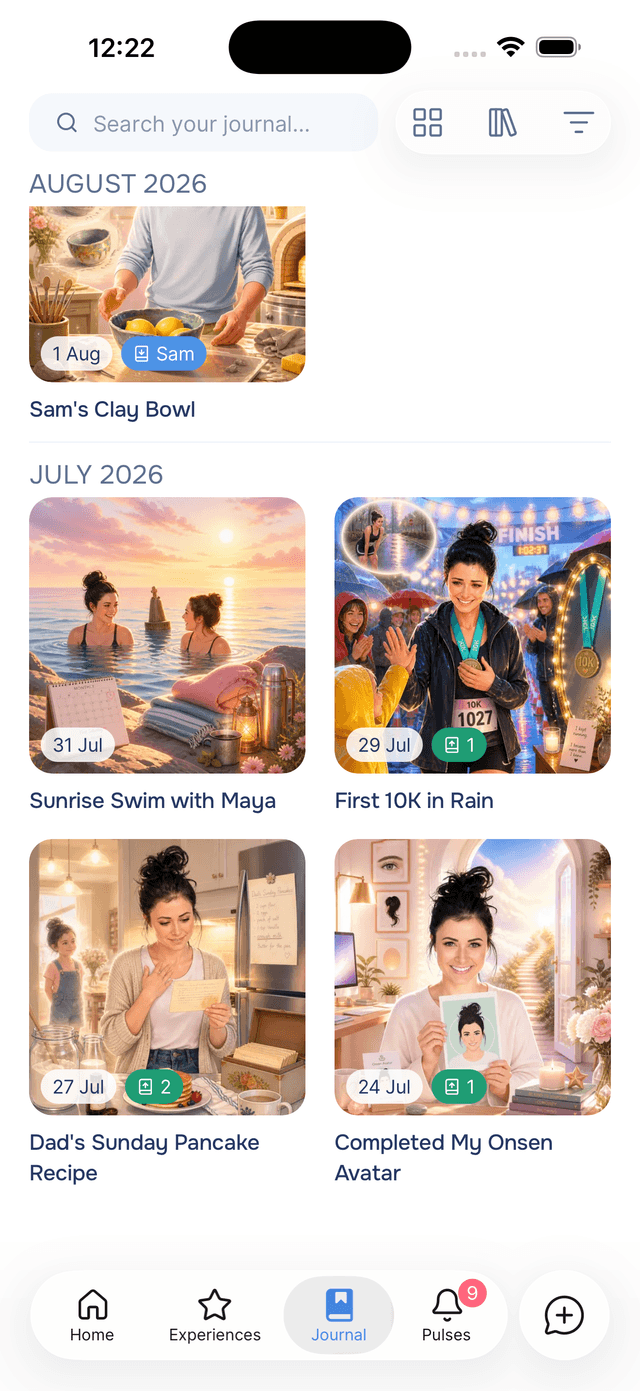
The layout button cycles between three ways of looking at the same entries. The icon shows the one you are in, and Onsen remembers your choice.
- Grid — two columns of artwork with the date on the image. The best way to browse visually.
- Cards — full-width artwork with the title and a few lines of the summary. The most readable.
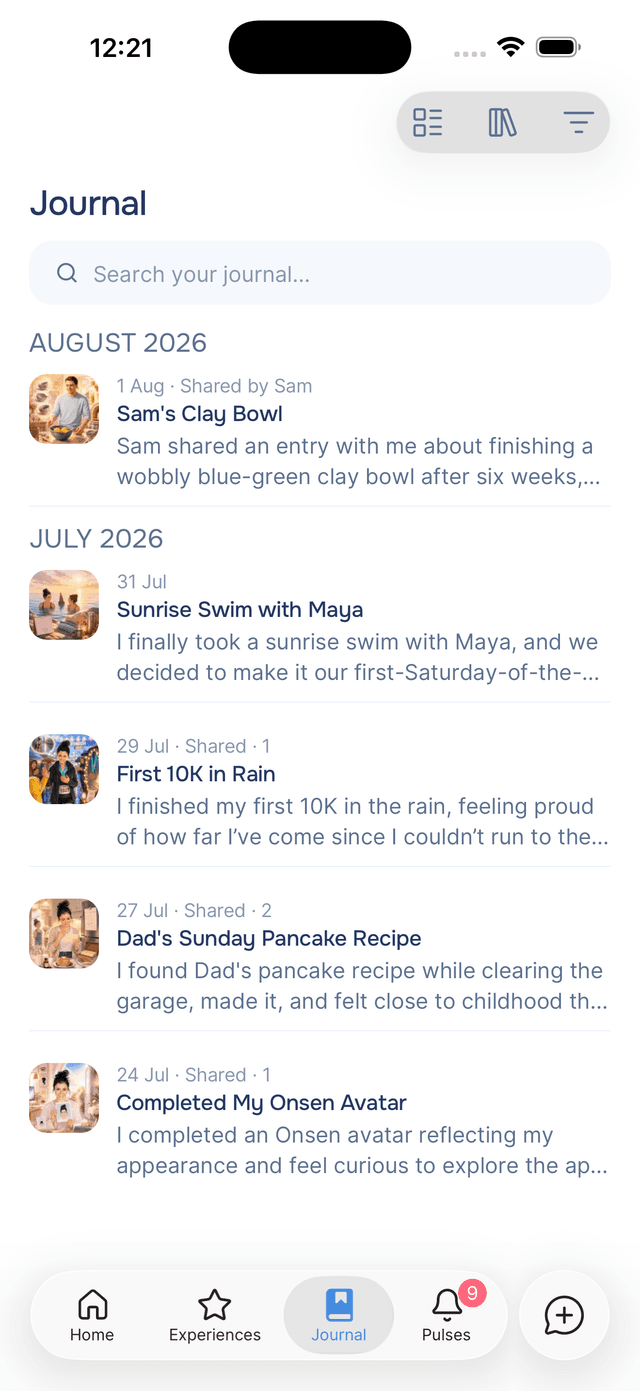
- Compact — small thumbnails in a tight list with the date, title and summary. The fastest to scan when you are looking for something specific in a long journal.

Searching
The Search your journal… field sits under the Journal title, and follows you into the bar once you scroll past it. Onsen searches both your words and your meaning, so felt overwhelmed at work finds the right evening even if you never wrote that phrase. You can also browse straight into a person, place or year from there. See searching your journal.
Filtering
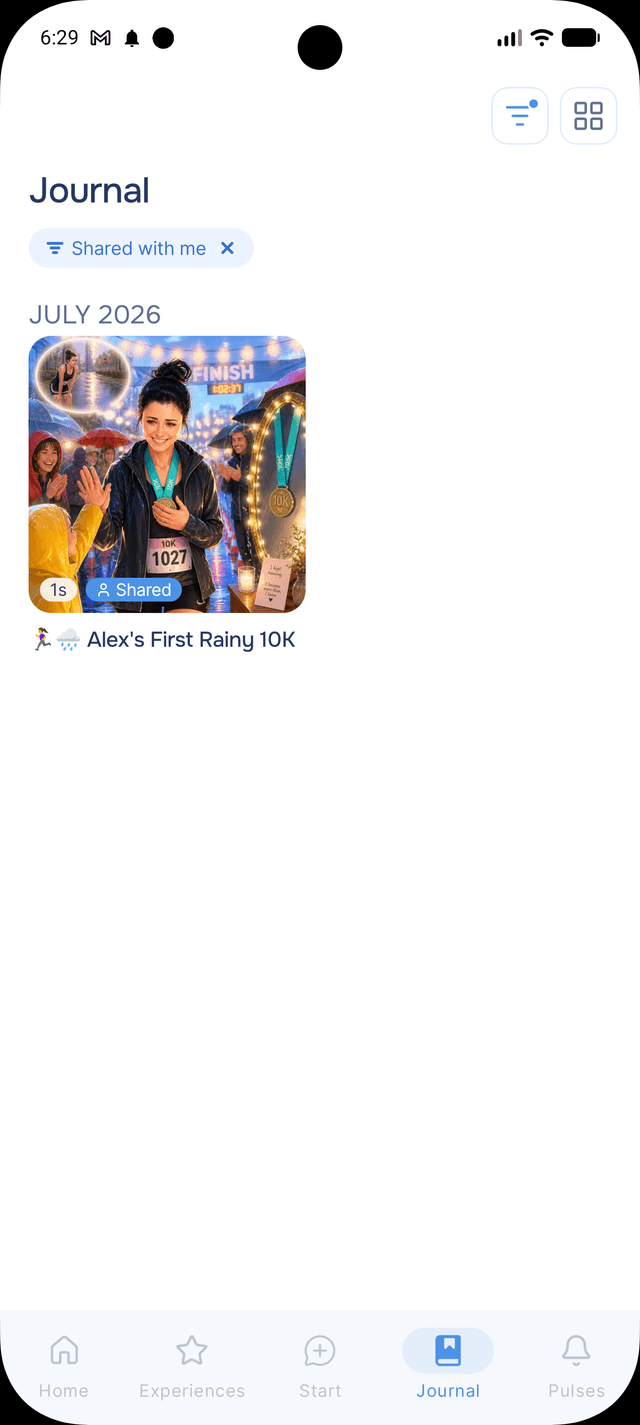
Filter narrows your journal to favourites, a period, a single experience, entries with artwork, and more — every option showing how many entries it will give you. Active filters appear as pills under the search field and stay put between visits. See filtering your journal.
Managing Entries from the List
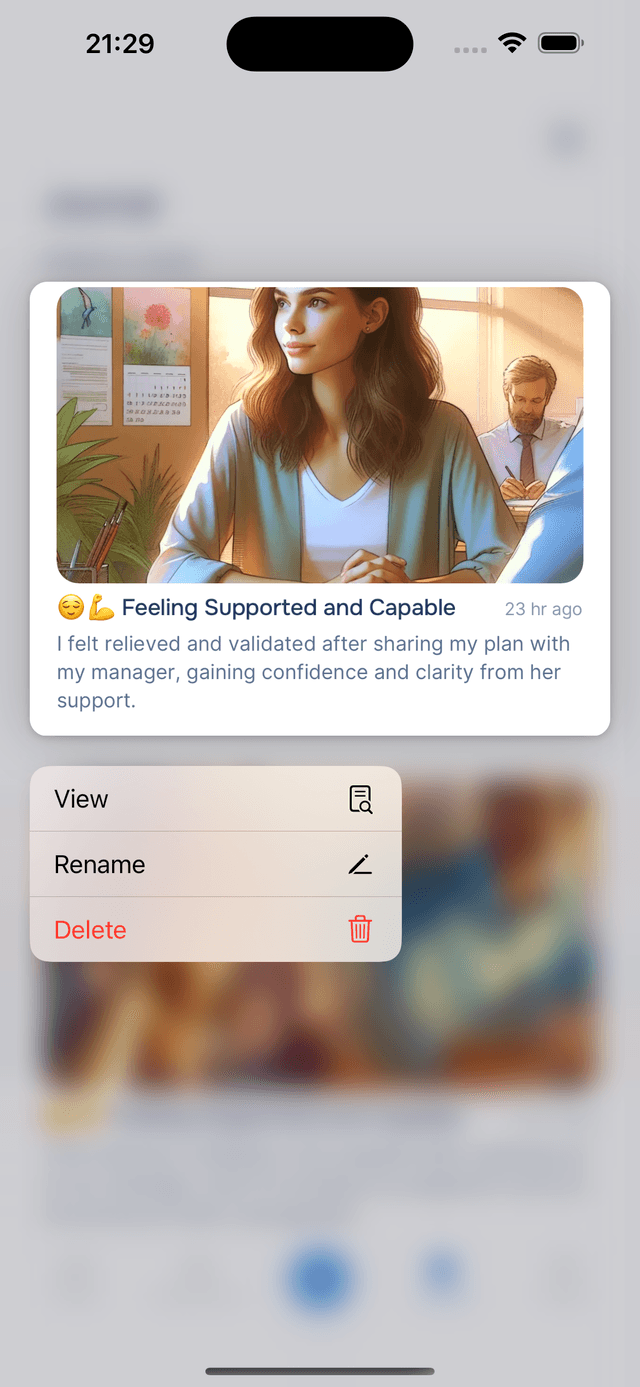
Long-press any entry card to open a quick menu with View, Rename, Share, and Delete options — no need to open the entry first. If you delete by mistake, an Undo notification appears at the bottom of the screen. See Managing Entries for more.
Tips
- Match the layout to the task — Grid to browse, Cards to read, Compact to find.
- Search before you scroll — once you have a few hundred entries, typing three words is faster than any amount of scrolling.
- Try the other way in — opening Knowledge and tapping a person shows you their entries in one list, which is a different and often more interesting read than going by date.
- Revisit older entries — scrolling back through past writing surfaces things you missed at the time.