

Just Chat!
Chat with Onsen and get personalized support, advice, and perspective.

Overview
Just Chat! is a free-form conversation experience where you talk with your AI guide about whatever is on your mind. There is no predefined structure — you lead, the guide follows, and the conversation can go anywhere.
- Category: Guided Reflections
- Duration: As long as you need
- Repeatable: Yes — start a new experience anytime
How It Works
Step 1 — Chat
Send your first message on any topic — a question, something on your mind, or just a feeling you want to talk through. If you are not sure where to start, tap Suggest Topics — the guide responds with three personalized suggestions based on your recent journal entries and conversations.
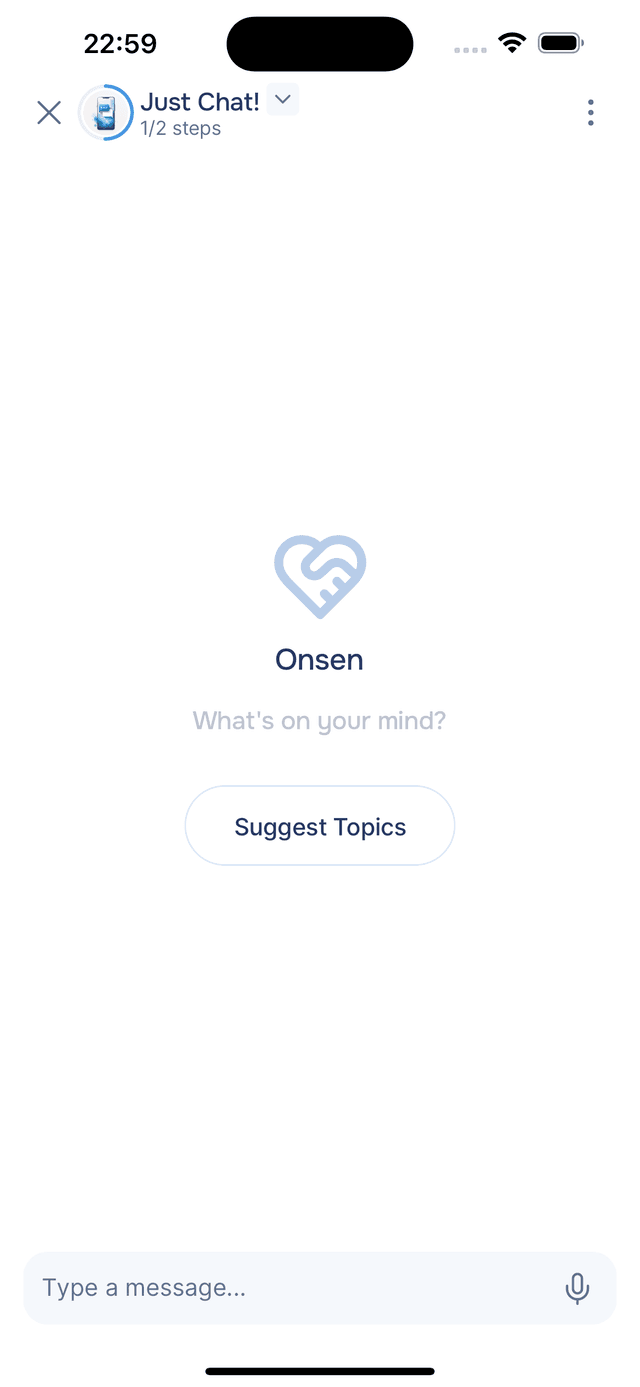
The AI guide responds with a thoughtful, personalized reply drawing on your message, the ongoing conversation, and relevant context from your past journal entries. After each reply, the guide offers reflection prompts to help you go deeper or shift direction. You can tap one to send it instantly, type your own reply, or use voice input to speak. The conversation continues for as long as you like — there is no set endpoint.
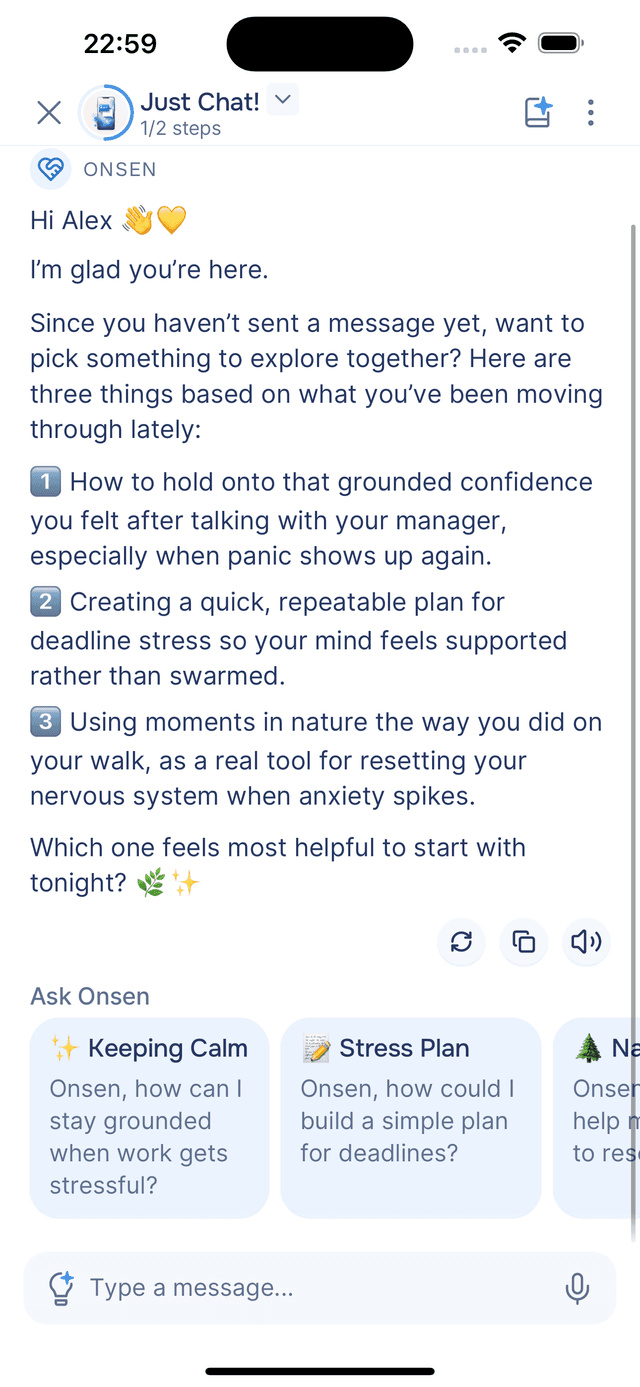
You can steer the conversation at any time using the AI Prompts menu — asking for a thought-provoking question, a fresh perspective, advice, support, and more.
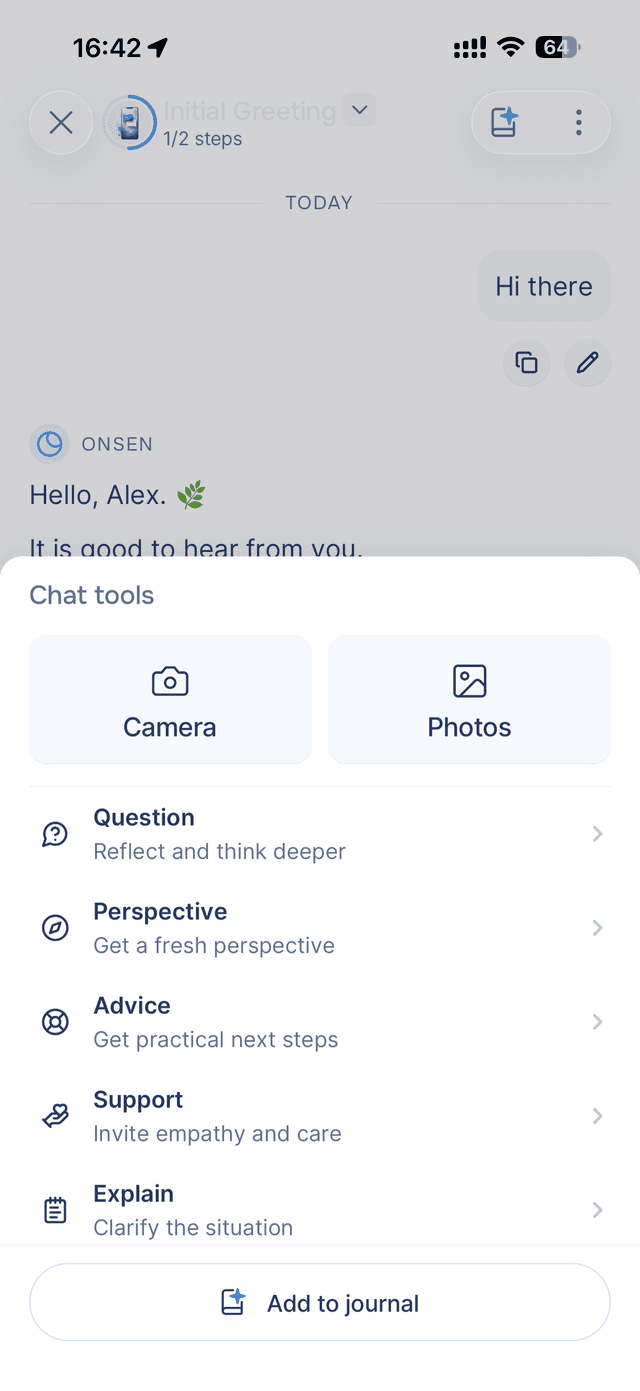
When you are ready to capture the conversation as a journal entry, tap the Add to Journal button in the top-right corner of the screen (next to the menu) to move to Step 2.
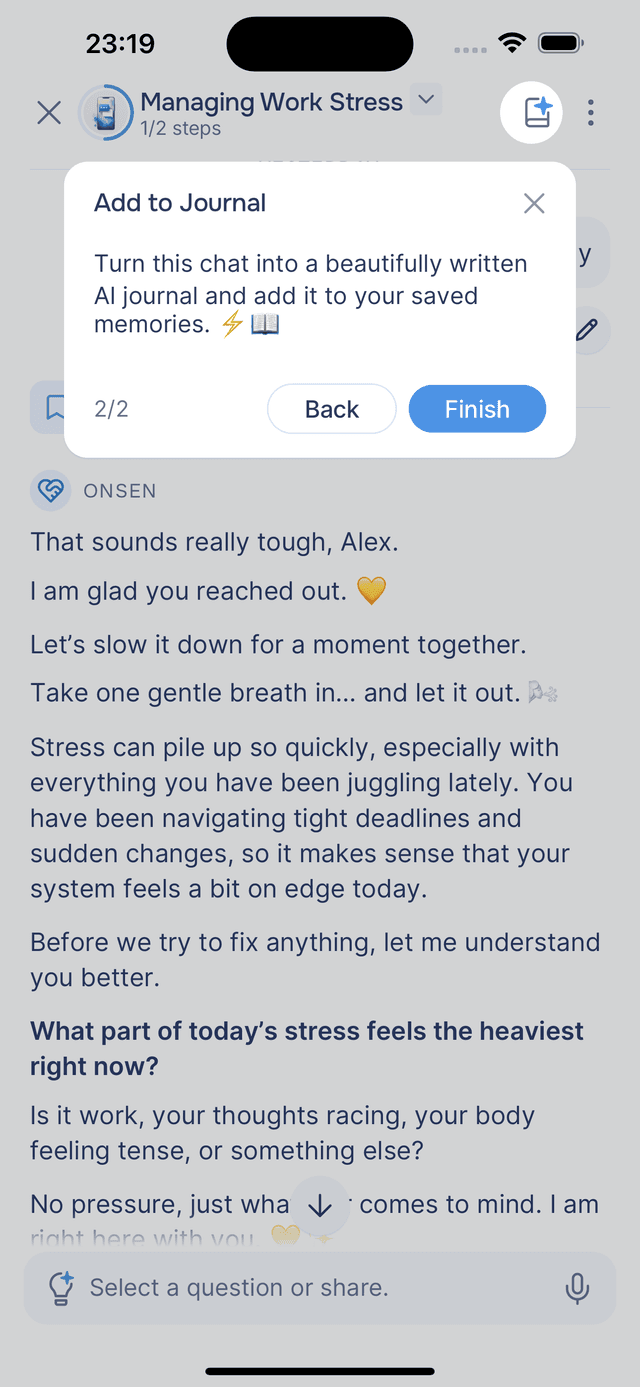
Step 2 — Journal
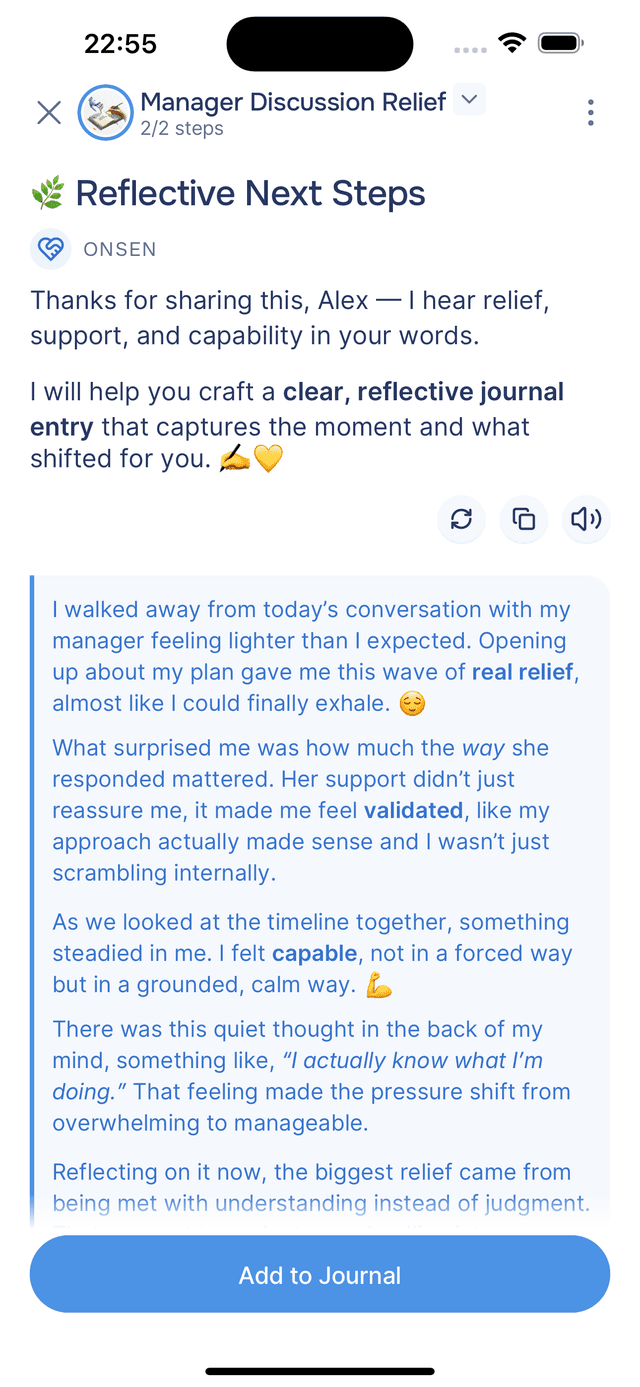
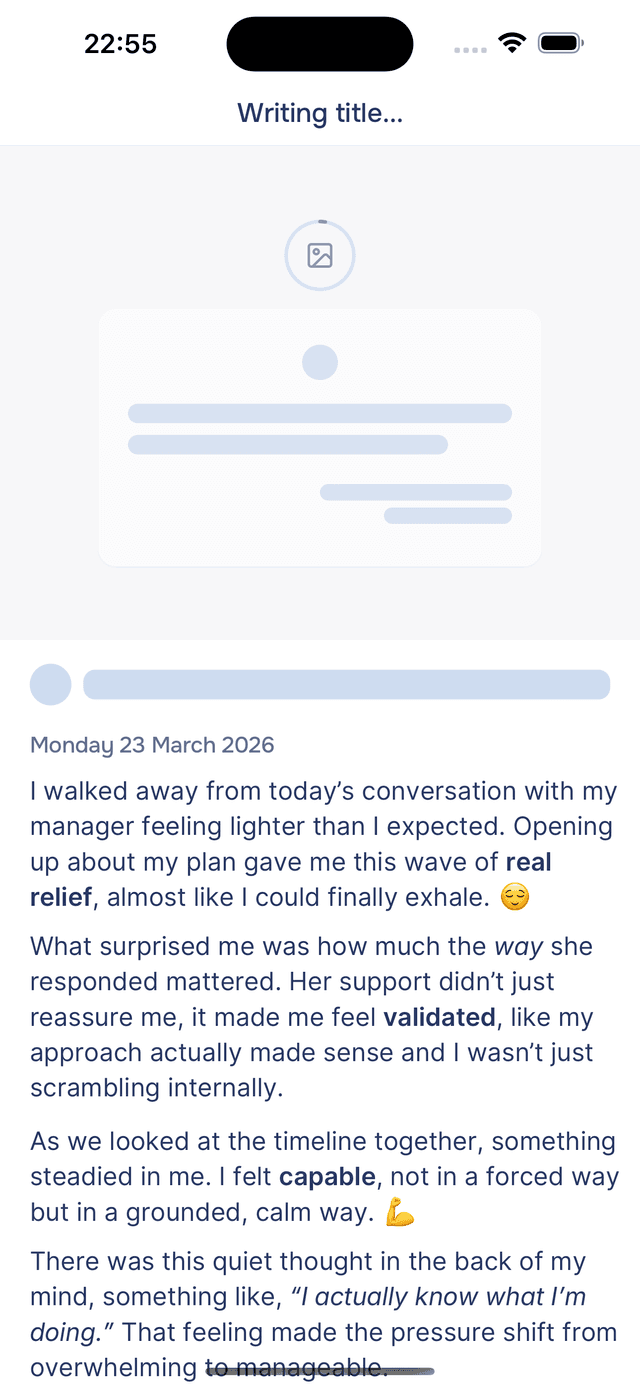
At any point during the chat, you can tap Add to Journal to turn the conversation into a personal journal entry. The guide reads through the full chat, then writes a first-person entry in your voice — reflecting the themes, insights, and feelings from the conversation rather than transcribing it word for word. The entry includes markdown formatting and expressive emoji.
You can edit the entry before saving. Tap Add to Journal to save it — you are taken directly to the new entry in your journal. See Saving to Journal for more.
Tips
- Just start talking. There is no wrong opening — ask a question, vent about your day, or say what is on your mind and see where it goes.
- Switch topics freely. If something new comes up, mention it. The guide adapts naturally to wherever the conversation moves.
- Turn it into a journal entry anytime. If the conversation feels meaningful, tap Add to Journal and the guide will capture it as a personal journal entry for you.