

Guided Journaling
Explore your thoughts with AI prompts and guidance.

Overview
Guided Journaling is a two-part experience that combines open-ended conversation with AI-assisted writing. You chat with your guide to explore your thoughts, then the AI turns that conversation into a finished journal entry in your own voice.
- Category: Guided Reflections
- Duration: As long as you need
- Repeatable: Yes — start a new experience anytime
How It Works
Step 1 — Chat
The experience opens in a free-form chat. Your AI guide is tuned specifically for journaling: it asks clarifying questions, prompts you to go deeper, and surfaces connections to things you have written about before.
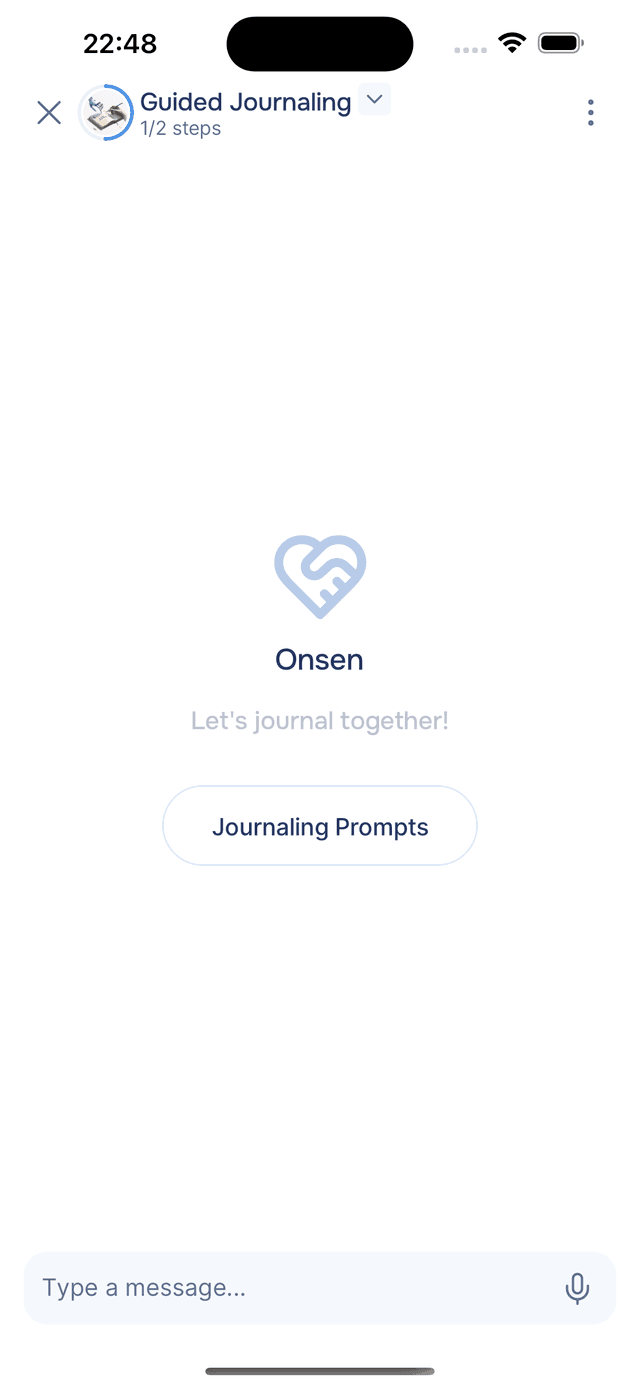
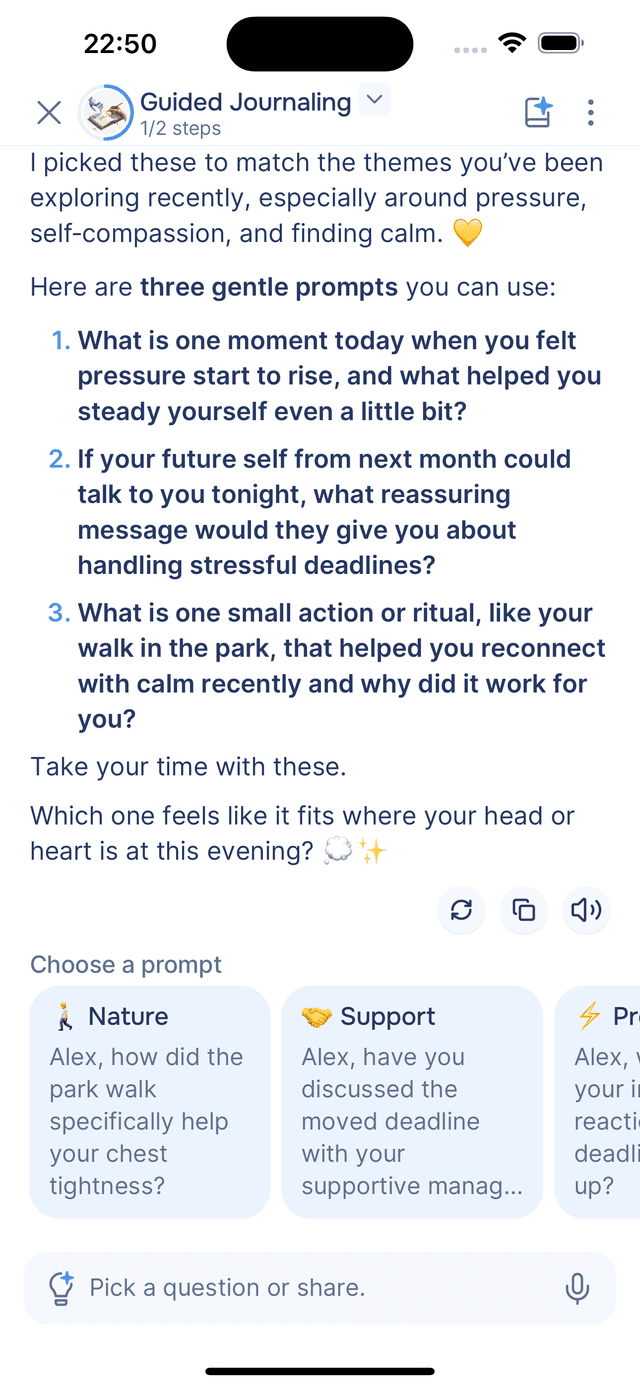
If you are not sure where to start, tap Journaling Prompts — the guide responds with three personalized topic suggestions based on your past journal entries and recent conversations.
As you chat, the guide offers reflection prompts after each reply to help you keep exploring. You can tap any prompt to send it, type your own response, or speak using voice input. If the guide asks you a direct question, it also suggests short answer ideas you can tap, edit, or ignore.
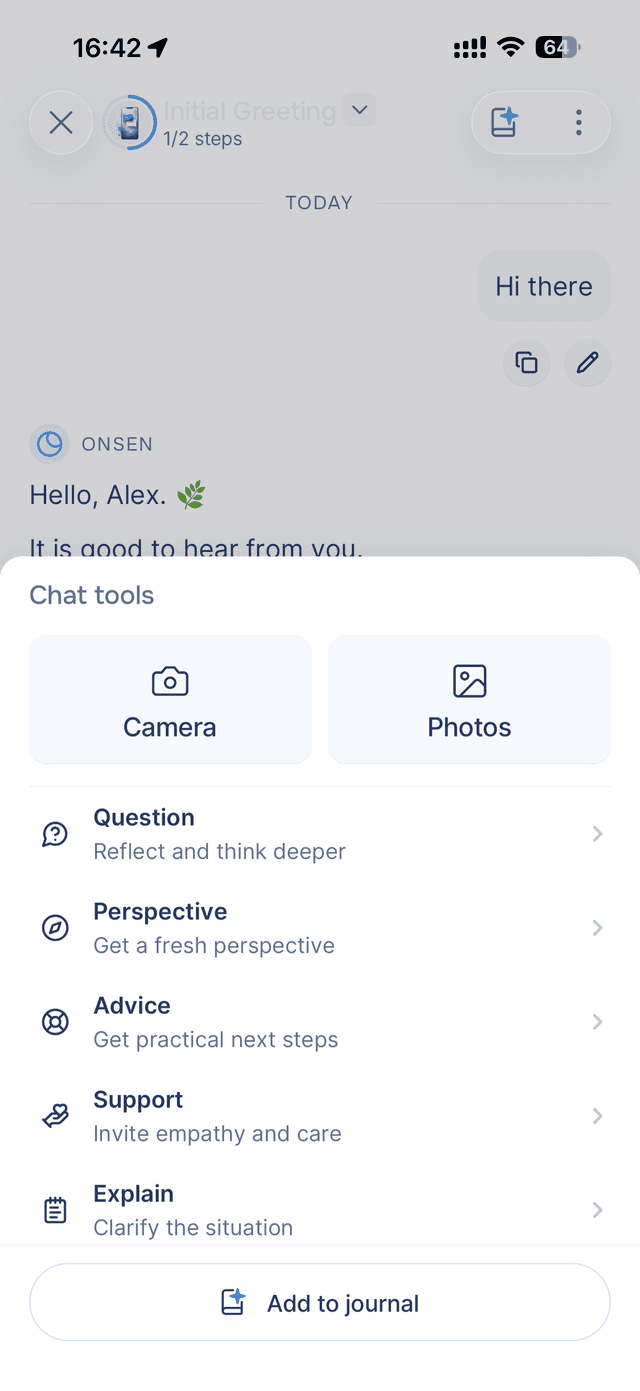
You can also use the AI Prompts menu at any time to steer the conversation — asking for a new reflection question, a fresh perspective, advice, and more.
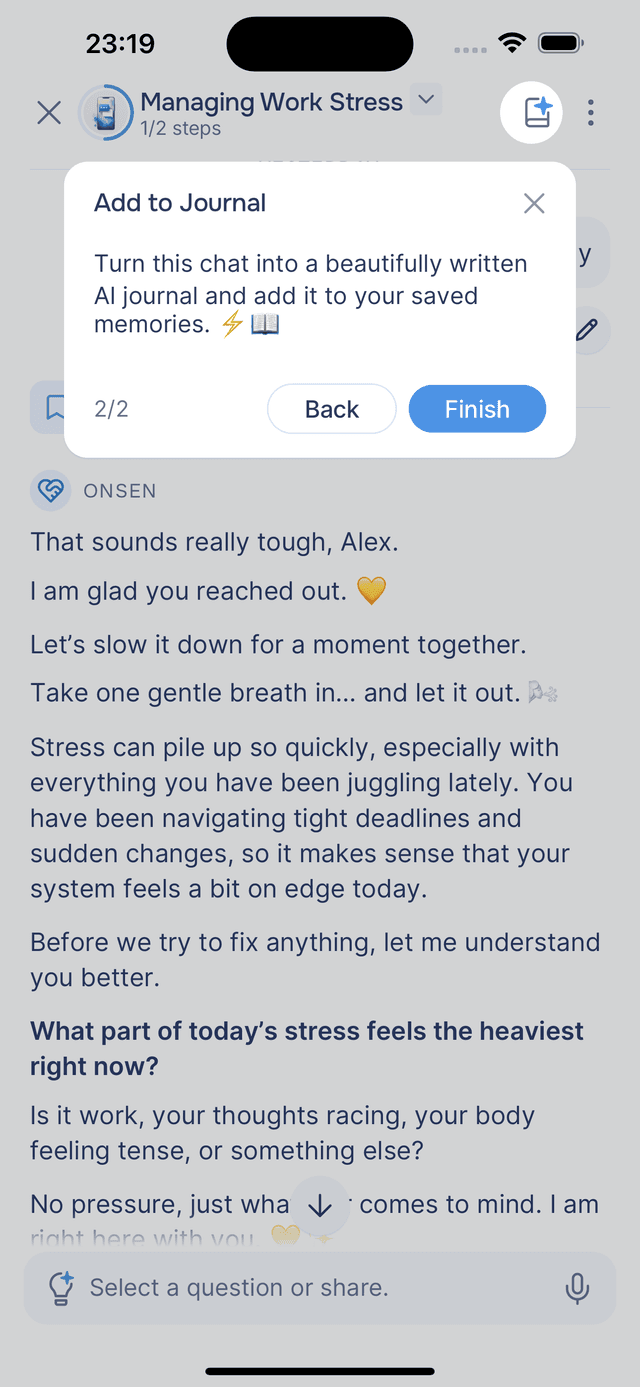
When you are ready to write, tap the Add to Journal button in the top-right corner of the screen (next to the menu) to move to Step 2.
Step 2 — Journal
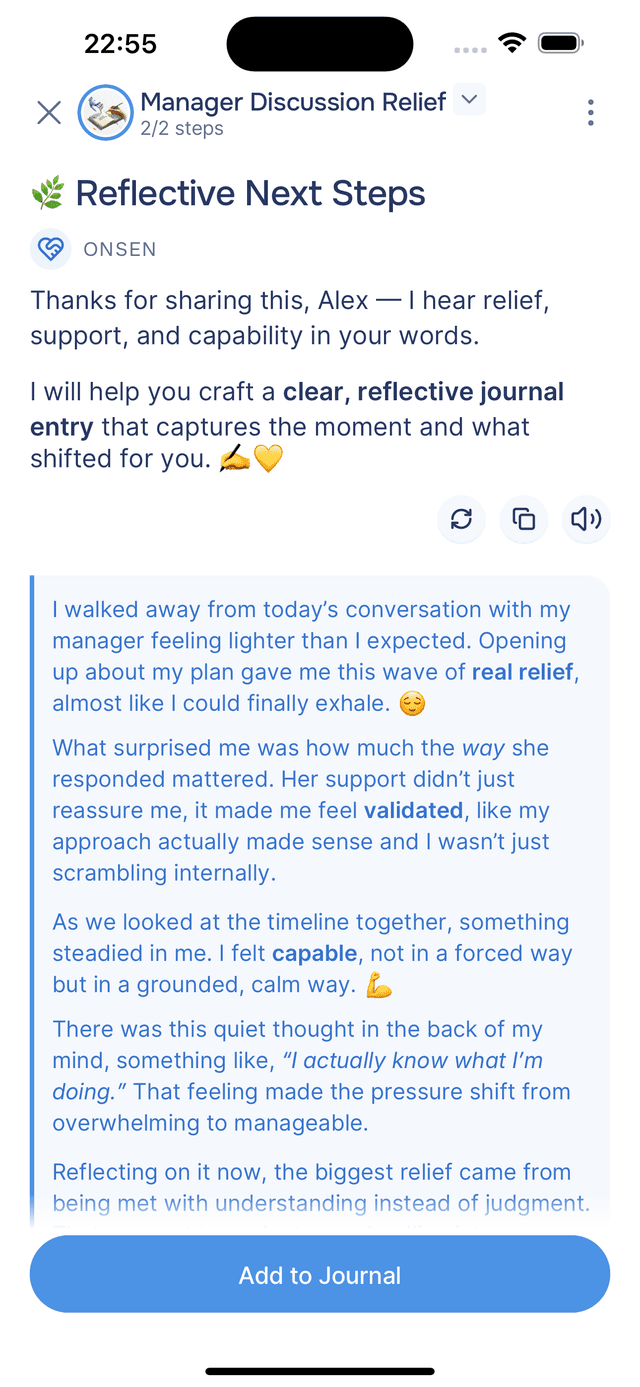
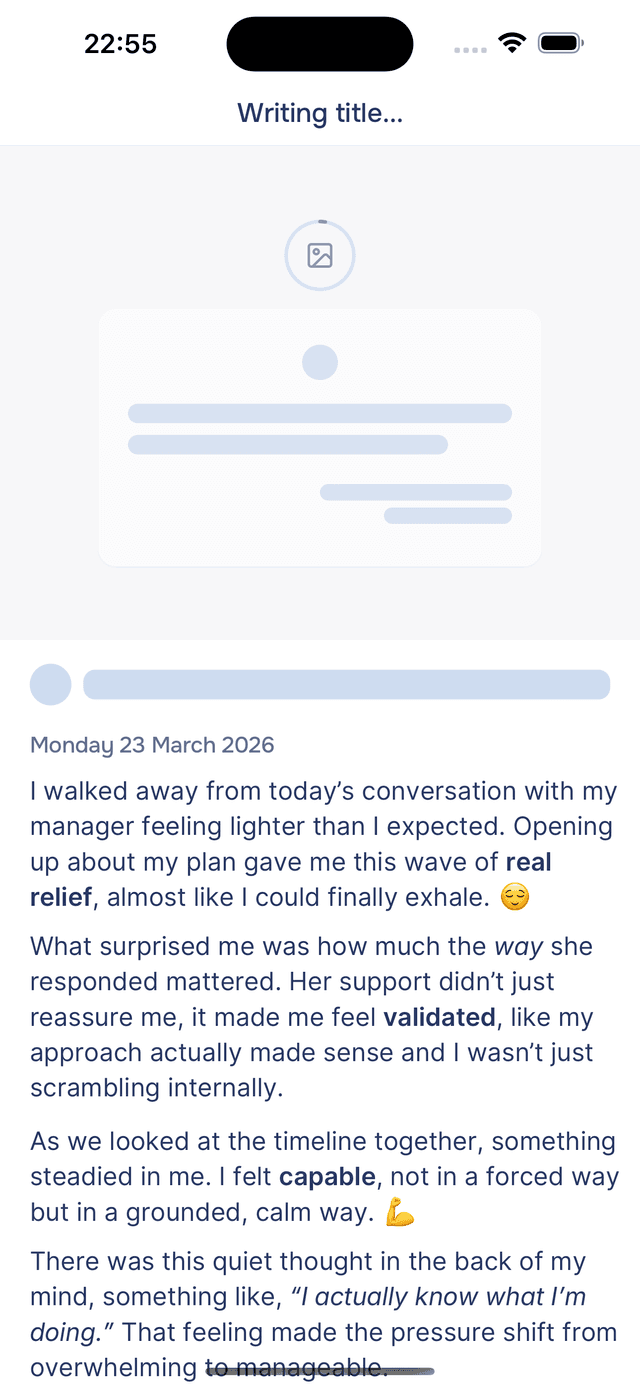
When you tap Add to Journal (or use the AI Prompts menu), your guide reads through the full conversation and writes a first-person journal entry in your voice. The entry uses your tone and style, focuses on the key themes and insights rather than a literal recap of the dialogue, and includes markdown formatting and expressive emoji.
You can edit the entry before saving. Tap Add to Journal to save it — you are taken directly to the new entry in your journal. See Saving to Journal for more.
Tips
- Not sure what to write about? Tap Journaling Prompts and let the guide suggest something based on what is already on your mind.
- Go as deep as you like. The follow-up questions are there to help you uncover details and feelings you might not surface when writing alone.
- The entry is written in your voice. The guide translates the conversation — not a transcript of it — so the result reads like something you actually wrote.