

Experience History
Review past experiences, track your progress, rename, and pick up where you left off.
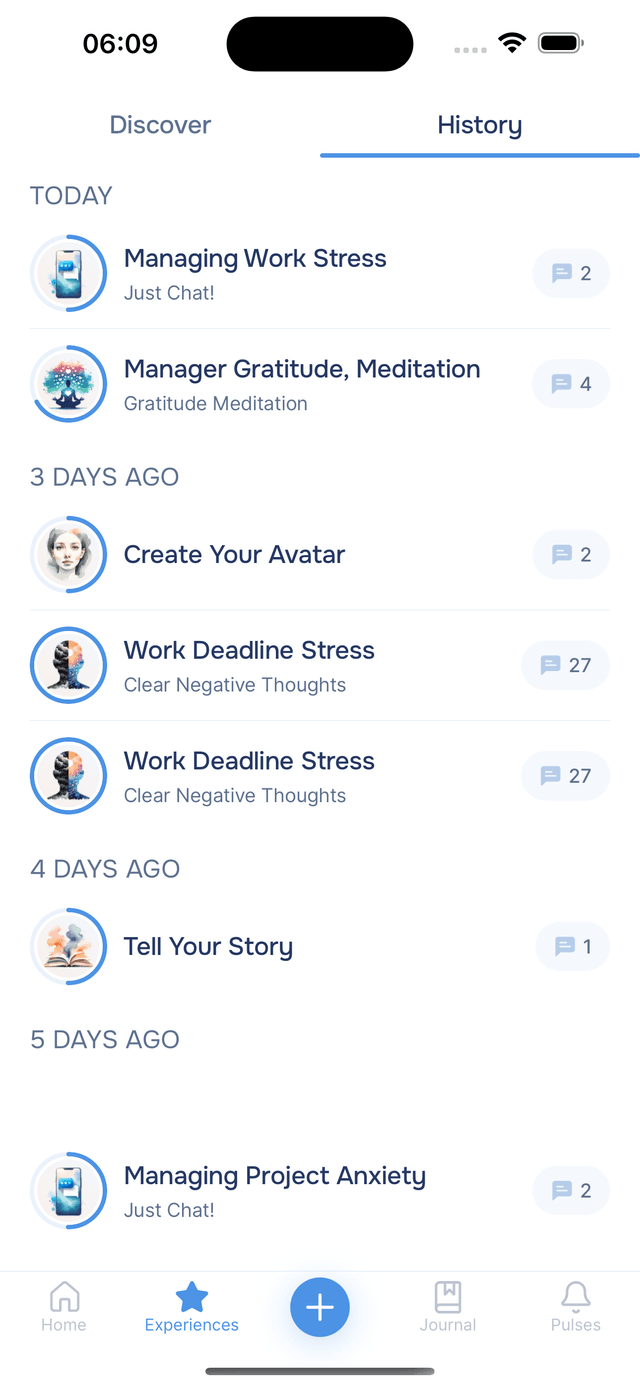
Every time you start an experience, Onsen saves your progress and conversation. Switch to the History tab at the top of the Experiences screen to see them all — in-progress experiences you can continue and completed ones you can revisit. They are grouped by time period — Today, Yesterday, Last week, and older — so you can quickly find what you are looking for.
Reading the History List
Each entry shows the experience name and type, along with two indicators:
- Progress ring — shows how far through the experience you got. A full ring means it was completed; a partial ring means it is still in progress.
- Message count — the number of messages exchanged during that experience.
Tap any entry to open it — in-progress experiences pick up where you left off, and completed ones let you review the full conversation.
Renaming and Deleting
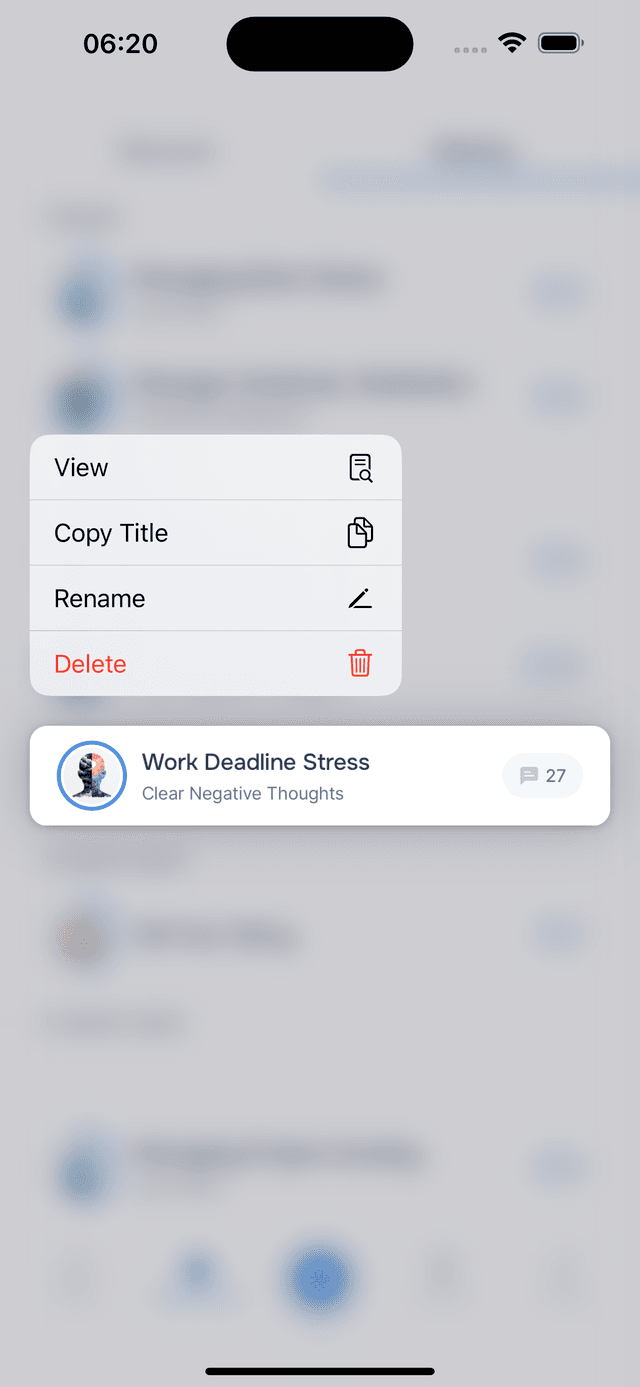
Long-press any experience to open the options menu. From there you can view, copy the title, rename, or delete it.
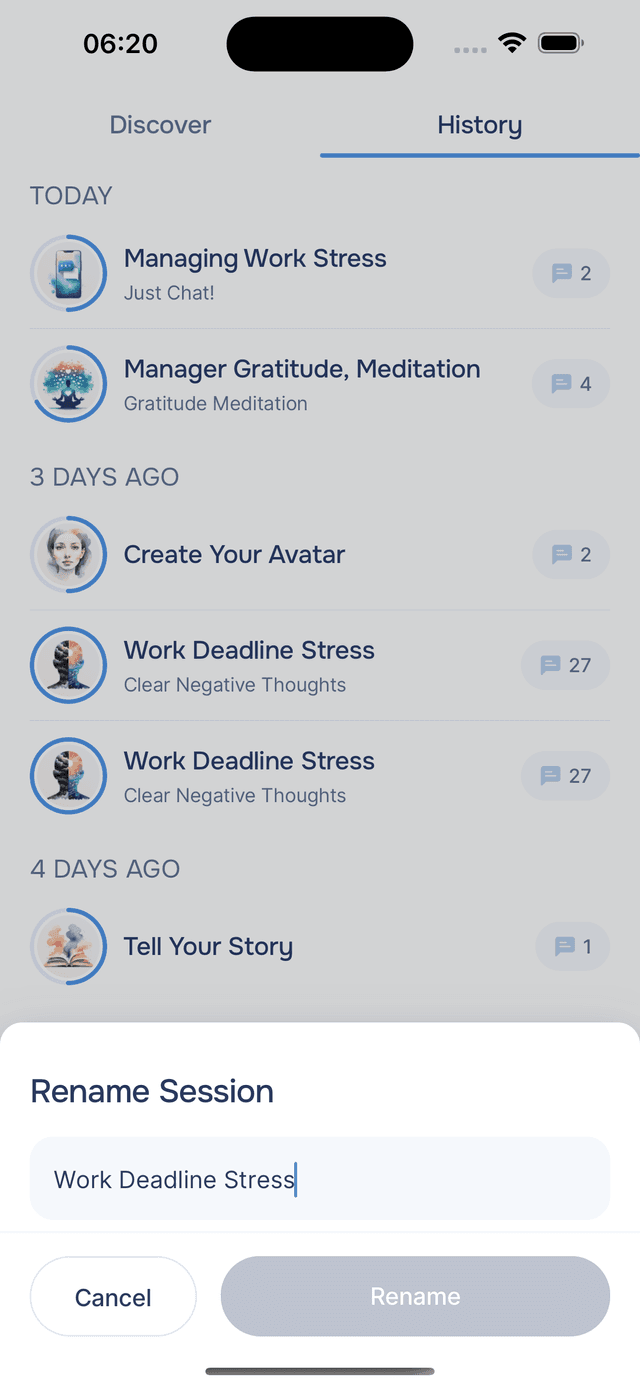
The AI automatically generates a title, so you usually don't need to rename — but you can always change it to something more specific, like "Evening gratitude" or "Work stress check-in", especially if you have run the same experience multiple times.
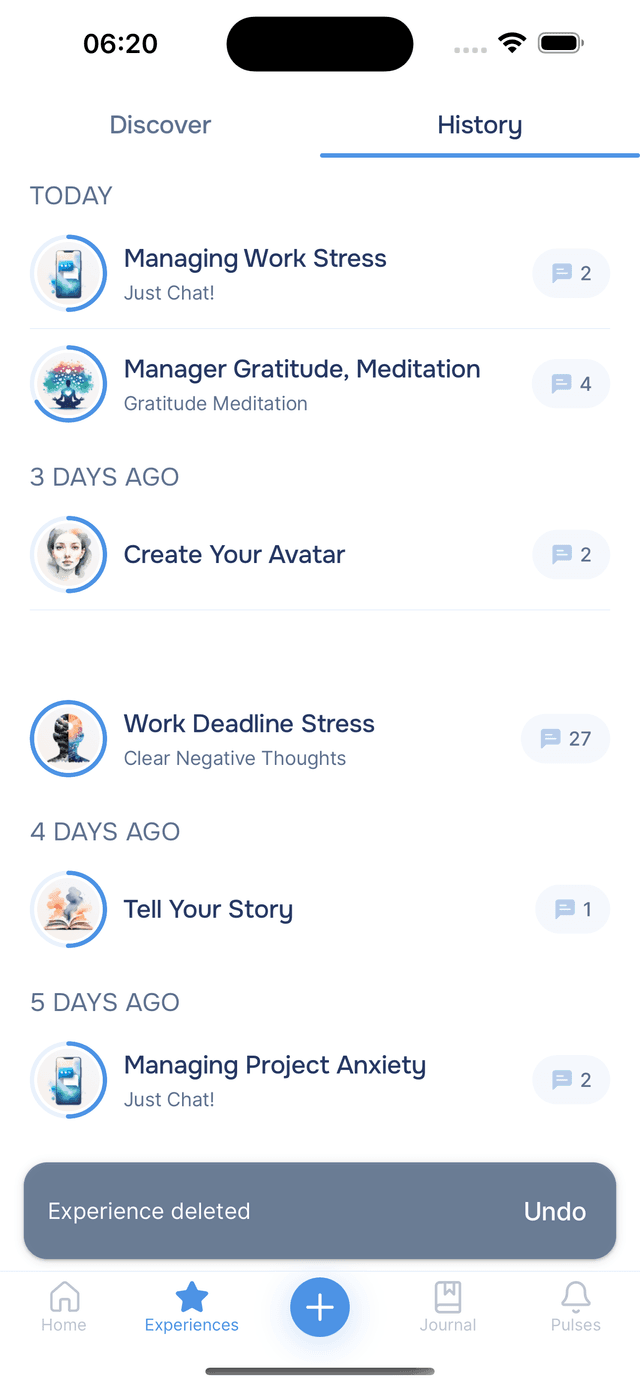
If you delete by mistake, tap Undo on the notification that appears at the bottom of the screen. Once it disappears, the deletion is permanent.
You can also access these options from inside an active experience by tapping the menu icon.
Tips
- Rename if needed — the AI generates titles automatically, but you can always rename for something more personal or specific.
- Don't worry about clutter — you can always delete old experiences to keep your history focused on what matters.