

Favourite Experiences
Heart the experiences you want to come back to and keep them together in their own tab.
Some experiences you try once. Others become the thing you reach for when you cannot sleep, or when a week has got away from you. Hearting an experience keeps it out of the library and close to hand.
Hearting an Experience
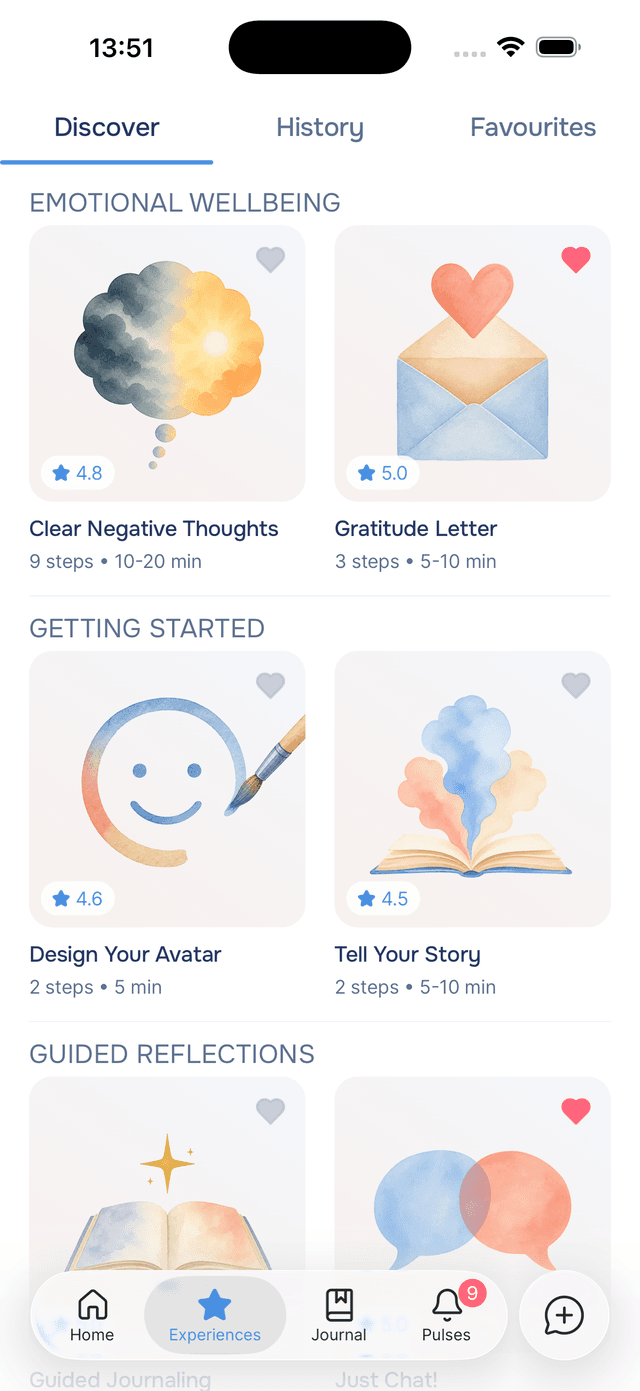
Tap the in the corner of any experience card while you are browsing Discover, or the heart in the header when you have an experience open to read about it. It fills red. Tap it again to remove it.
You do not have to have done an experience to heart it — if something looks right for later, save it now and come back when you have the time for it.

The Favourites Tab
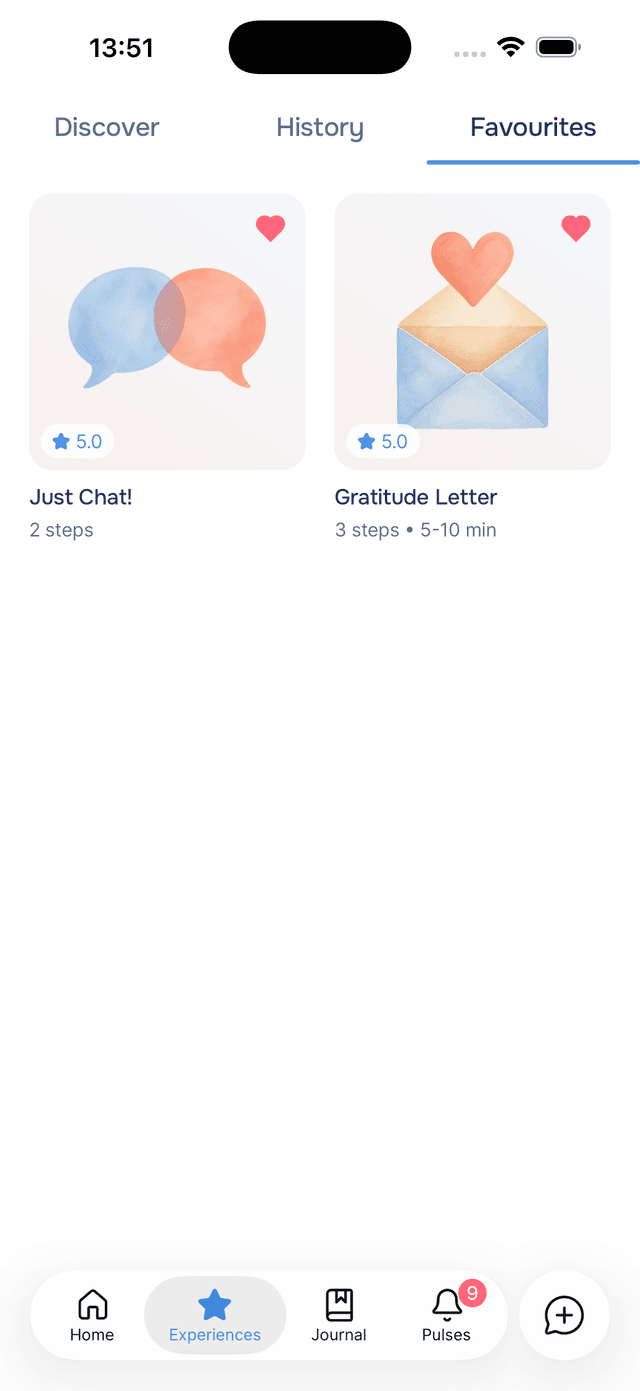
The Experiences screen has three tabs: Discover, History, and Favourites. The last one holds everything you have hearted, most recent first, as a grid of cover art. Tap any of them to read the details or start it.
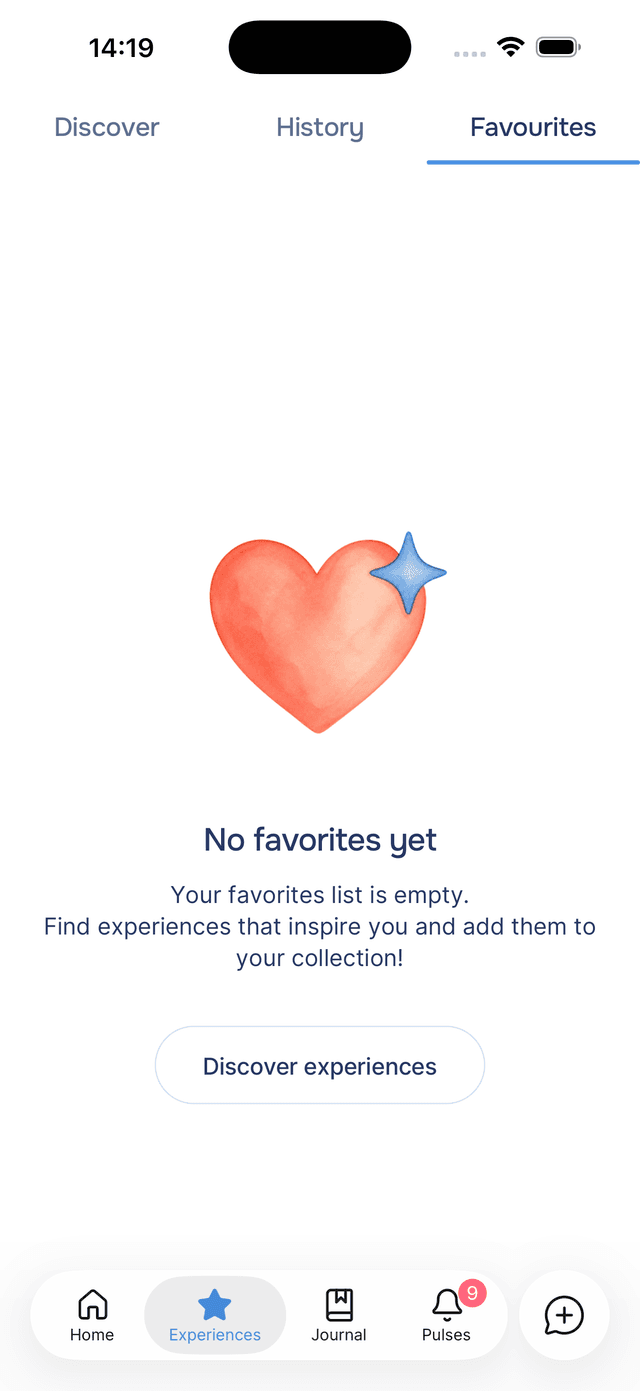
Until you heart something, the tab explains itself and offers a button through to Discover.
Tips
- Build a small shortlist — three or four experiences you know work for you beats a long list you have to read through when you are already struggling.
- Heart while browsing, start later — the library is big, and the moment you have time to explore is rarely the moment you need the experience.
- Favourites and History answer different questions — History is what you have done, Favourites is what you meant to keep.
- Journal entries have their own hearts — see favourite entries.