

Saving to Journal
Turn meaningful conversations into journal entries you can revisit, reflect on, and build on over time.
Overview
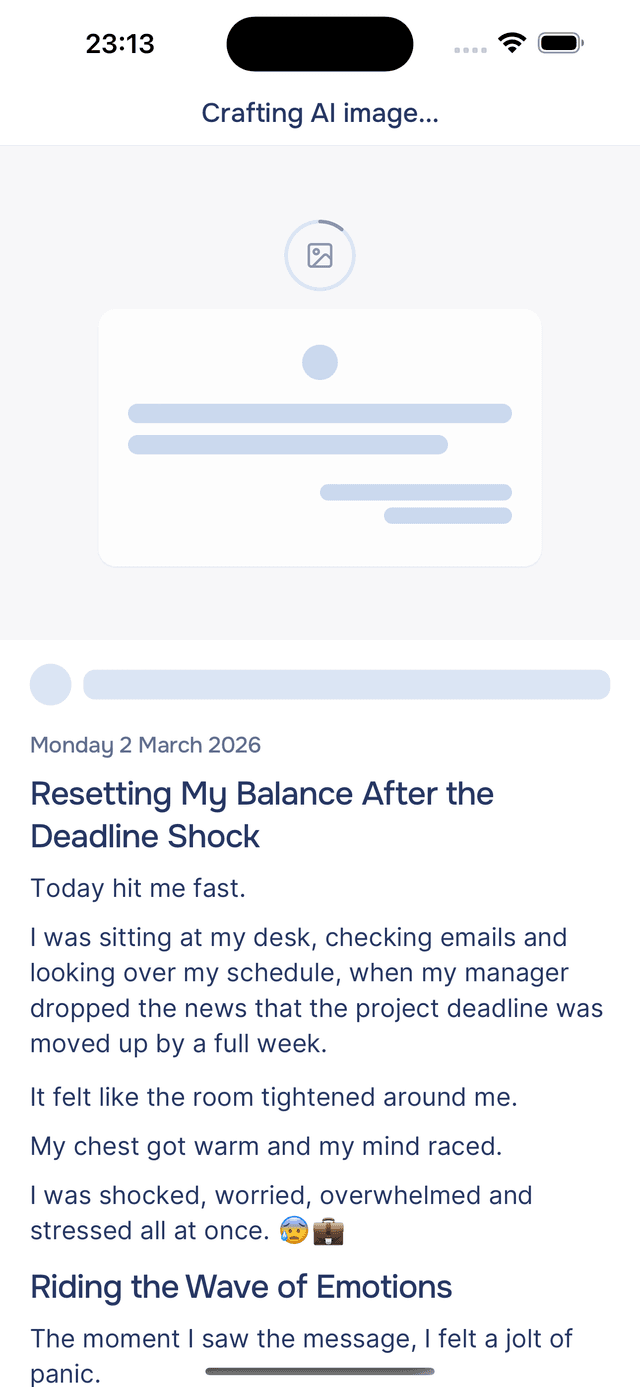
Had a meaningful conversation? You can save it as a journal entry so you can reflect on it later. Onsen packages the key parts of your conversation into a polished entry — complete with a title, summary, and mood tags — and adds it to your Journal tab. See Creating Entries for all the ways entries get created and what happens after you save.
How Saving Works
In Just Chat and Guided Journaling
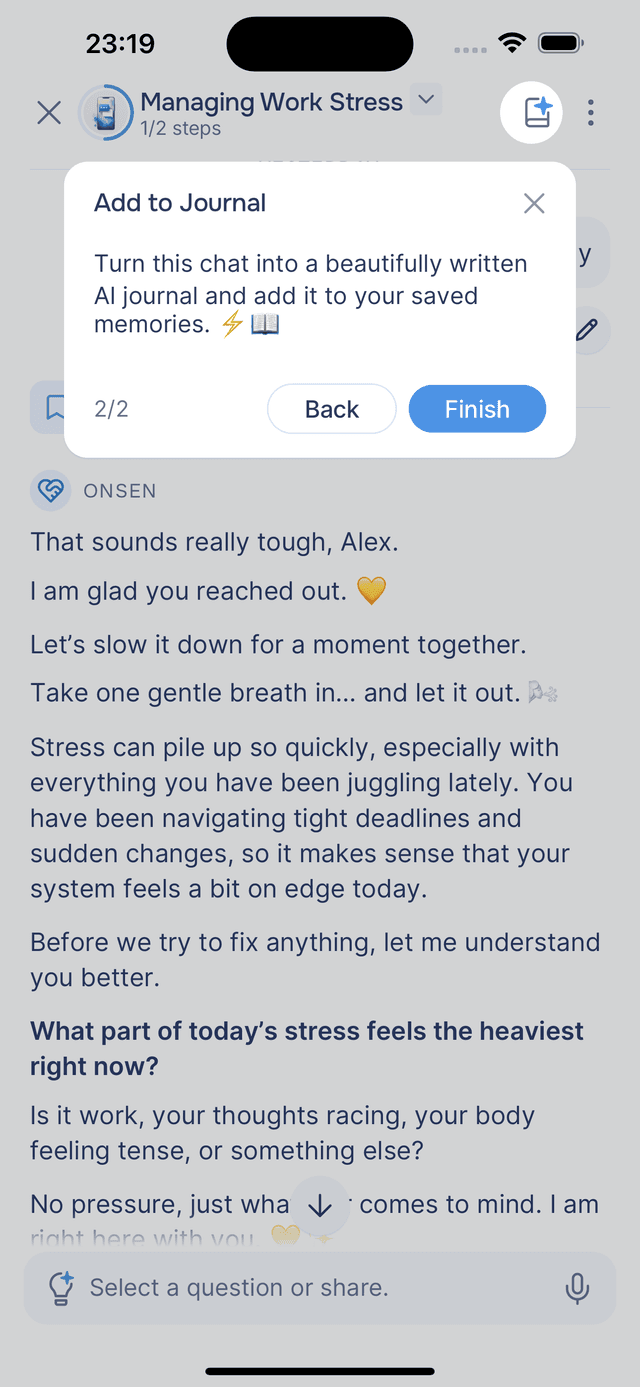
While chatting freely or journaling with the AI, tap the Add to Journal button in the top-right corner of the screen. The button appears once you have exchanged at least a few messages, giving the AI enough context to create a meaningful entry.
In Guided Experiences
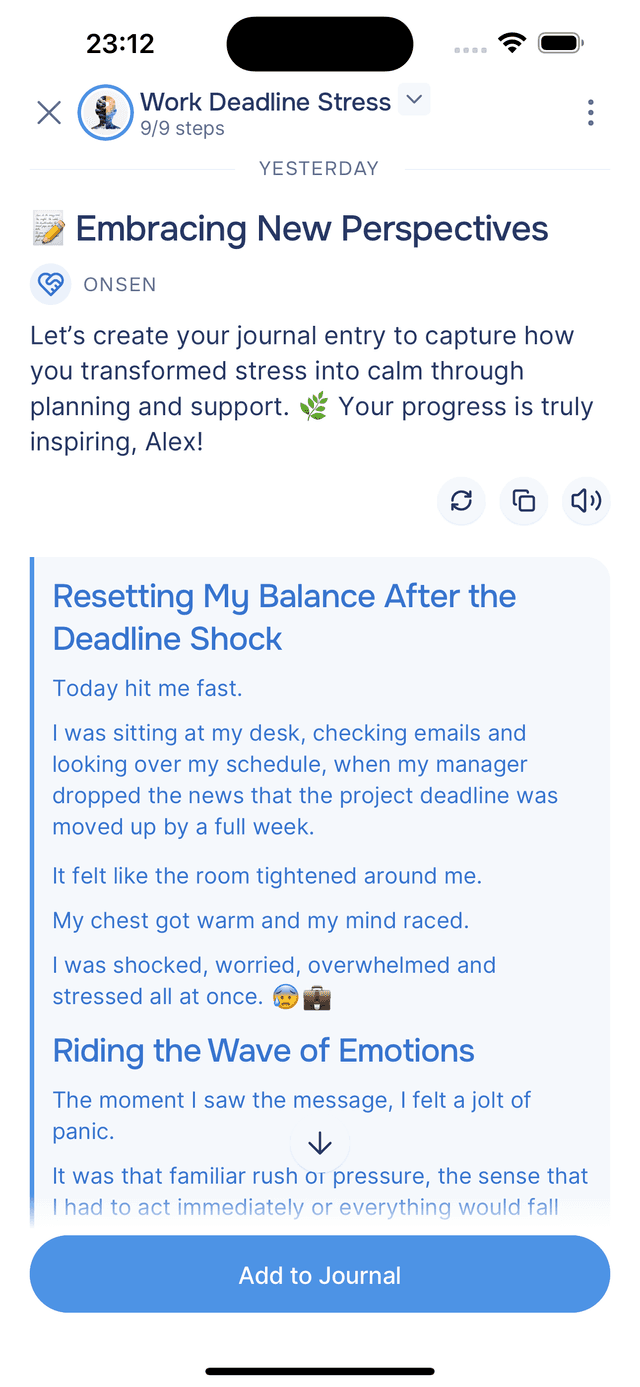
For guided experiences like meditations, emotional exercises, and check-ins, saving to your journal is built into the flow — it is always the last step. After completing the experience, the AI summarizes what you worked through and offers to save it. This way, your progress and reflections are captured automatically without any extra effort.
Building Onsen's Memory
Every journal entry becomes part of Onsen's memory. From each entry, Onsen extracts knowledge about your life — the people you mention, events you are going through, emotions you are feeling, goals you are working toward, and patterns in your thinking. Over time, this builds a rich understanding of who you are.
This means Onsen can remember what you talked about last week, ask how that difficult meeting went, or notice when a recurring theme comes up. The more you save, the more personalized and meaningful your conversations become.
Tips
- Save what matters — not every conversation needs to be saved. Focus on chats that gave you a new perspective or insight worth revisiting.
- Review after guided experiences — the automatic save at the end captures a summary of what you worked through, which is useful for tracking progress over time.
- Edit entries to make them yours — the AI-generated summary is a starting point. You can always edit the title, summary, or mood tags afterward.