

Practices
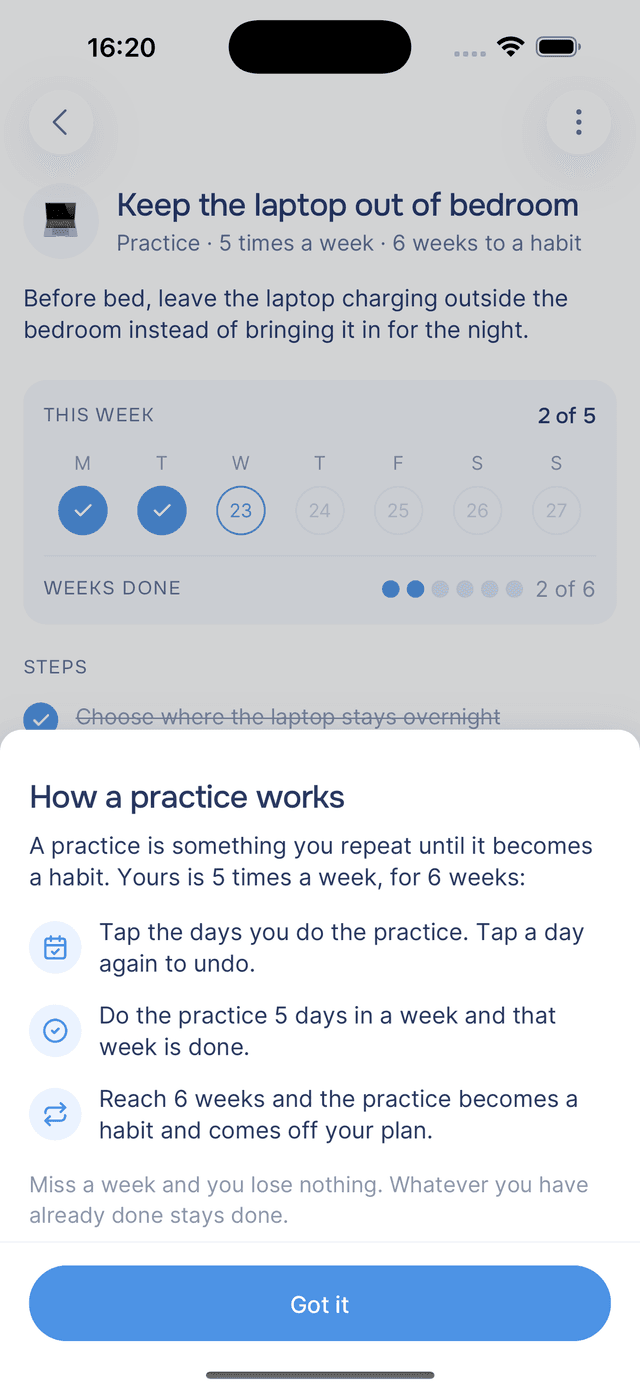
A practice is something you repeat until it becomes a habit. You mark the days you do it and aim for a target each week, every two weeks or each month.
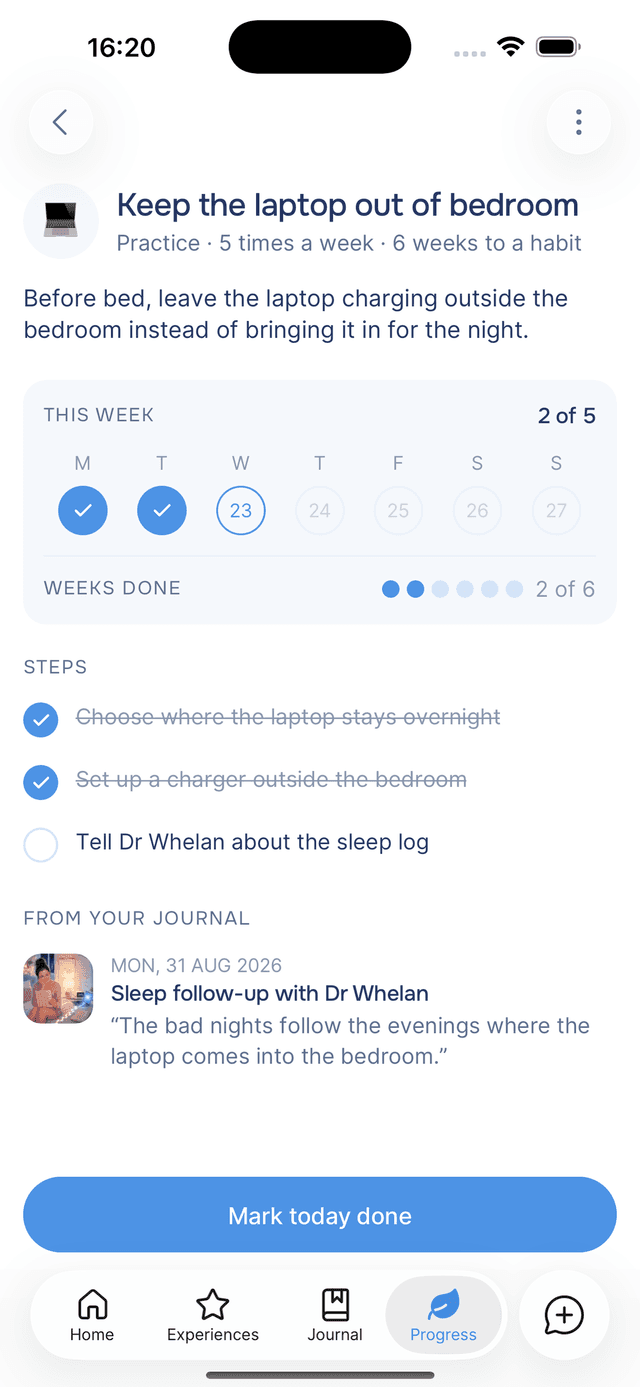
A practice is something you repeat until it becomes a habit, such as "Walk the dog before work" or "Keep the laptop out of the bedroom". Each practice has a target, how many days to do it in a week, in two weeks or in a month, and a length, how long to keep going. You mark the days you do it. Each week, two weeks or month in which you reach the target is done, and once you have done enough of them, the practice becomes a habit and moves off your plan.
Target and Length
The line under a practice's name shows both. Your guide sets them from what you wrote, and a practice can run on one of three rhythms:
| Rhythm | Example | Progress shown as |
|---|---|---|
| Weekly | 5 times a week · 6 weeks to a habit | Weeks done |
| Every two weeks | 2 times every two weeks · 8 weeks to a habit | Done so far |
| Monthly | Twice a month · 4 months to a habit | Months done |
A practice with no target reads As often as you like. There is no number to reach, so mark as many days as you like.
Marking the Days You Do It
Open a practice to see the days of its current week, two weeks or month, with today ringed. Tap a day to mark it, and tap it again to undo. Days that have not happened yet cannot be marked.
To mark today, tap Mark today done at the bottom of the screen. The button then changes to Undo today.
On the Plan screen, each practice's row shows a row of circles, one filled in for each week, two weeks or month done.
Tracking Your Progress
When you do a practice on the target number of days within its week, two weeks or month, that stretch is done. The bottom of the card shows your progress, for example 2 of 6, labelled as in the table above.
Missing one is not taken off. Whatever you have done stays done, and it does not need to be in a row.
Becoming a Habit
When you have done all the weeks or months a practice asks for, it moves to Done, labelled A habit now, and frees a place on your plan.
To finish a practice early, tap and choose Mark as a habit. Only you can finish a practice early; your guide cannot.
Home Reminders for Practices
When a practice is falling behind and you can still catch up, Home reminds you once, with a card such as This practice needs 2 more days this week and a Mark today done button. See Home nudges.
Tips
- Mark days as you go — marking on the day is more accurate than catching up later.
- Carry on after a missed week or month — nothing you have already done is lost.
- Archive a practice that no longer applies — it is kept under Archived and can be unarchived at any time.
Your Plan
Your plan holds the practices, goals and tasks your guide picks out of your journal entries, and it appears on the Progress tab, in each entry and on Home.
Goals and Tasks
Goals and tasks are the items on your plan that have an end. You tick off steps and tasks yourself, and your guide marks them done when an entry says they are finished.