

What's on Your Mind?
Type or speak what's on your mind and get a personalized AI response with recommended experiences.
Overview
Don't feel like browsing? Just tell Onsen what is on your mind. The quick input field on the Home screen lets you type or speak your thoughts, and your AI guide responds with empathy and suggests experiences tailored to what you shared.
The Quick Input Field
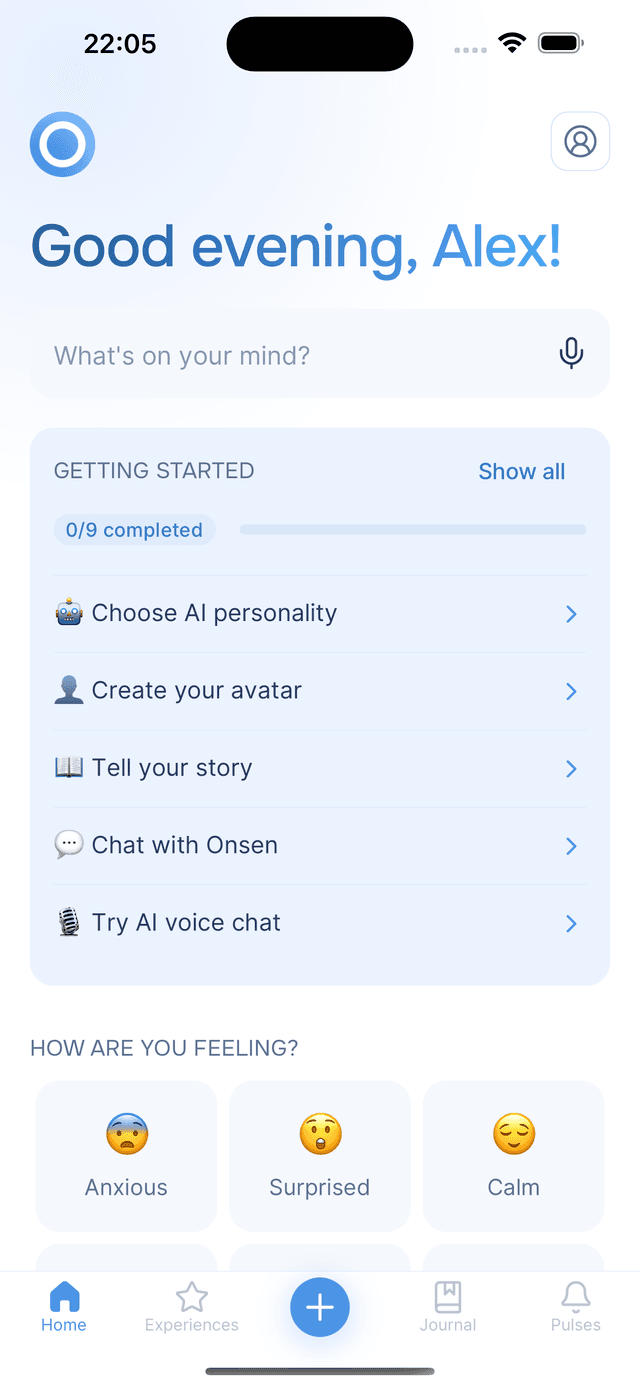
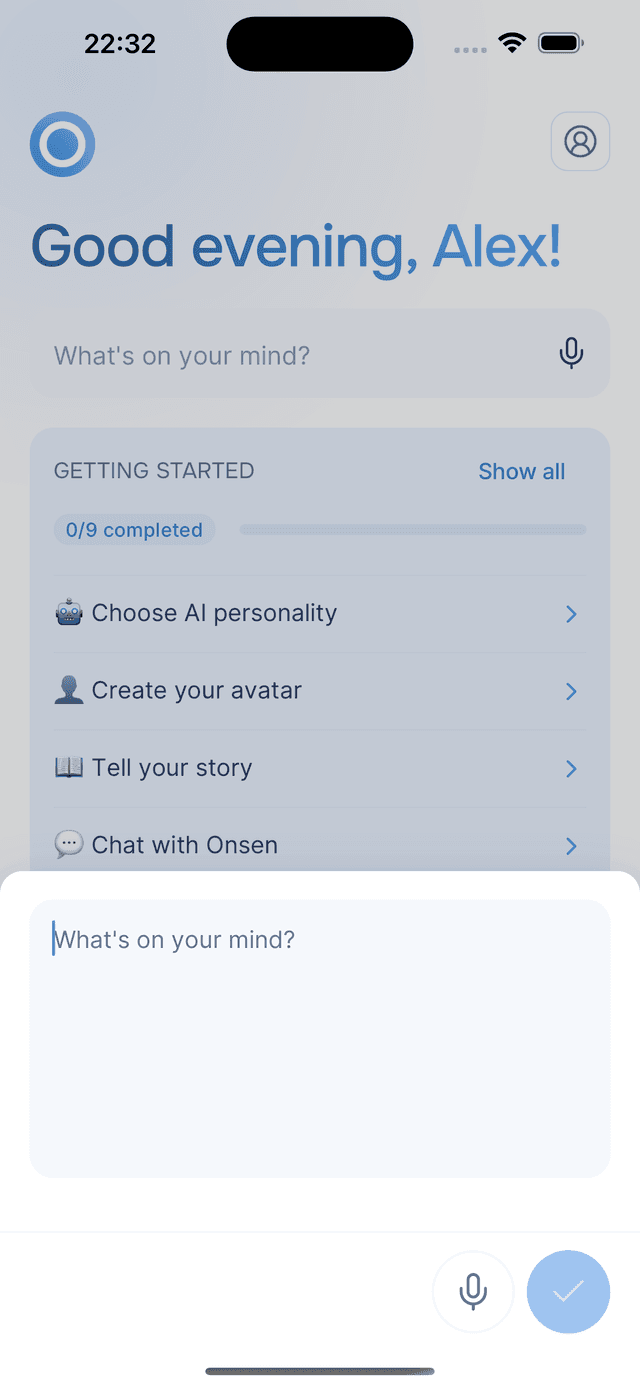
Right below your greeting on the Home screen, you will see a text field that says "What's on your mind?" with a microphone icon. Tap it to open a full input area where you can write or dictate freely — there is no required structure, just say whatever comes to mind.
Typing Your Thoughts
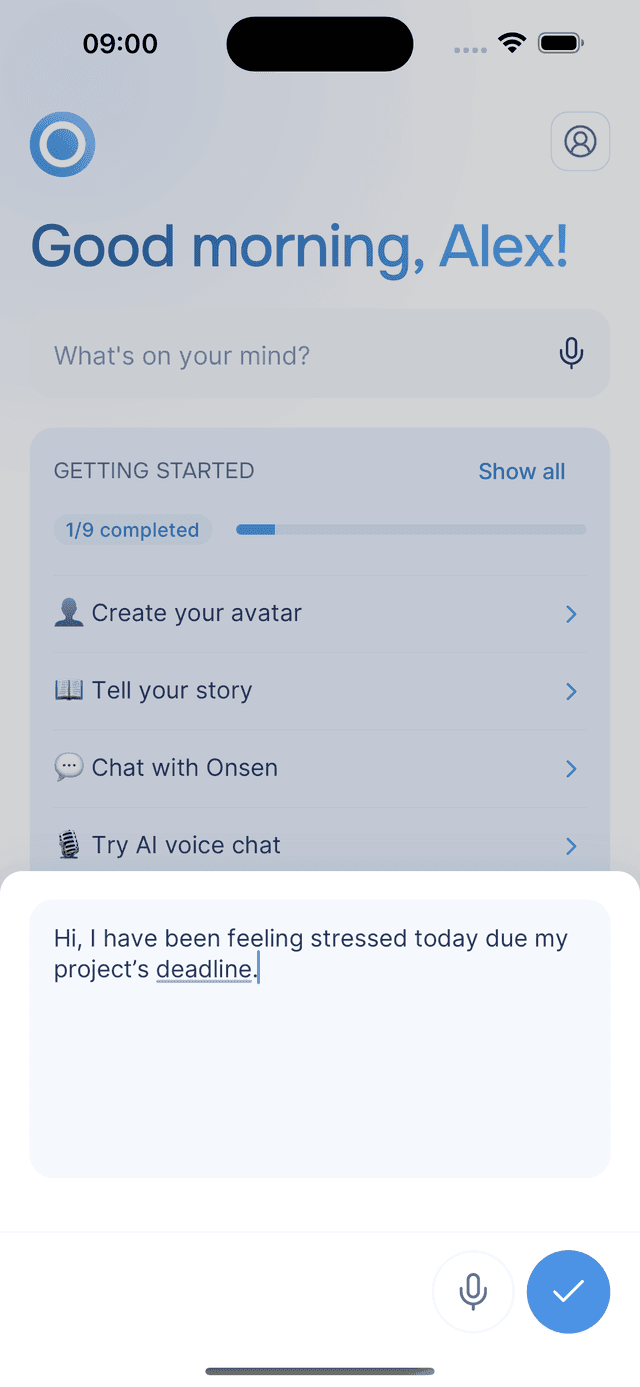
Start typing whatever is on your mind. There is a 1,000-character limit — a counter appears as you get close, and turns red if you go over.
Speaking Instead of Typing
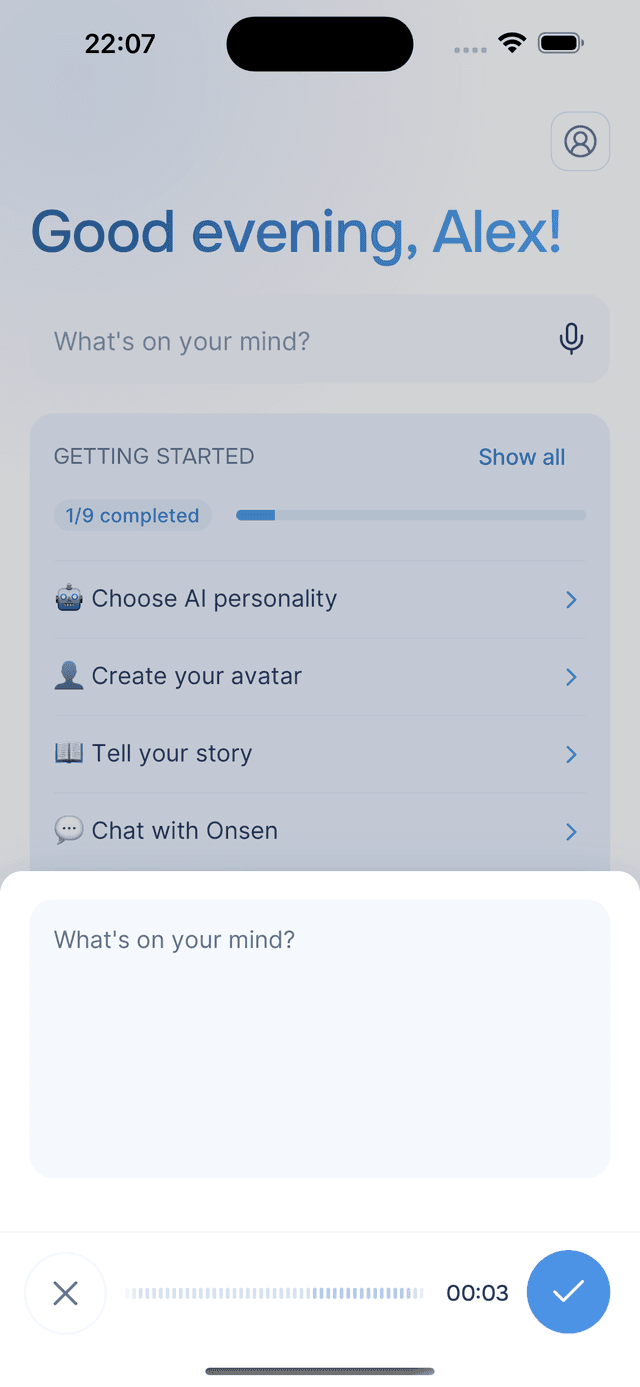
Prefer to talk? You can start voice input two ways:
- Tap the microphone icon on the Home screen — recording starts automatically.
- Open the input area first, then tap the microphone button.
Speak naturally, and when you are done, tap submit to transcribe your speech. The text appears in the input area so you can review and edit it before sending. You can also combine voice and typing — each new recording appends to whatever text is already there.
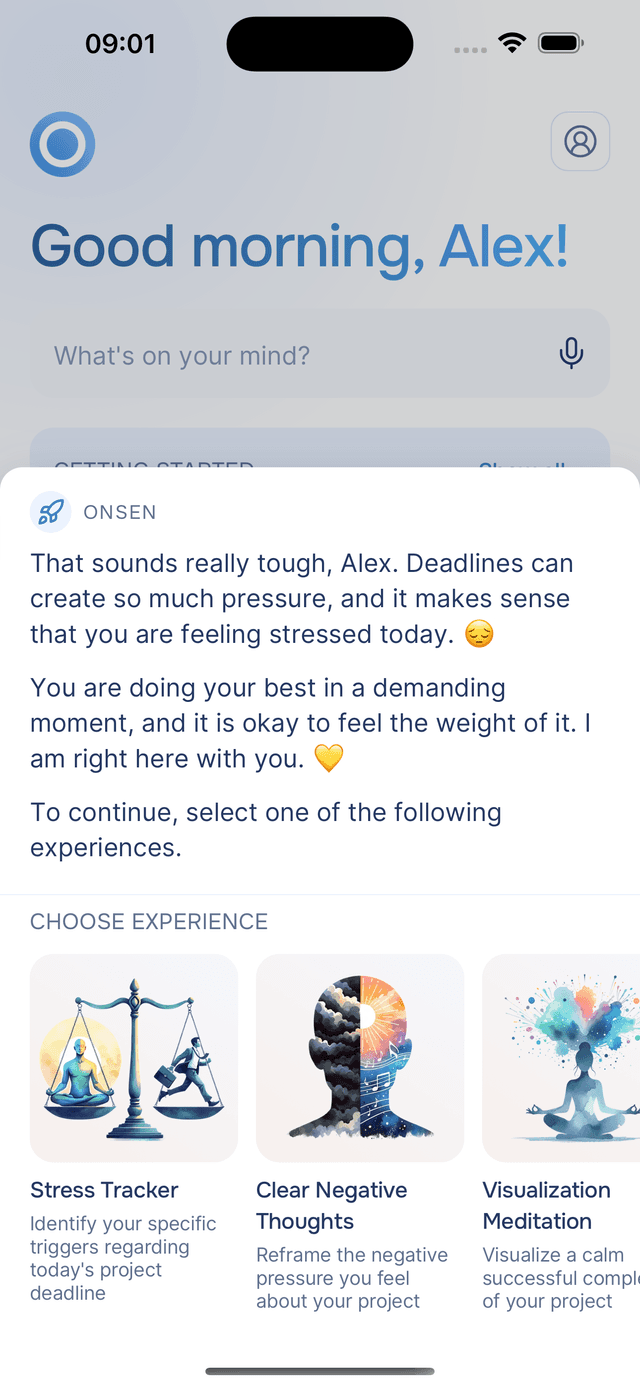
Your AI Guide's Response
When you submit, your AI guide responds with a thoughtful message that acknowledges what you shared and offers perspective. Below the message, Onsen recommends personalized experiences based on what you said and your past journal entries — so the suggestions are grounded in both what you are feeling now and what you have been writing about recently.
Tap any recommendation to start it right away, or dismiss to return to the Home screen.
Tips
- Speak in a quiet environment — for the best transcription accuracy.
- No need to overthink it — a single sentence or a rambling paragraph both work. The AI adapts to whatever you share.
- Use it as a quick check-in — even a brief thought can lead to a personalized recommendation that is exactly what you need.
- Voice input needs internet — if transcription is unavailable (for example, due to usage limits), you will see a notification explaining why.