

Usage Limits
How usage limits work, what happens when you reach one, and how resets work.
Overview
Onsen uses usage limits to keep its AI services running smoothly for everyone. Both Free and Premium plans have limits, though Premium limits are significantly higher — 10× across all categories. Your exact limits and current usage are always visible in Settings → Usage.
What Gets Tracked
| Action | What It Covers |
|---|---|
| Messages | Chat messages sent in conversations and guided experiences |
| Read Aloud | AI voice playback of chat messages (text-to-speech) |
| Voice Input | Voice-to-text transcription when you speak your messages |
| Images | AI-generated artwork for your journal entries |
| Entry Insights | Each time Onsen analyses an entry: summaries, emotions, hashtags, knowledge and your plan |
How Limits Reset
Usage operates on rolling time windows. You may have separate limits for different time periods (hourly, daily, weekly, and monthly). When you have active usage, the reset time is shown beneath the progress bar. Limits refresh automatically — no action needed on your part.
Approaching a Limit
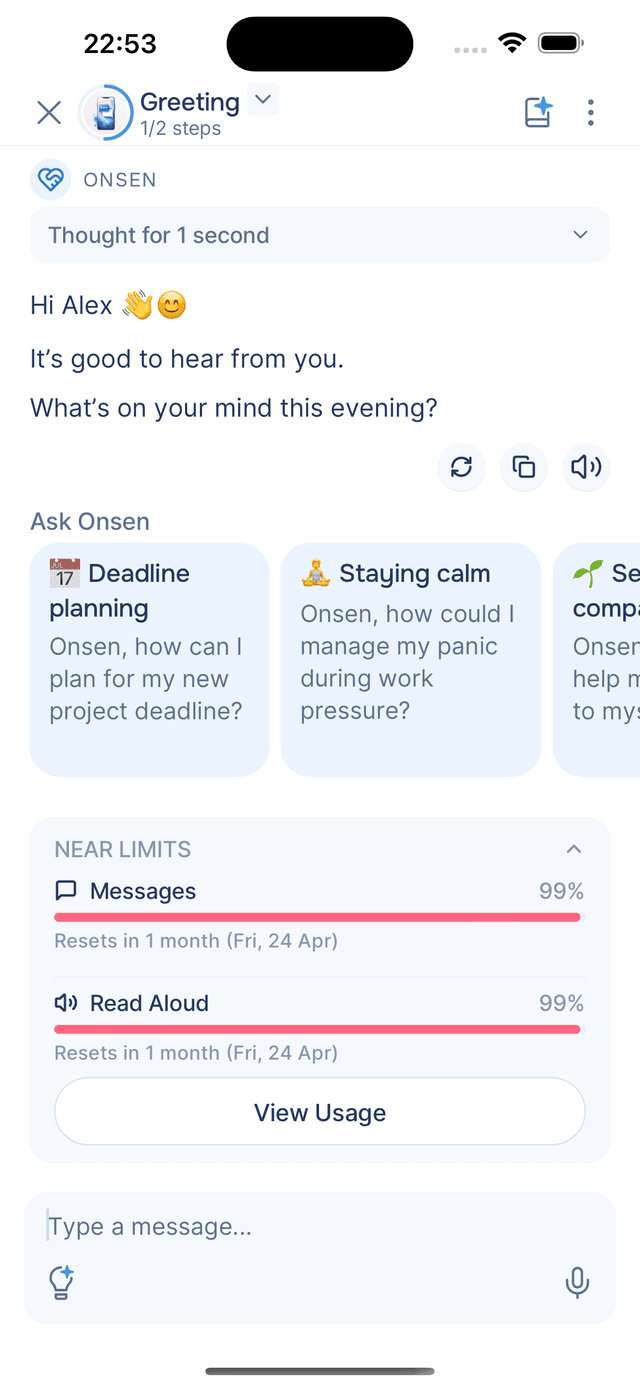
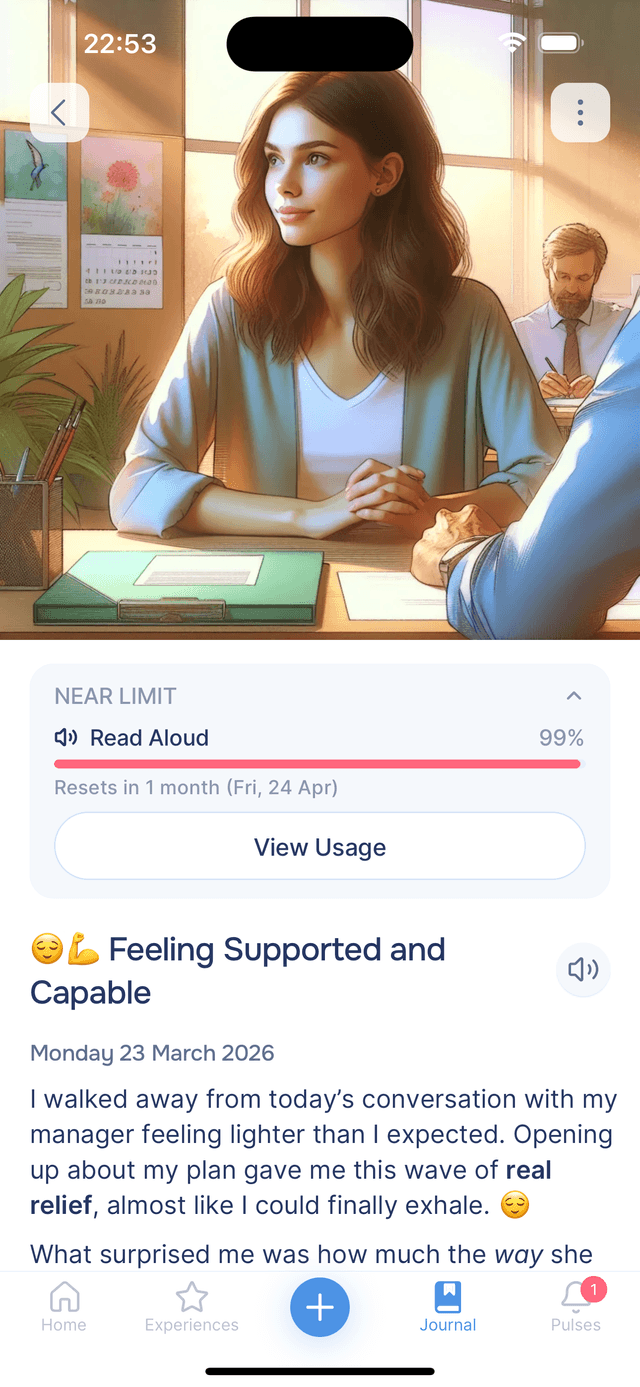
When you're close to a limit, an inline warning appears showing which actions are running low, with progress bars and reset times. You can dismiss it for now.
At the Limit
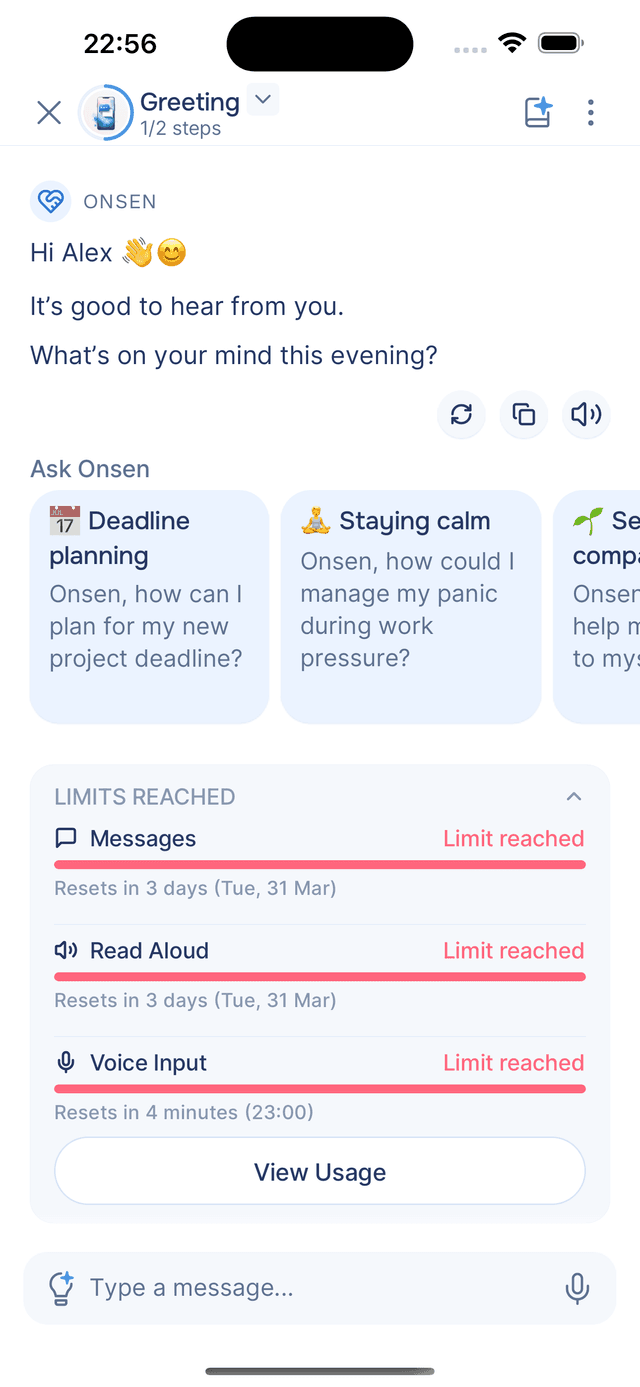
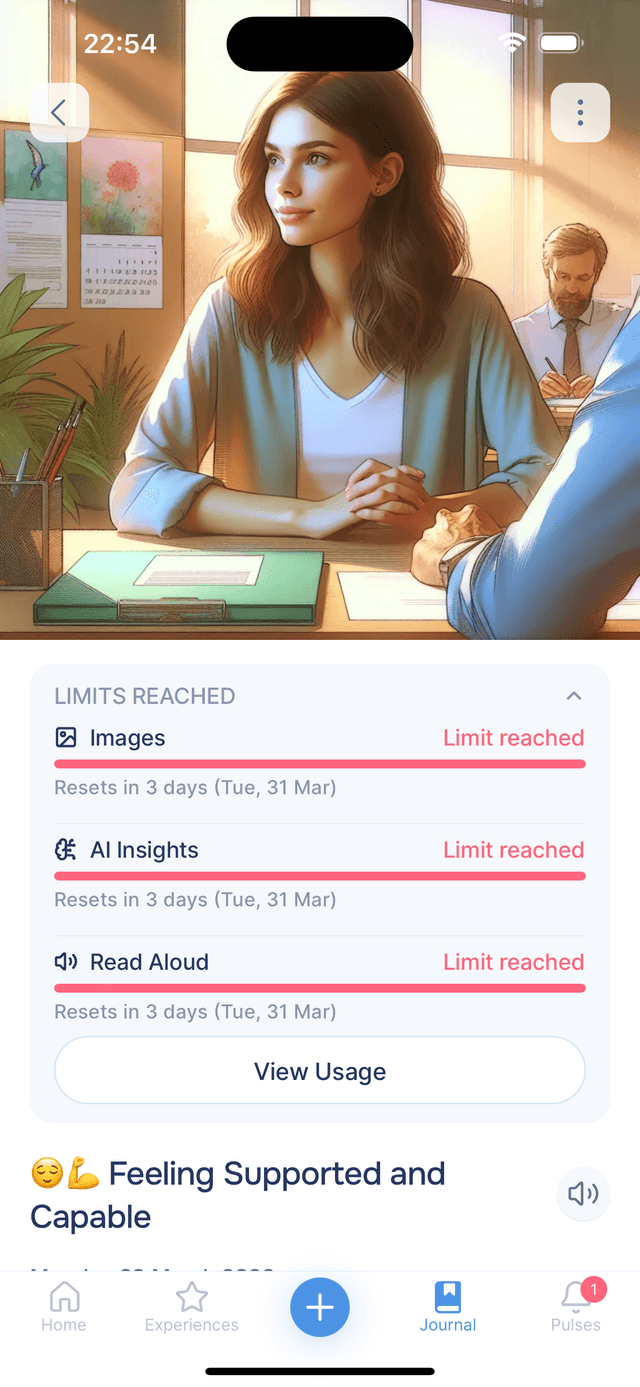
The action is temporarily blocked and a message explains which limit you reached and when it resets. You can continue using other parts of the app — the block lifts automatically when the time period resets.
Blocked Actions
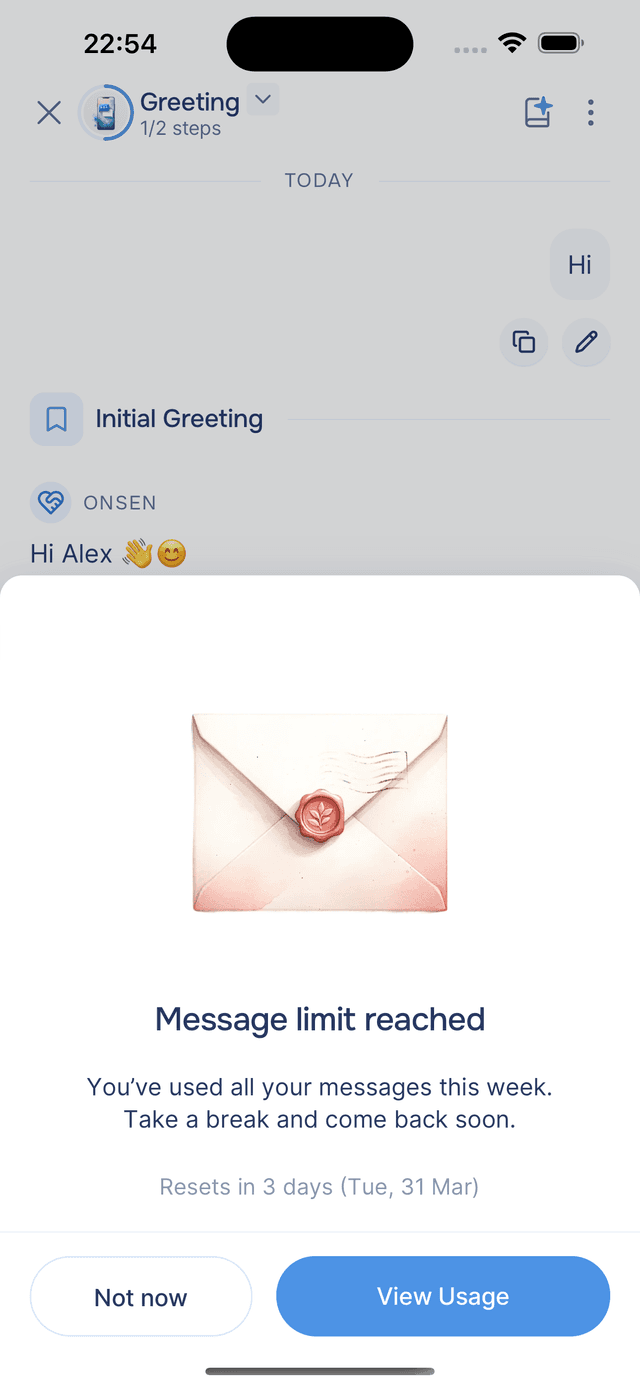
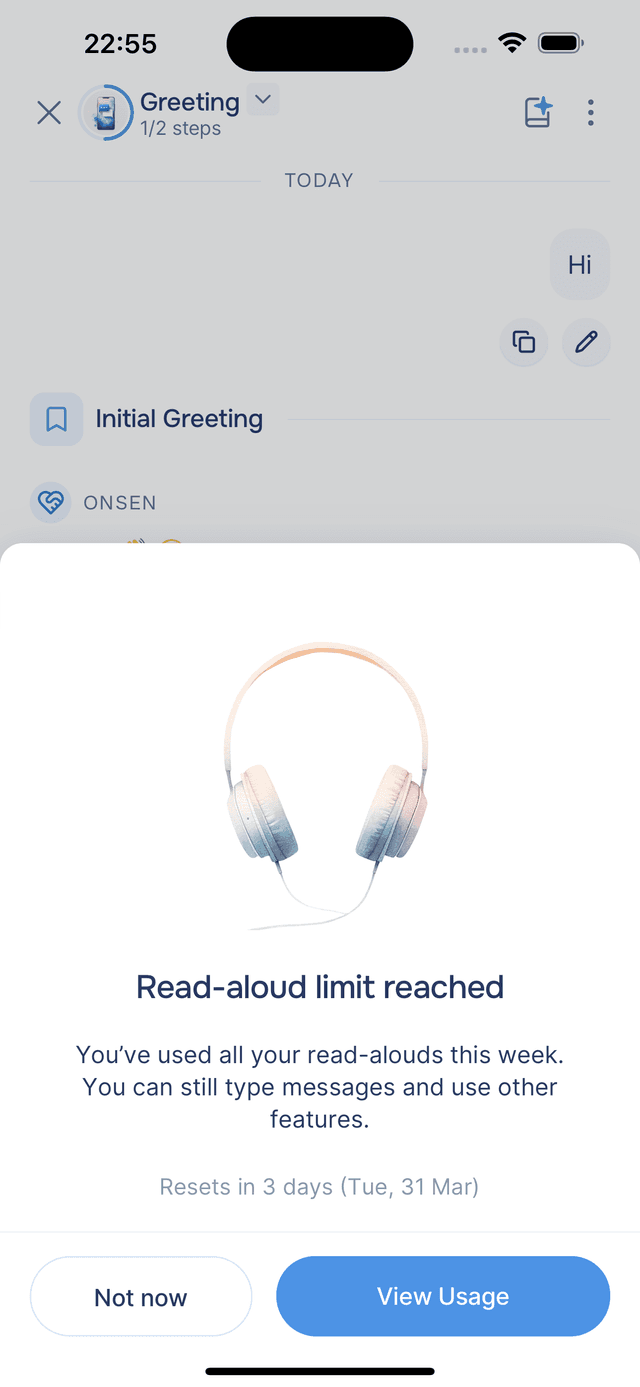
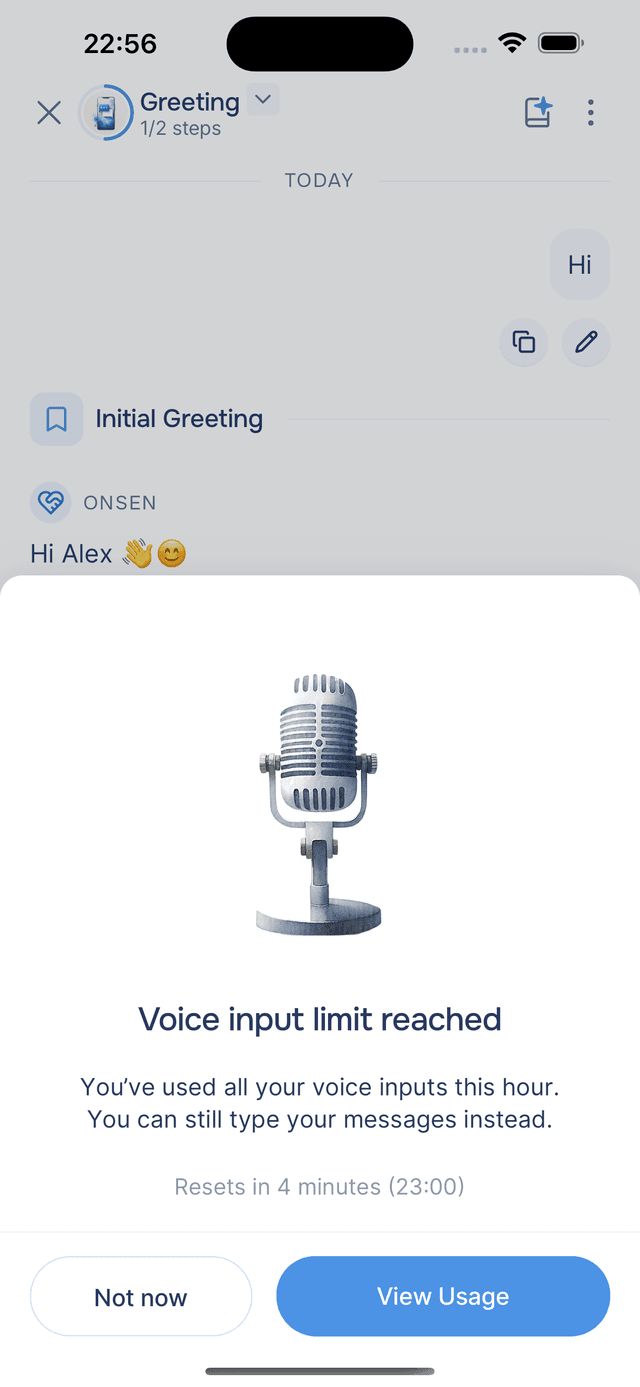
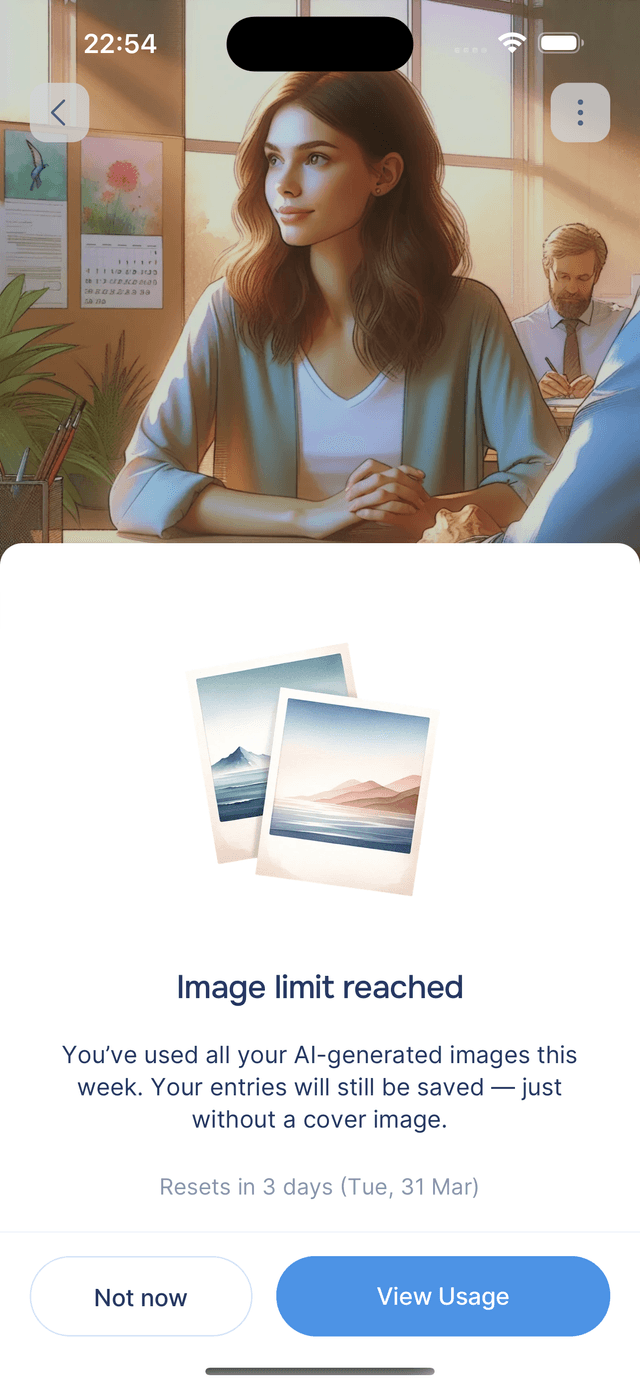
Each action type shows its own message when you try to use it, with a clear explanation and reset time.
Messages
You've sent all your messages for the period. Take a break and come back soon.
Read Aloud & Voice Input
You can still type messages and use other features normally.
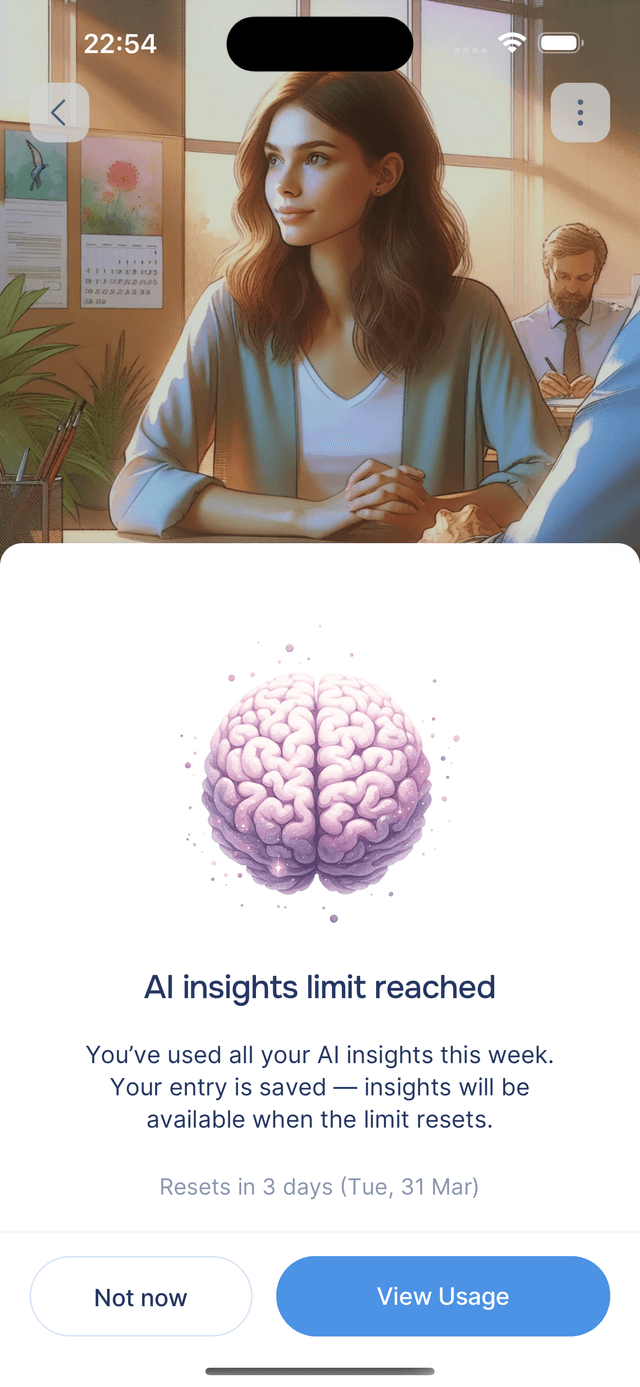
Images & Entry Insights
Your entries are still saved, just without a cover image or AI-generated metadata until the limit resets.
Need More?
If you hit a limit, you can wait for it to reset — the block lifts automatically. If you frequently run into limits on the Free plan, Premium gives you 10× the capacity across all action types. See Plans for a full comparison.