

Resume Experiences
Pick up paused guided experiences right where you left off.
Overview
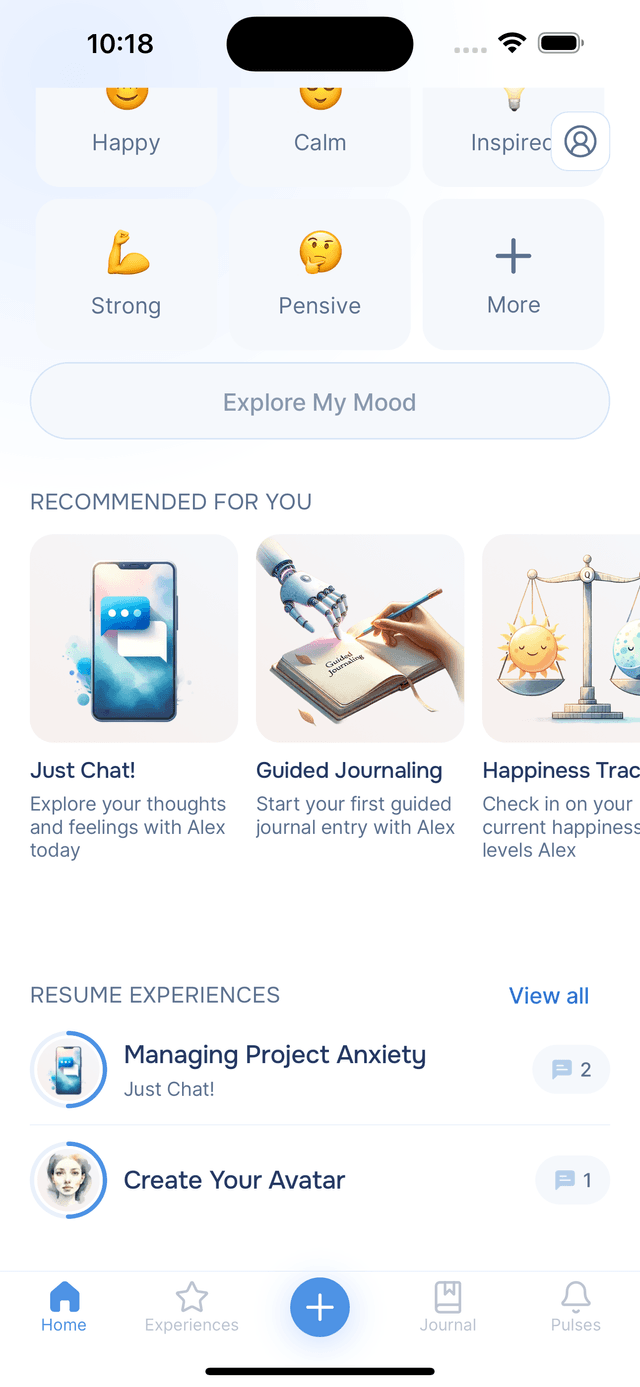
Below the recommendations on the Home screen, you will find Resume Experiences — a list of experiences you have started but not yet finished. Life gets busy, and this section makes it easy to come back and continue where you left off without losing any progress.
Picking Up Where You Left Off
Each entry shows the experience name, the type of experience, and a message count so you can see how far along you are. Your most recent experience appears first, making it easy to find what you were working on last.
Tap any experience to jump straight back in — your AI guide remembers everything from your previous responses, so the conversation picks up naturally right where you left off. This means you can work through longer experiences at your own pace — a few minutes here and there — without worrying about losing your train of thought.
Managing Your Experiences
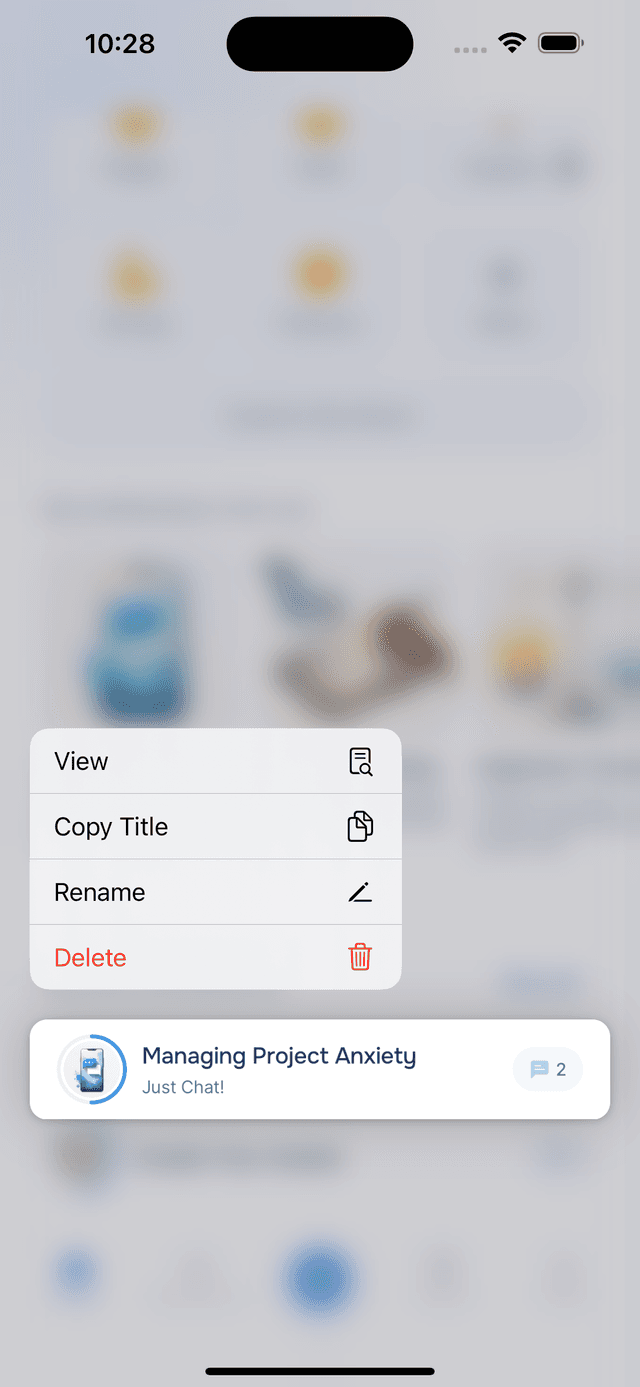
Want to manage an experience? Long-press it to bring up a menu with several options:
- View — open the experience without continuing the conversation
- Copy Title — copy the experience title (the AI-generated name for your conversation) to your clipboard
- Rename — give the experience a custom name to help you remember what it was about
- Delete — remove the experience from your list
Renaming an Experience
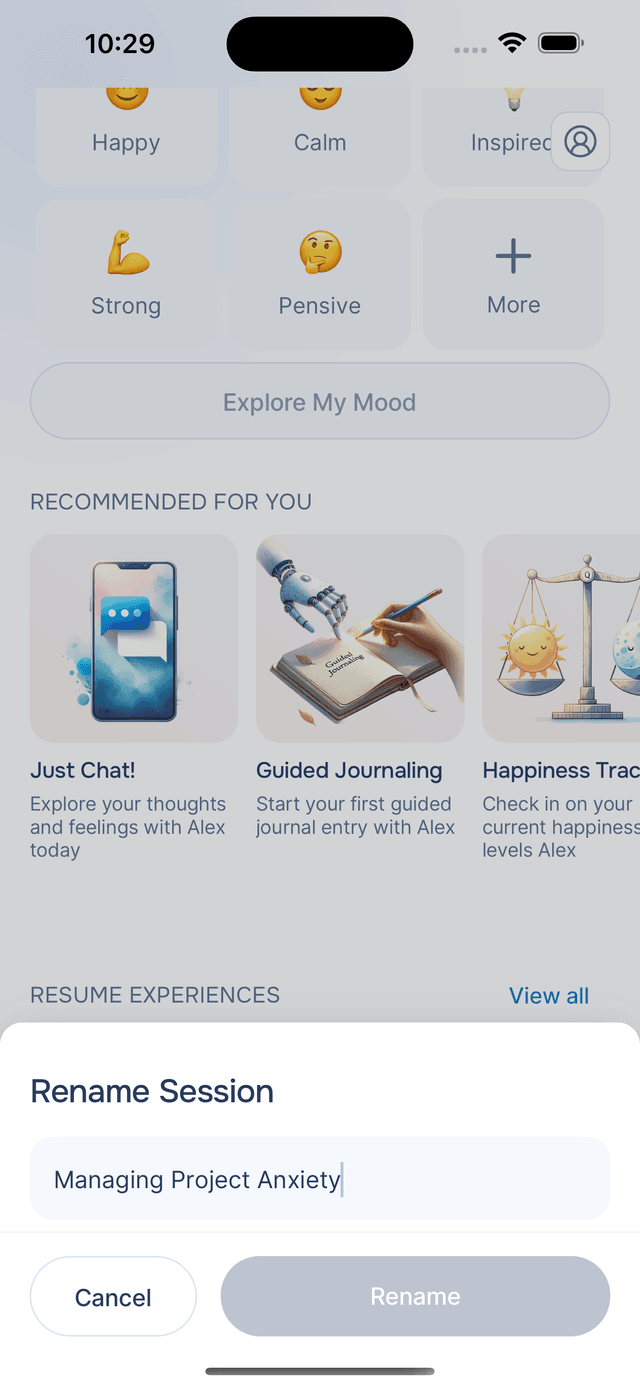
If you are running the same type of experience multiple times — say, several "Just Chat" conversations about different topics — renaming helps you tell them apart. Tap Rename from the long-press menu, type a new name, and tap Rename to save it.
Deleting an Experience
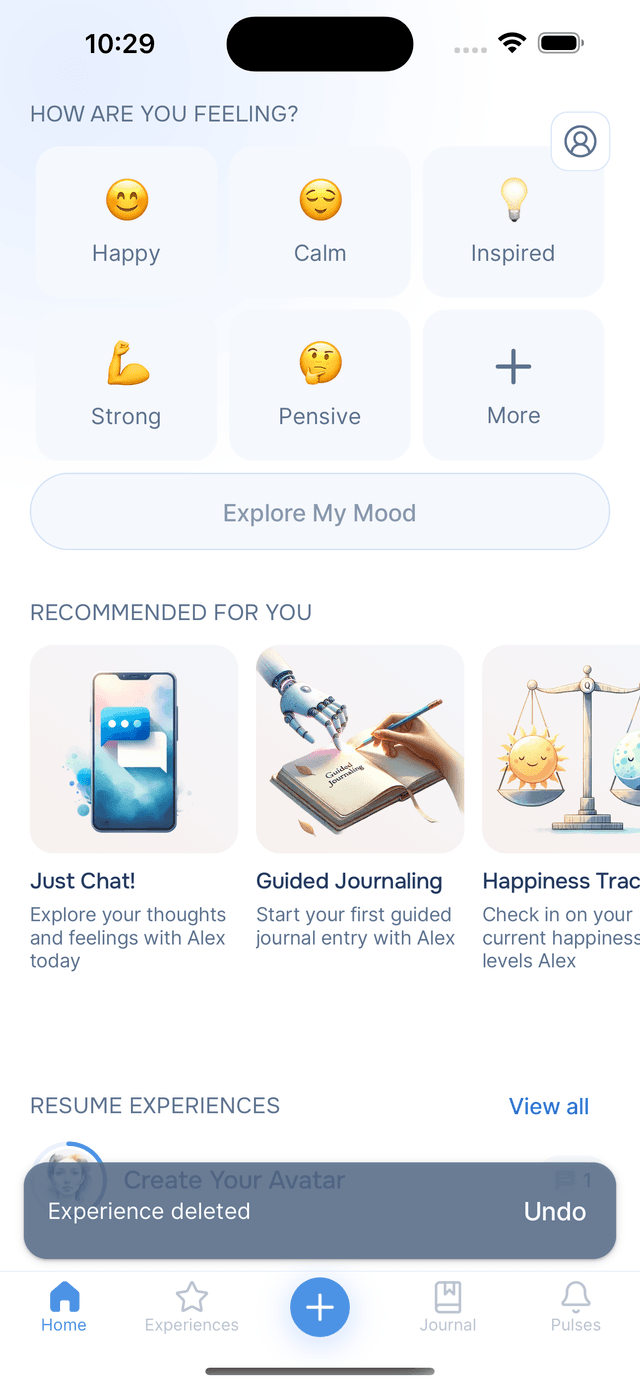
If you no longer need an experience, choose Delete from the long-press menu. Changed your mind? An undo option appears at the bottom of the screen for a few seconds, so you can bring it back with a single tap.
Viewing All Experiences
The Resume Experiences section on the Home screen shows your most recent in-progress experiences. To see your complete history — including finished ones — tap View all to head over to the Experiences tab.
Tips
- No pressure to finish in one sitting — paused experiences save automatically, so you can pick up any time.
- Rename for easy recall — custom names like "Monday morning reflection" are easier to find than generic titles.
- Keep your list tidy — delete experiences you no longer need so the ones that matter stay easy to find.