How we built truly personalized push notifications
Not segments. Not templates. Messages written by AI for one person at a time.
Every app sends push notifications. Most of them are terrible. "Hey, we miss you!" "Check out this new feature!" "You have unread messages!" They're broadcast to millions of users simultaneously, and they feel like it.
We wanted to build the opposite: a notification system where every single message is written specifically for one person, by an AI that has read their journal and understands what they're going through. This is how we built it.
The problem with traditional push notifications
In traditional customer lifecycle management (CLM), you work with segments and templates:
- Define a segment: "Users who haven't opened the app in 7 days"
- Write a template: "Hi , we noticed you've been away..."
- A/B test two variants
- Send to everyone in the segment
The "personalization" is a name token and maybe a product recommendation. Every user in segment A gets message variant A. It's not personalization. It's segmentation.
We wanted something fundamentally different: a system where the AI reads each user's recent journal entries, decides what would be most meaningful to reach out about, and writes a message specifically for that person.
Architecture: the two-agent system
Pulses runs on a two-step agentic process. Each notification requires two AI calls, which sounds expensive until you see what it produces.
Agent 1: The Strategist
The first agent receives two inputs:
- The user's recent journal entries
- The treatment objective (e.g., "mood support" or "evening unwind")
Its job is to analyze the user's current emotional state and recent experiences, then decide the next best action: what topic would be most meaningful to engage on right now? It selects a topic and passes specific instructions to Agent 2.
Agent 2: The Writer
The second agent takes the Strategist's topic selection and fetches relevant context from the user's memory and knowledge base. Then it generates three pieces of content:
- The push notification: the text that appears on the lock screen
- The landing page: personalized content the user sees when they open it
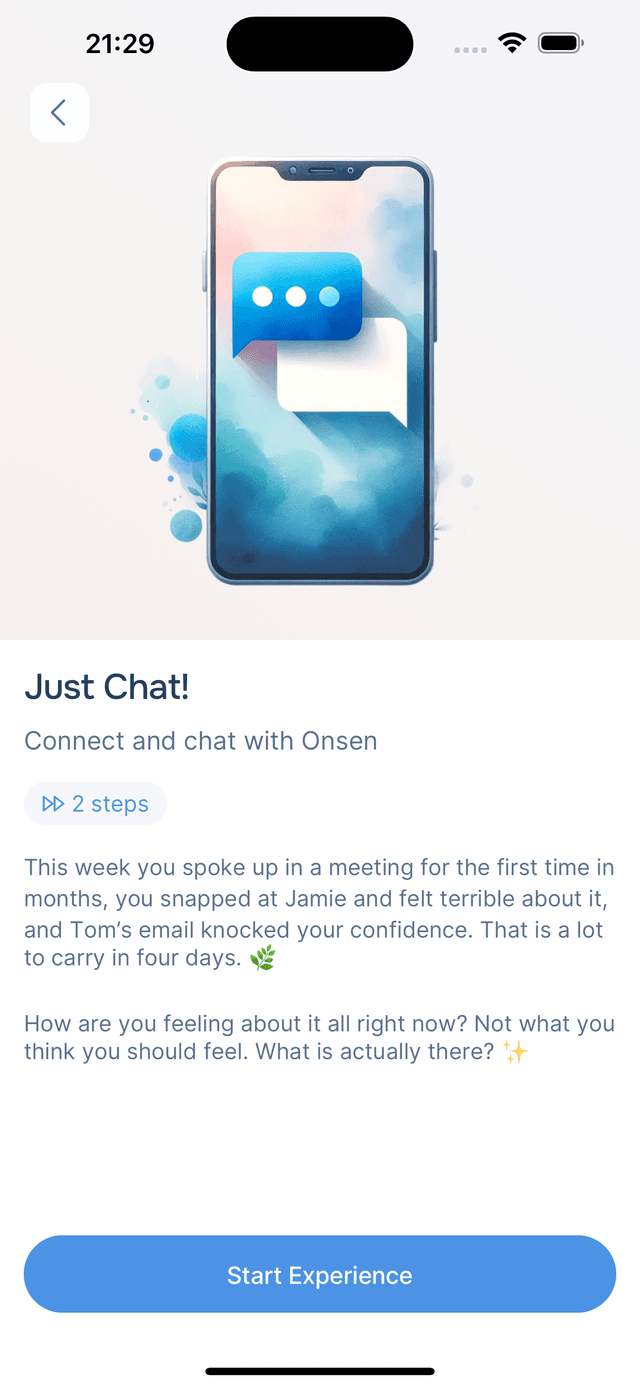
- The chat starter: an opening message if the user wants to continue the conversation


The result: a user who journaled about work stress this morning might receive a check-in about their presentation at 4 PM, not because they're in a "stressed users" segment, but because the AI actually read what they wrote.
The treatments engine
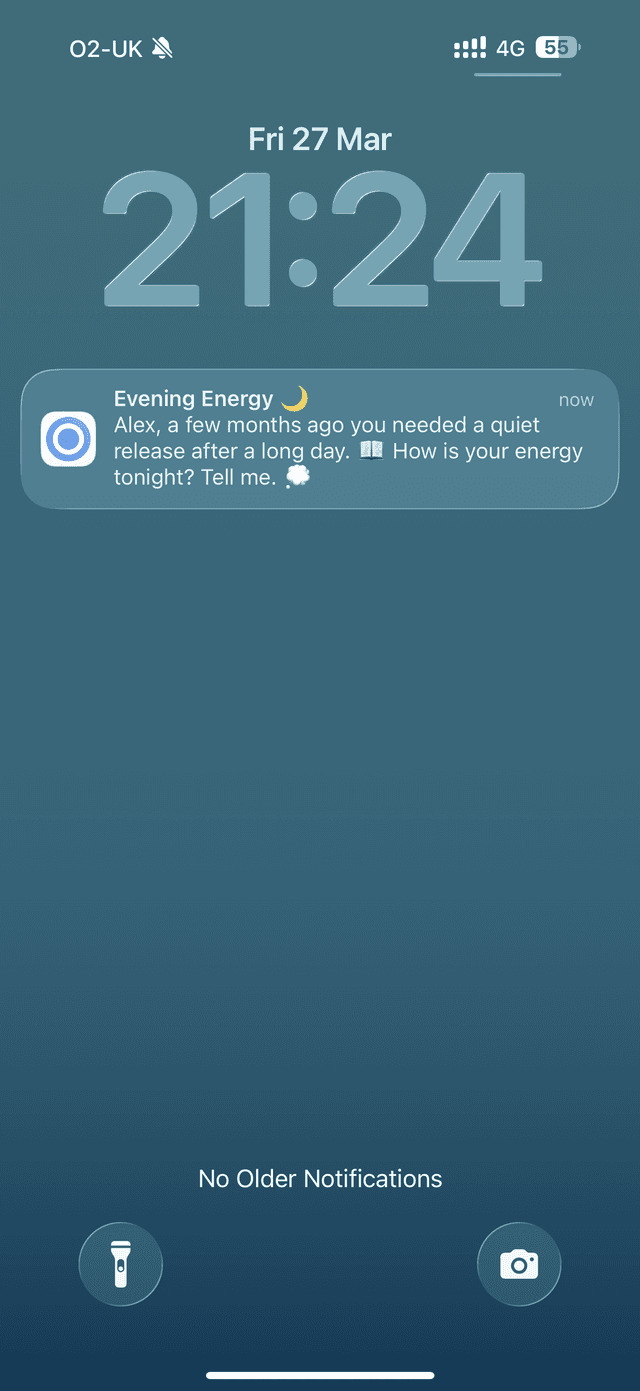
Under the hood, Pulses is powered by a treatment system, our internal CLM platform. A "treatment" is an automated intervention triggered by user behavior or scheduled via cron.
Each treatment is defined by:
| Component | What it does |
|---|---|
| Event definition | A SQL query that identifies eligible users (e.g., "users who journaled in the last 21 days") |
| Trigger | Either event-based (user did something) or cron-based (time-based schedule) |
| Delay | Hours to wait after the triggering event |
| Interaction | Which AI session/step to use for content generation |
| Channels | Where to deliver: in-app, push, email, or any combination |
| Topic | Notification category for user subscription filtering |
The lifecycle of a Pulse
This is what happens when a Pulse is generated:
1. Scheduling. A cron job runs hourly and calls schedule_treatments(). This executes the event definition SQL, filters to eligible users (respecting delay windows, subscription preferences, and timezone), and creates treatment history records.
2. Pre-flight check. Before generating AI content, we verify delivery capability per channel. Does the user have an active push subscription? Are they subscribed to this notification topic? If no channel is eligible, the treatment is skipped. No wasted AI calls.
3. AI generation. The Strategist and Writer agents run in sequence. The Writer's output is processed through a response mapper (JSONata) to extract channel-specific content: headings, body text, and deep link URLs.
4. Multi-channel dispatch. The content is dispatched to each eligible channel. A user with push enabled gets both an in-app notification and a push notification. A user without push still sees it in their Pulses feed. The treatment history records which channels were actually dispatched, not just which were intended.
Timezone-aware scheduling
One of the trickier engineering problems: when a treatment is configured to run at "9 AM," it needs to run at 9 AM in each user's local timezone. A user in New York and a user in Tokyo should both receive their Morning Intention at 9 AM local time.
The naive approach (checking every user's timezone on every cron run) is O(users). With 10,000 users, that's 10,000 function calls per treatment per hour.
Our optimized approach uses a two-phase strategy:
| Phase | What it does | Complexity |
|---|---|---|
| Pre-compute | get_matching_timezones_for_cron() checks which of the ~30-50 distinct timezones match the current hour | O(timezones) |
| Filter | WHERE timezone = ANY(matching_timezones) uses an index on the users table | O(1) with index |
This gives us a 50-200x performance improvement over the naive approach. The cron job runs hourly, and for each run, we only need ~30-50 timezone checks instead of thousands of user-level checks.
Topic subscriptions and user control
Users control exactly what they receive. Each Pulse type maps to a notification topic, and users can toggle topics on or off independently per channel (in-app, push, email).
The filtering happens at the database level in get_treatment_events():
- Check the master flag (is push enabled at all?)
- Check the topic-specific flag (is this user subscribed to "mood support" push notifications?)
- Only subscribed users enter the treatment pipeline
This means we never generate AI content for users who won't receive it, saving both compute cost and user trust.
Deduplication and novelty
The system tracks every Pulse sent in the treatment history table. This serves two purposes:
Deduplication. Constraints prevent sending the same treatment to the same user within the same hour. If a cron job runs twice (infrastructure hiccup), users won't receive duplicates.
Novelty. The Strategist agent receives recent treatment history as context. It knows what topics have been covered recently and actively avoids repetition. If Monday's Pulse was about work stress, Tuesday's won't be, even if work stress is still the dominant theme in the user's journal.
What we learned
Building this system taught us a few things:
Two agents > one agent. Separating the "what to talk about" decision from the "how to write it" execution produces dramatically better content. The Strategist can focus purely on strategic relevance; the Writer can focus purely on craft.
Pre-flight checks save money. Skipping AI generation for users who can't receive the notification (no push subscription, topic unsubscribed) saves significant compute cost at scale. Always check delivery capability before generating content.
Timezone handling is deceptively hard. Edge cases abound: users with null timezones, DST transitions, timezones that are 30 or 45 minutes offset. The pre-computed matching approach handles all of these correctly because the check happens in PostgreSQL's timezone-aware datetime functions.
Users want control, not silence. When we launched Pulses, we expected most users to turn some categories off. Instead, the vast majority left everything on. The existence of granular controls builds trust, even if most people don't use them.
Want to experience Pulses yourself? Download Onsen and start journaling. The more you write, the more personal the check-ins become. Explore all 11 Pulse types in our help center.